Google Cloud decommissions Node.js 20 on October 30
By Nihar Ranjan Das · Tue Sep 29 2026 · 6 min read · 0 views
View as a Web StorySoftware#nodejs-20#cloud run#cloud functions#google cloud#runtime deprecation
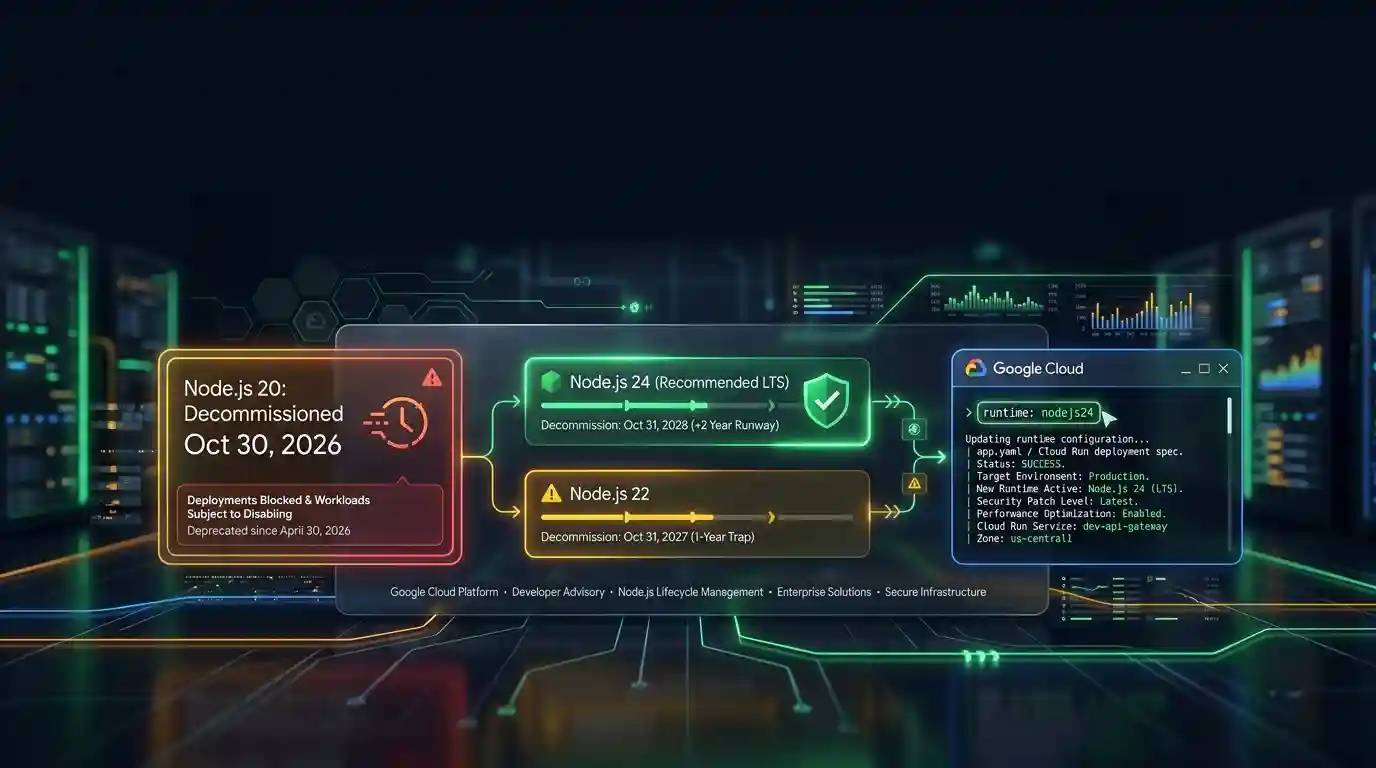
Google Cloud decommissions the Node.js 20 runtime on Cloud Run and Cloud Run functions on October 30, 2026. That is 31 days away. From that day you cannot create or redeploy a workload on it, and running workloads may be disabled.
The date comes from Google's Cloud Run functions runtime support schedule. This post covers what changes, which Node.js version to choose, and the exact commands.
What happens to Node.js 20 on Google Cloud on October 30?
Decommissioning is the final stage of a runtime's life on Google Cloud, after a deprecation period. Google's runtime lifecycle table sets out what each stage allows.
| Runtime stage | Create and redeploy | Run existing workloads | Language patches | Support |
|---|---|---|---|---|
| Deprecated (now) | Yes | Yes | As per policy | No runtime support |
| Decommissioned (October 30) | No | May be disabled | No updates | No runtime support |
Node.js 20 is in the deprecated row today. Google's schedule lists its deprecation date as April 30, 2026 and its decommission date as October 30, 2026.
The upstream project reached the same point earlier. The Node.js release schedule sets the end of Node.js 20 on April 30, 2026, according to the Node.js Release working group schedule. The version no longer gets security fixes from the Node.js project.
Which Node.js versions does Google Cloud support, and until when?
Google lists three Node.js versions with dates on the same runtime schedule, and Node.js 26 as a preview. The dates below combine Google's decommission column with the Node.js project's own end-of-life dates.
| Node.js version | Google deprecation | Google decommission | Node.js project end of life |
|---|---|---|---|
| Node.js 20 | April 30, 2026 | October 30, 2026 | April 30, 2026 |
| Node.js 22 | April 30, 2027 | October 31, 2027 | April 30, 2027 |
| Node.js 24 | April 30, 2028 | October 31, 2028 | April 30, 2028 |
| Node.js 26 | Preview, no dates | Preview, no dates | Not yet listed here |
Methodology: we analyzed the runtime table on Google's Cloud Run functions page and the schedule.json file in the Node.js Release repository, and matched each version by number. Fact-check: the Cloud Run Node.js page shows the same dates as the functions page.
The pattern is simple. Google deprecates a Node.js runtime on the day the upstream project ends it, and decommissions it six months later.
Which Google Cloud products does the October 30 date affect?
Cloud Run functions is Google's serverless product for running single-purpose functions on the Cloud Run platform, and it is where the date applies first. The date also covers Cloud Run services deployed from source with a Node.js 20 runtime. Google's Cloud Run Node.js runtime page shows the same deprecation and decommission dates as the functions page.
App Engine standard has its own schedule with different dates. Its App Engine support schedule lists Node.js 20 separately, so read that table if you run App Engine.
Advertisement
Firebase's function docs point to the same support schedule. Google's Firebase Functions management guide names Node.js 22 as the newest version it lists for the engines field and the firebase.json runtime setting. Check that page for Node.js 24 before you pick a version there.
How do I find Node.js 20 workloads?
Search code and cloud settings, because a Node.js 20 runtime can hide in four places. The HeroDevs guide to the Google Cloud decommission makes the same point about forgotten workloads. HeroDevs sells extended support, so treat its sales framing with care.
This search covers the usual spots in a repository:
grep -rnE 'nodejs20|"node": *"(\^|~|>=)?20|node-version: *20|FROM node:20' .Then check the cloud side:
- List your functions with
gcloud functions list --format="table(name,runtime,buildConfig.runtime)". The runtime field name differs by function generation, so the command asks for both. - Open each Cloud Run service and check its base image or build settings.
- Check
package.jsonfiles for anenginesfield set to 20. - Check Firebase projects for a
runtimevalue ofnodejs20infirebase.json.
Which Node.js version should I move to from Node.js 20?
Node.js 24 is the Node.js release line that entered long-term support on October 28, 2025, according to the Node.js 24 entry in the release schedule. Move to it. It is the newest generally available version on Google's runtime table, and its Google decommission date is October 31, 2028.
Node.js 22 buys much less time. Its Google decommission date is October 31, 2027, so a move to 22 puts you back in a migration project in 13 months. Node.js 26 is listed as a preview runtime, so it is not a production target yet.
The jump from Node.js 20 to 24 skips Node.js 22, so run the full test suite before you deploy. Native addons need a rebuild for the new version. Lock files can also pin packages that do not support Node.js 24.
How do I change the runtime on Cloud Run functions and Firebase?
Change the base image flag at deploy time. Google's documentation gives this command for a Cloud Run function:
gcloud run deploy FUNCTION \
  --source . \
  --function FUNCTION_ENTRYPOINT \
  --base-image nodejs24
Replace FUNCTION with the function name and FUNCTION_ENTRYPOINT with the entry point in your source code, as the Cloud Run docs describe. Then redeploy every function, since each one keeps its own runtime setting.
For Firebase, edit the engines field in the package.json inside your functions/ directory, for example "engines": {"node": "22"}. Firebase also lets you set "runtime": "nodejs22" under functions in firebase.json, and the CLI prefers that value. Firebase's guide says the project must be on the Blaze plan and use Firebase CLI version 11.18.0 or later.
What if I cannot migrate before October 30?
You have three options, and none of them is free of cost. Each one trades money or risk for time.
- Deploy your own container image. Google's runtime schedule describes Google-managed base images. If you package your own image, you choose the base image, so the decommission date does not describe your build. You then own the patching, and Node.js 20 has had no upstream security fixes since April 30, 2026.
- Buy third-party extended support. Vendors such as HeroDevs sell patched Node.js 20 builds. HeroDevs does not publish a price in its guide, so ask for a quote.
- Accept the risk for a short time. Existing workloads may be disabled after October 30, so this is a bet with no safety net.
The cleanest path is the upgrade.
Advertisement
FAQ
When does Node.js 20 stop working on Google Cloud Run?
Google decommissions the Node.js 20 runtime on October 30, 2026. From then you cannot create or redeploy workloads on it, and existing workloads may be disabled. Google deprecated the runtime on April 30, 2026.
Which Node.js version should I use on Google Cloud in 2026?
Use Node.js 24, the newest generally available version on Google's runtime table. Its Google decommission date is October 31, 2028. Node.js 22 works but is decommissioned on October 31, 2027, and Node.js 26 is still a preview.
Will my Node.js 20 functions stop running right on October 30?
Not necessarily. Google's lifecycle table says running workloads on a decommissioned runtime "may be disabled," not that they stop on a fixed hour. You lose the ability to create or redeploy them, which blocks any urgent fix.
Can I keep using Node.js 20 with my own container?
Yes, in principle. Google's runtime schedule covers its managed base images, and a container you build has your own base image. You then handle security patches yourself, since the Node.js project ended Node.js 20 on April 30, 2026.
Comments
Loading…
Sign in to join the conversation.
Related posts
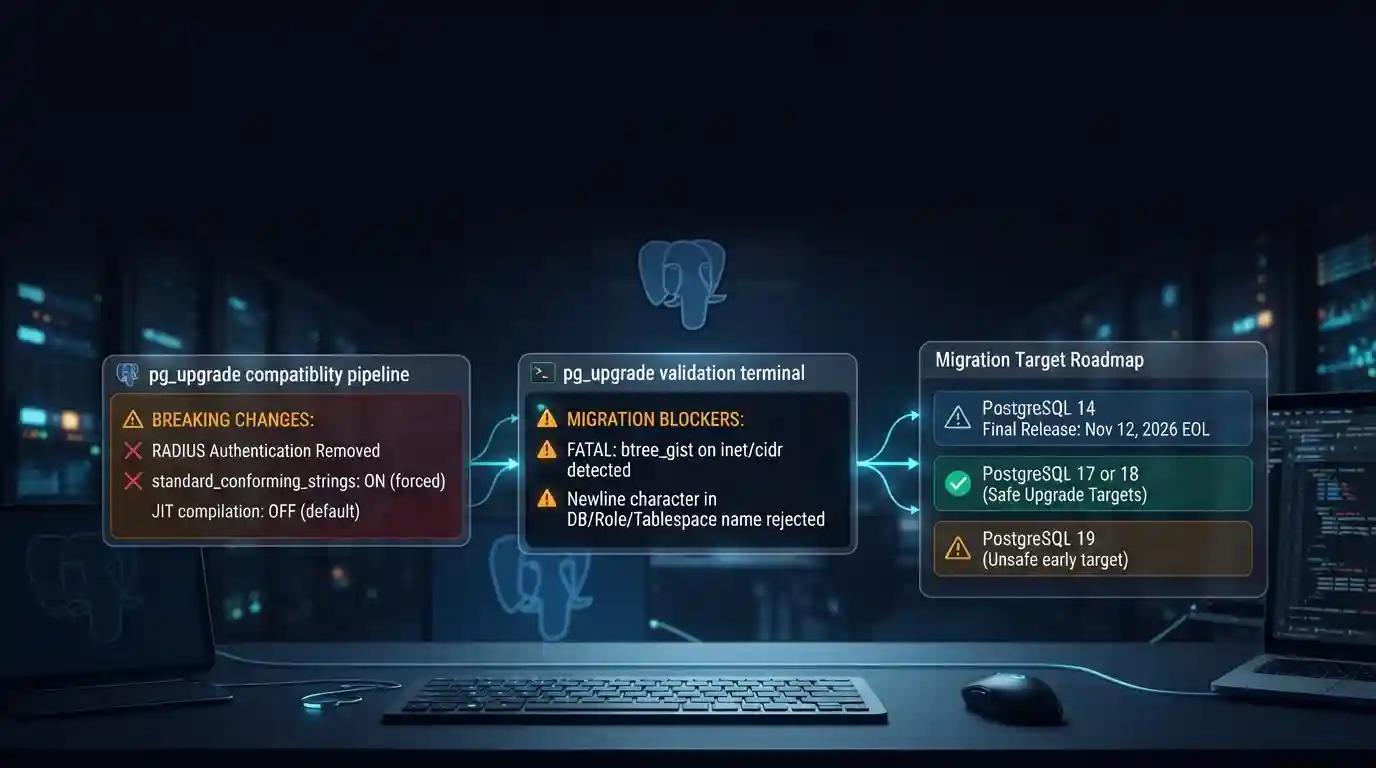
PostgreSQL 19 breaking changes to check before upgrading
PostgreSQL 19 is not released yet, but its list of breaking changes is already fixed enough to check your cluster against. The PostgreSQL project released Beta 4 on September 24, 2026. It says the
Tue Sep 29 2026 · 6 min read · 0 views
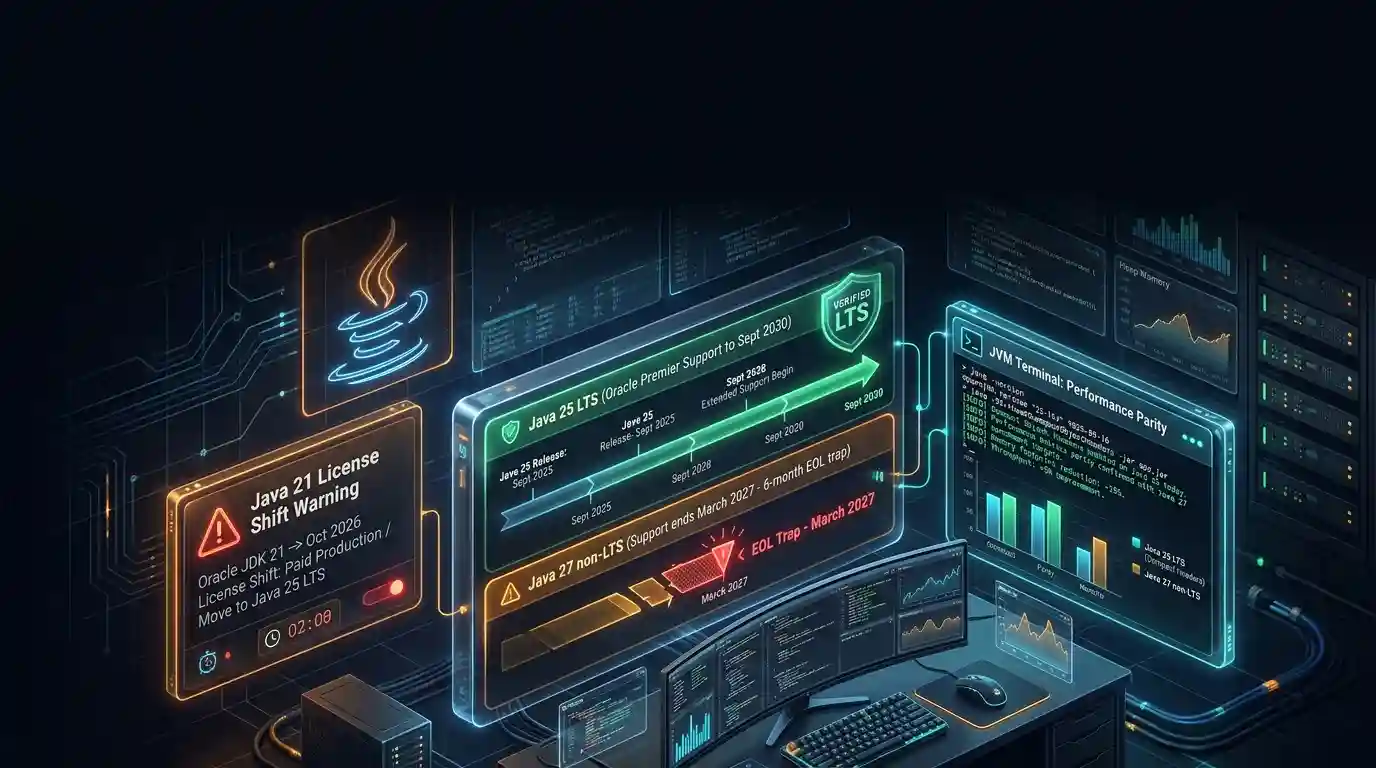
Java 27 is not LTS: should you leave Java 25?
Java 27 shipped on September 15, 2026, and it is not a long-term-support release. Oracle says it will provide updates to JDK 27 until March 2027, when Oracle JDK 28 supersedes it. The next
Tue Sep 29 2026 · 6 min read · 0 views
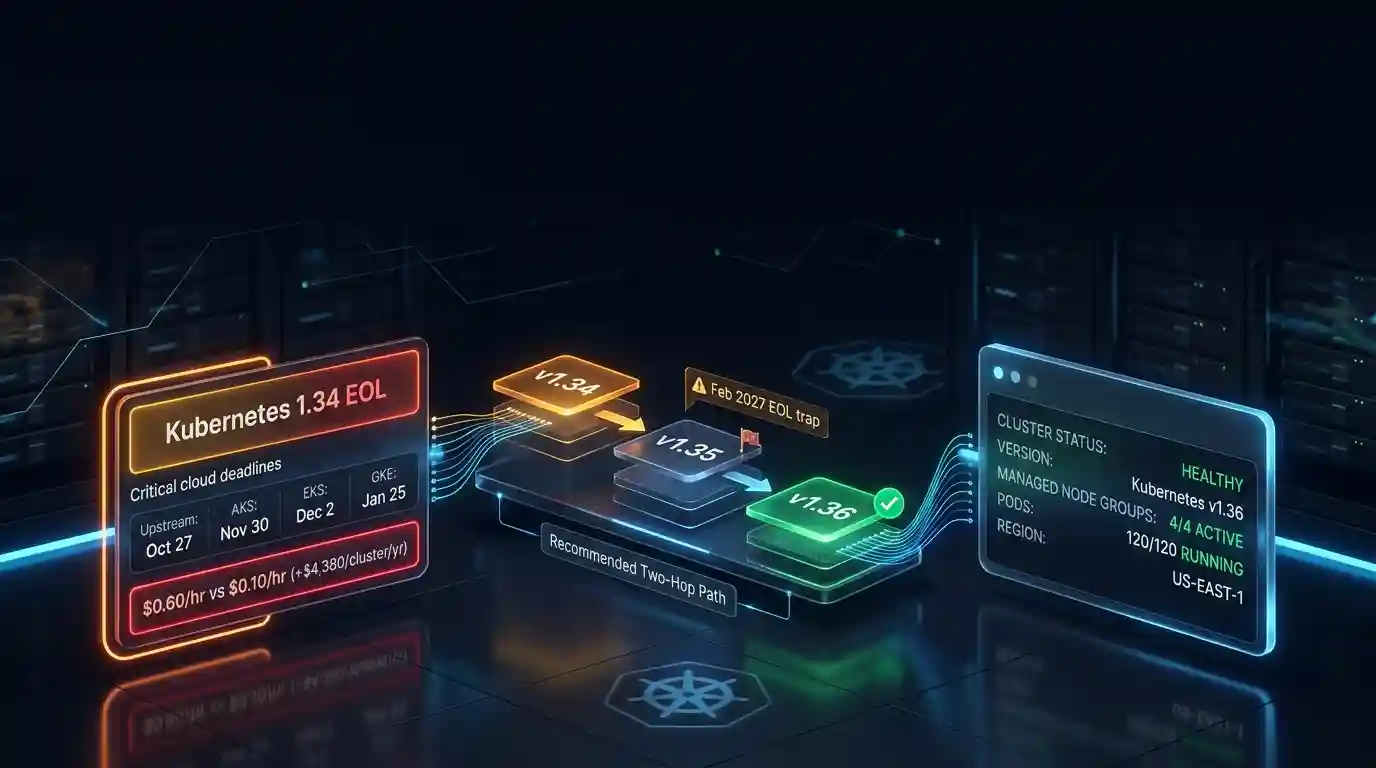
Kubernetes 1.34 reaches end of life on October 27
Kubernetes 1.34 reaches end of life on October 27, 2026, according to the Kubernetes patch release schedule. That is 28 days away. After that date the Kubernetes project ships no more 1.34 patches.
Tue Sep 29 2026 · 6 min read · 0 views