KB5121003 is crashing games. Don't uninstall it.
By Nihar Ranjan Das · Wed Aug 19 2026 · 6 min read · 9 views
View as a Web StorySoftware#windows 11#kb5121003#patch tuesday#pc gaming#windows security
KB5121003 is crashing games. Don't uninstall it.
If ARC Raiders or The Finals started crashing this week, delete one driver file and keep the update. The driver is inpoutx64.sys. Removing the update instead strips more than 400 security fixes from your PC to solve a third-party compatibility bug. That trade is bad, and you do not have to make it.
KB5121003 is the cumulative update Microsoft shipped for Windows 11 on August 11, 2026, as part of the August Patch Tuesday. It fixes more than 400 security flaws, according to Windows Latest's coverage of the release. Microsoft told users to install it within three days. Then the crash reports started.
Why KB5121003 crashes ARC Raiders and The Finals
The crashes come from an old kernel driver, not from the games and not from the update alone. Embark Studios traced the failures to inpoutx64.sys on affected machines, as reported by PCWorld. The update changed something the old driver cannot handle.
inpoutx64.sys is a third-party driver that lets software talk straight to hardware ports. You did not install it on purpose. It ships inside RGB apps, fan control tools, overclocking suites and old board software. Many gaming PCs carry it from a tool the owner installed years ago and forgot.
Users report crashes to the desktop and sudden reboots, per Windows Latest's follow-up on affected PCs. Only machines with the driver present are hit. That is why your friend on the same update and the same game may be fine.
How to fix the game crashes without losing the patches
Embark's guidance is to remove the driver and its service, then restart. Do this from an administrator terminal.
- Open Terminal or Command Prompt as administrator.
- Stop the service:
sc stop inpoutx64 - Delete the service:
sc delete inpoutx64 - Delete the file at
C:\Windows\System32\drivers\inpoutx64.sys - Restart Windows.
Some players report that stopping the service and restarting is enough, without deleting the file, as documented in the WindowsForum thread on the driver. Try that first if you would rather keep the file.
One consequence to expect: the tool that installed the driver may stop reading fan speed or heat. That is the tool to replace, not the update to remove. Consider a newer tool from your board maker before you put that driver back.
Should you uninstall KB5121003 instead?
No, unless nothing else works and you accept the exposure. The rollback drops fixes for more than 400 flaws. The crash has a targeted fix that takes two minutes.
One of the holes this rollup closes is already being used. The August batch covers 421 flaws, and one of them, CVE-2026-68820, was being exploited to drop malware tied to the Lazarus group, as Forbes reported on the zero-day. CISA added that bug to its Known Exploited Vulnerabilities catalog on August 11, 2026.
Advertisement
CISA is the US Cybersecurity and Infrastructure Security Agency, and its catalog lists flaws seen in real attacks. A bug on that list is not a theory. Rolling back this update puts an exploited flaw back on your PC to stop a game from crashing.
Rolling back also leaves you on a build Windows Update will try to replace. You then defer updates or meet the same problem next month. If you must roll back for a weekend, set a reminder to remove the driver and update again.
Patch volume on this scale is now normal, such as the Chrome security update where AI review pushed the yearly bug count past a thousand. Skipping one rollup means skipping a lot.
Windows Security says protection is off after KB5121003
Windows Security showing Microsoft Defender as disabled after this update is usually a display bug, not a disabled antivirus. The Security Center service fails to read Defender's state at boot. The panel then shows the wrong answer while real-time protection keeps running, as PCWorld noted alongside the crash reports.
Check it before you act. Run Get-MpComputerStatus in PowerShell and read RealTimeProtectionEnabled. If it returns True, protection is on and the panel is lying. Restarting the Security Center service or the PC usually clears the display.
Do not add a second antivirus to "fix" this. Two live engines on one PC cause more trouble than the bug you are chasing.
Windows Hello PIN problems after the August update
Some users report a corrupted PIN sign-in after installing the update, per Notebookcheck's report on the Windows Hello failures. Windows Hello is the sign-in system in Windows that accepts a PIN, a fingerprint or a face scan instead of a password.
The recovery path is the standard one. Choose "I forgot my PIN" on the sign-in screen, authenticate with your Microsoft account password, and set a new PIN. On a work device, ask IT first. A managed PC may need to enrol the PIN again.
This matters more than it looks. Windows Hello backs passkey sign-ins on the same PC. A broken PIN can lock you out of sites where you have no password left. Anyone who moved to passkeys after the Pass-ta-key research should keep a recovery method that does not depend on this PC.
Install failures: error 0x800f0983 and 0xc1900101
These two codes mean the update never finished installing, so none of the crash advice above applies to you yet. Install failures with this rollup were common enough to be tracked apart from the crash reports, as summarised in Windows Report's account of the rollout.
Work through these in order.
- Run the Windows Update troubleshooter from Settings, then System, then Troubleshoot.
- Free at least 20 GB on the system drive. Servicing needs headroom.
- Reset the update cache: stop
wuauservandbits, renameC:\Windows\SoftwareDistribution, then start both services. - Run
DISM /Online /Cleanup-Image /RestoreHealthfollowed bysfc /scannow. - If it still fails, install the update manually from the Microsoft Update Catalog.
Error 0xc1900101 points at a driver blocking the update. Update or remove storage and graphics drivers, then try again.
Symptom, cause and fix at a glance
| Symptom | Likely cause | Fix | Uninstall needed? |
|---|---|---|---|
| ARC Raiders or The Finals crashes | inpoutx64.sys present |
Stop and delete the service, delete the driver | No |
| Random reboots while gaming | Same driver | Same removal steps | No |
| Defender shows as off | Security Center status read bug | Verify with Get-MpComputerStatus, restart |
No |
| PIN rejected at sign-in | Windows Hello credential damaged | Reset the PIN with your account password | No |
| Install stops at 0x800f0983 | Update component store problem | Reset cache, run DISM and SFC | Not applicable |
| Install stops at 0xc1900101 | Incompatible driver | Update drivers, retry, or install manually | Not applicable |
Should you install the August update at all?
Yes, and soon. The risk of running unpatched for weeks beats the risk of a driver clash you can fix in two minutes. More than 400 fixes is a lot to leave open on a PC that browses the web and runs anti-cheat code deep in Windows.
The reasonable sequence for a gaming PC is simple. Check whether C:\Windows\System32\drivers\inpoutx64.sys exists before you install. If it does, remove it first, then update. If you already updated and everything works, do nothing.
For a managed fleet, the same logic scales. Scan for the driver across PCs, remove it where found, then let the rollup deploy. That beats handling crash tickets one at a time, and it keeps the patch level intact.
Advertisement
FAQ
Is it safe to delete inpoutx64.sys?
Yes for most home PCs. The file is an old port access driver added by third-party hardware tools, not by Windows. Deleting it can stop an RGB, fan or monitor tool from reading sensors. Windows itself does not need the file, and removing it is the fix Embark Studios recommends for the crashes.
Does uninstalling KB5121003 fix game crashes?
It usually does. It also strips fixes for more than 400 security flaws, one of them under active attack. Removing the `inpoutx64` driver solves the same crash without lowering your patch level. Roll back only as a temporary step, and reinstall the update once the driver is gone.
Why does Windows Security say Defender is off after the update?
The Security Center service can fail to read Defender's state at startup. The panel then shows protection as off while the antivirus keeps running. Confirm the real state with `Get-MpComputerStatus` in PowerShell. If real-time protection reports as enabled, no action is needed beyond a restart.
How do I fix Windows Hello PIN errors after installing KB5121003?
Select "I forgot my PIN" on the sign-in screen, sign in with your Microsoft account password, and create a new PIN. Set up a second sign-in method first. Passkeys stored on that PC lean on the same credential. On a work laptop, contact IT before resetting.
Which PCs are affected by the KB5121003 crashes?
Only Windows 11 PCs that carry the `inpoutx64.sys` driver from a third-party tool. Two PCs on the same update and the same game can differ for that reason. Check the drivers folder before assuming the update is at fault.
Comments
Loading…
Sign in to join the conversation.
Related posts
PostgreSQL 19 breaking changes to check before upgrading
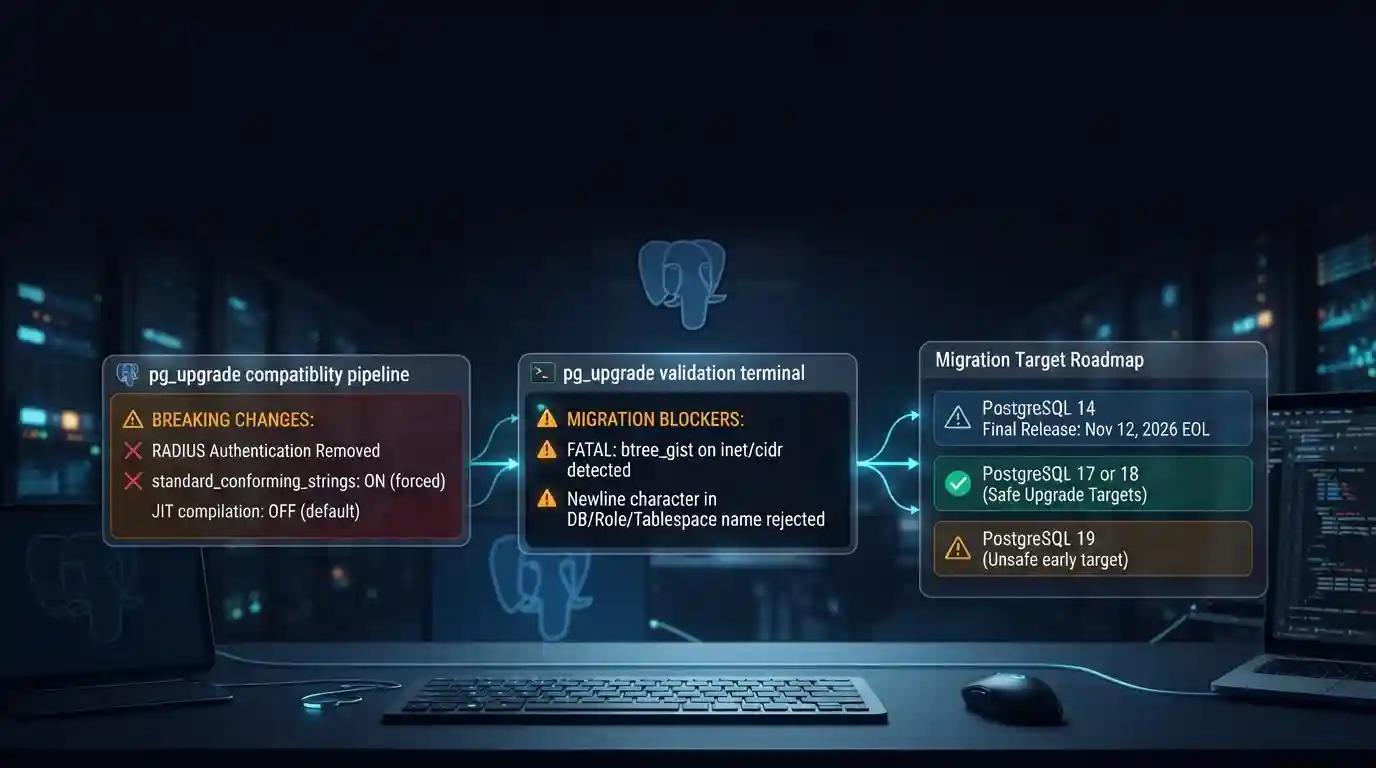
PostgreSQL 19 is not released yet, but its list of breaking changes is already fixed enough to check your cluster against. The PostgreSQL project released Beta 4 on September 24, 2026. It says the
Tue Sep 29 2026 · 6 min read · 7 views
Google Cloud decommissions Node.js 20 on October 30
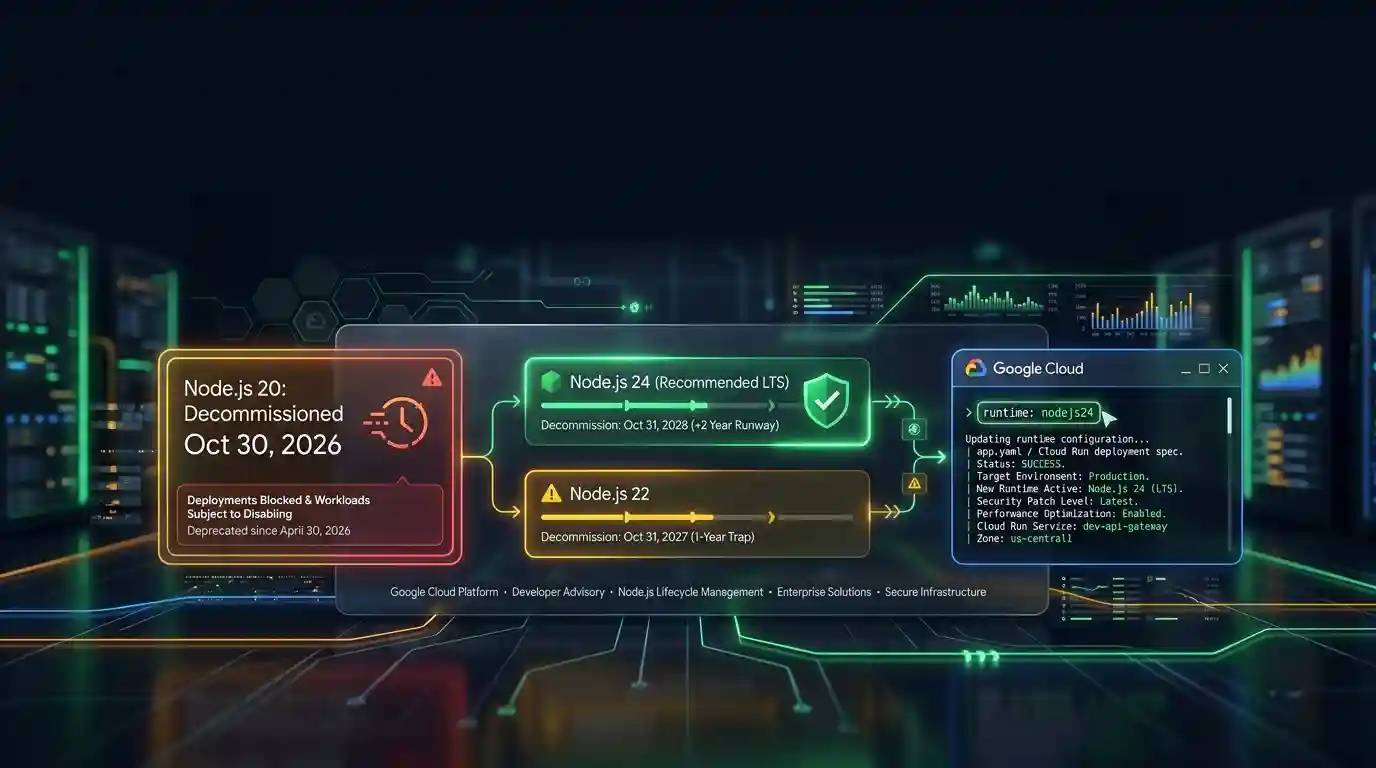
Google Cloud decommissions the Node.js 20 runtime on Cloud Run and Cloud Run functions on October 30, 2026. That is 31 days away. From that day you cannot create or redeploy a workload on it, and
Tue Sep 29 2026 · 6 min read · 5 views
Java 27 is not LTS: should you leave Java 25?
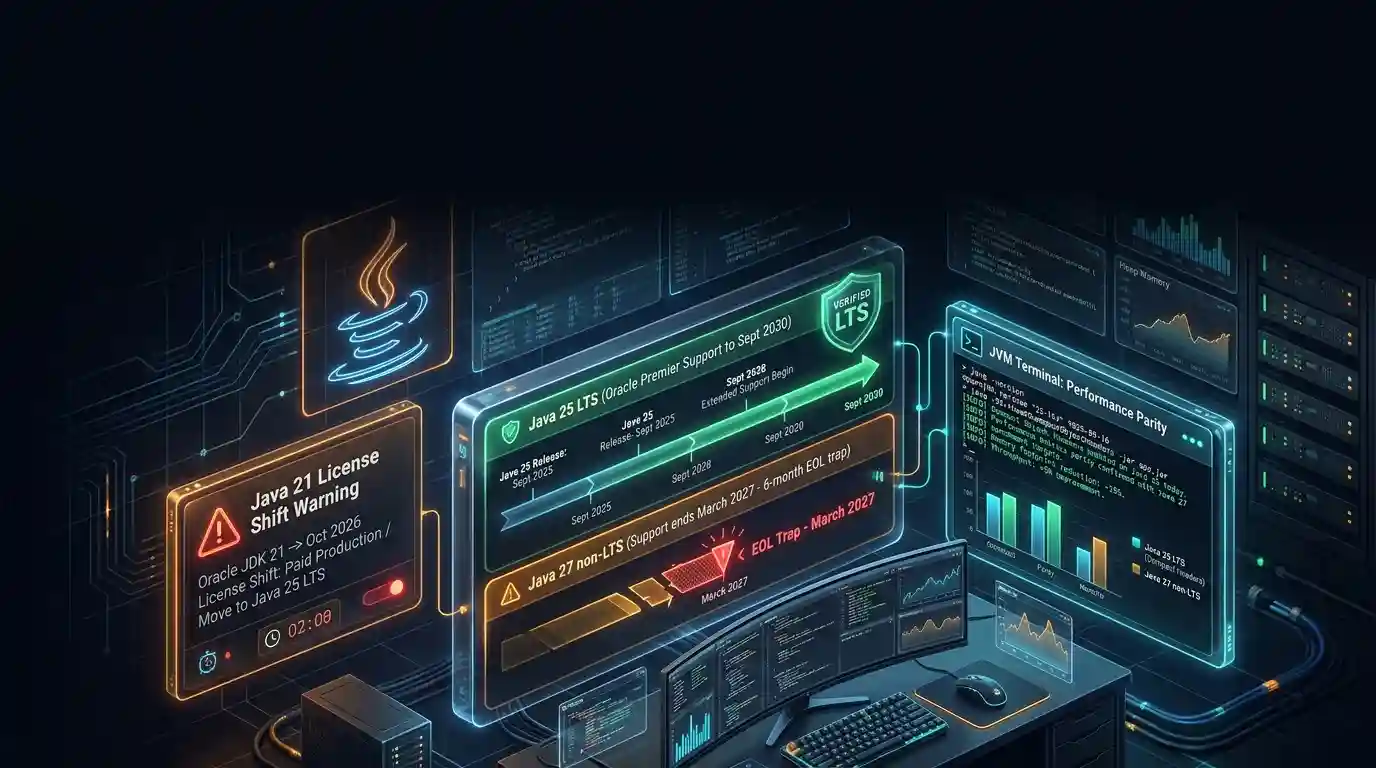
Java 27 shipped on September 15, 2026, and it is not a long-term-support release. Oracle says it will provide updates to JDK 27 until March 2027, when Oracle JDK 28 supersedes it. The next
Tue Sep 29 2026 · 6 min read · 4 views