Next.js 16 Deleted next lint. Here's the Fix
By Nihar Ranjan Das · Tue Sep 29 2026 · 6 min read · 0 views
View as a Web StorySoftware#typescript#eslint#next.js#javascript#web development#nextjs-16#ci-cd

Next.js 16 Deleted next lint. Here's the Fix
If you just ran next lint on a Next.js 16 project and got a "command not found" style error, that's not a broken install. Next.js 16.0.0 removed the next lint command entirely. next build no longer runs linting as part of the build, either (Next.js's version 16 upgrade guide). Your CI can now pass with zero lint coverage and give you no warning that it happened.
Next.js is a React framework built by Vercel that handles routing, bundling, and production builds for a React app. next lint was its built-in wrapper command for running ESLint with a Next.js-specific config baked in. That wrapper is gone in version 16, along with the automatic lint check that used to run during next build.
Key Takeaways
next lintno longer exists as of Next.js 16.0.0, andnext builddoes not lint your code as a side effect anymore.- The fix is a two-line
eslint.config.mjsbuilt fromeslint-config-next/core-web-vitalsandeslint-config-next/typescript, run through the ESLint CLI.- If you skip this migration, your build stays green while lint errors ship to production unchecked.
Why next build Went Quiet on Lint Errors
next build in Next.js 16 no longer runs ESLint at all. That's the part of this change most teams miss (Next.js's release notes for version 16). The eslint option that used to live in next.config.js and control that build-time check has also been removed. Setting it now does nothing.
This matters because a team that runs npm run build in CI without a separate lint step now gets a passing build even with lint errors sitting in the diff. The failure mode isn't a crash — it's silence. Nothing tells you linting stopped happening.
The Fix: Set Up ESLint Directly
Next.js's own ESLint documentation now shows flat config as the default setup. It runs through the ESLint CLI instead of next lint (Next.js's ESLint plugin reference). Flat config files represent plugins and parsers as plain JavaScript objects, loaded with require() or import instead of the string-based lookups the older .eslintrc format used (ESLint's flat config migration guide). That's why eslint.config.mjs can import eslint-config-next directly. Install ESLint and Next.js's config package:
npm install -D eslint eslint-config-nextThen create eslint.config.mjs in your project root:
// eslint.config.mjs
import { defineConfig, globalIgnores } from 'eslint/config'
import nextVitals from 'eslint-config-next/core-web-vitals'
import nextTs from 'eslint-config-next/typescript'

const eslintConfig = defineConfig([
  ...nextVitals,
  ...nextTs,
  globalIgnores([
    '.next/**',
    'out/**',
    'build/**',
    'next-env.d.ts',
  ]),
])

export default eslintConfig
Drop the ...nextTs line and its import if your project is plain JavaScript. eslint-config-next/core-web-vitals includes the base Next.js, React, and React Hooks rules. It also upgrades the rules that affect Core Web Vitals from warnings to errors. eslint-config-next/typescript adds TypeScript-specific rules on top of that (the same ESLint configuration docs).
Update your package.json script to call ESLint directly instead of next lint. For example, a plain next lint entry becomes a plain eslint . entry.
Before (Next.js 15 and earlier):
Advertisement
{
  "scripts": {
    "lint": "next lint"
  }
}
After (Next.js 16):
{
  "scripts": {
    "lint": "eslint ."
  }
}
If you'd rather not hand-write the config, Next.js ships a codemod that migrates an existing setup automatically:
npx @next/codemod@canary next-lint-to-eslint-cli .ESLint is the JavaScript and TypeScript linter that checks code for bugs and style violations before it ships. The ESLint CLI is the eslint command your lint script now calls directly instead of routing through Next.js.
Should You Migrate Now or Wait?
Migrate now if you're already on Next.js 16 or planning to upgrade within the next month; waiting only delays a fix you already need. The table below covers the three situations teams actually hit.
| Your situation | What happens if you do nothing | What to do |
|---|---|---|
| Already on Next.js 16 | next build passes with zero lint coverage, silently |
Add eslint.config.mjs and an eslint CI step today |
| Upgrading from 15.5 soon | You already see next lint deprecation warnings |
Run the codemod as part of the same upgrade PR |
| Staying on Next.js 15 for now | Nothing breaks yet | No action needed until you upgrade to 16 |
Running the codemod on a project that mixed a legacy .eslintrc.json with a custom Babel parser config is the case where it's worth double-checking the output by hand: the generated eslint.config.mjs is a starting point, not a guarantee that every rule survived the conversion with the same severity it had before.
What to Check After Migrating
Run npm run lint right after switching over and read the output, not just the exit code. Two things commonly surface here that next lint used to paper over:
- Rules that behave differently under flat config. A legacy
.eslintrc.jsonsetup doesn't always translate cleanly. Consider a project already running anairbnb-style config or a customeslint-plugin-importresolver: it needs the "using the plugin directly" pattern from Next.js's ESLint documentation instead of the config array shown above. - A
lintscript that never ran in CI. If your pipeline callsnext buildand assumed that covered linting, addnpm run lintas its own CI step now.next buildin Next.js 16 will not catch lint errors for you.
Why does this matter more than a typical config change? Because the failure is invisible by default: nobody sees a red build, so nobody investigates.
The teams most likely to miss this are the ones with the cleanest CI history. A pipeline that has never failed on lint in months looks healthy right up until you check whether npm run lint is even one of its steps — and on a next build-only pipeline, it isn't anymore.
Frequently Asked Questions
Does Next.js 16 still support ESLint at all?
Yes. Next.js 16 still ships eslint-config-next as an installable package with rule sets for the base setup, Core Web Vitals, and TypeScript. What changed is how you run it. You now call the eslint CLI directly, using a flat eslint.config.mjs, instead of the next lint wrapper command, which no longer exists (Next.js's guide to upgrading to version 16).
Will next build fail my CI if there are lint errors?
No, not by default. Next.js 16's next build does not run ESLint at all, so lint errors will not fail a build unless you add a separate npm run lint step to your CI pipeline. Teams that relied on next build to catch lint errors need to add that step explicitly now.
What does the next-lint-to-eslint-cli codemod actually change?
It generates a flat eslint.config.mjs for your project. It also updates the lint script in package.json to call eslint instead of next lint (Next.js's migration notes for version 16). Review the generated file afterward if your old config had custom rule overrides, since not every setup translates automatically.
Can I skip the migration and keep using an older Next.js version?
You can stay on Next.js 15 to delay this, but you'll eventually need to migrate to keep receiving security patches and new features tied to later releases. The same eslint.config.mjs setup documented here is what you'll need whenever you do upgrade, so doing it now avoids a rushed migration later.
Do Biome users need to do anything different?
No. Next.js's own version 16 upgrade page says to use Biome or ESLint directly now that next lint is gone (Next.js's removals list for version 16). If you're already linting with Biome instead of ESLint, next lint's removal doesn't add new work, since you were never depending on it.
Advertisement
FAQ
Does Next.js 16 still support ESLint at all?
Yes. Next.js 16 still ships eslint-config-next as an installable package with rule sets for the base setup, Core Web Vitals, and TypeScript. What changed is how you run it: through the eslint CLI directly, using a flat eslint.config.mjs, not through the removed next lint wrapper command.
Will next build fail my CI if there are lint errors?
No, not by default. Next.js 16's next build does not run ESLint at all, so lint errors will not fail a build unless you add a separate npm run lint step to your CI pipeline. Teams that relied on next build to catch lint errors need to add that step explicitly now.
What does the next-lint-to-eslint-cli codemod actually change?
It generates a flat eslint.config.mjs for your project and updates the lint script in package.json to call eslint instead of next lint. Review the generated file afterward if your old config had custom rule overrides, since not every setup translates automatically.
Can I skip the migration and keep using an older Next.js version?
You can stay on Next.js 15 to delay this, but you'll eventually need to migrate to keep receiving security patches and new features tied to later releases. The same eslint.config.mjs setup is what you'll need whenever you do upgrade.
Do Biome users need to do anything different?
No. Next.js's own upgrade guide says to use Biome or ESLint directly now that next lint is gone. If you're already linting with Biome instead of ESLint, next lint's removal doesn't add new work, since you were never depending on it.
Comments
Loading…
Sign in to join the conversation.
Related posts
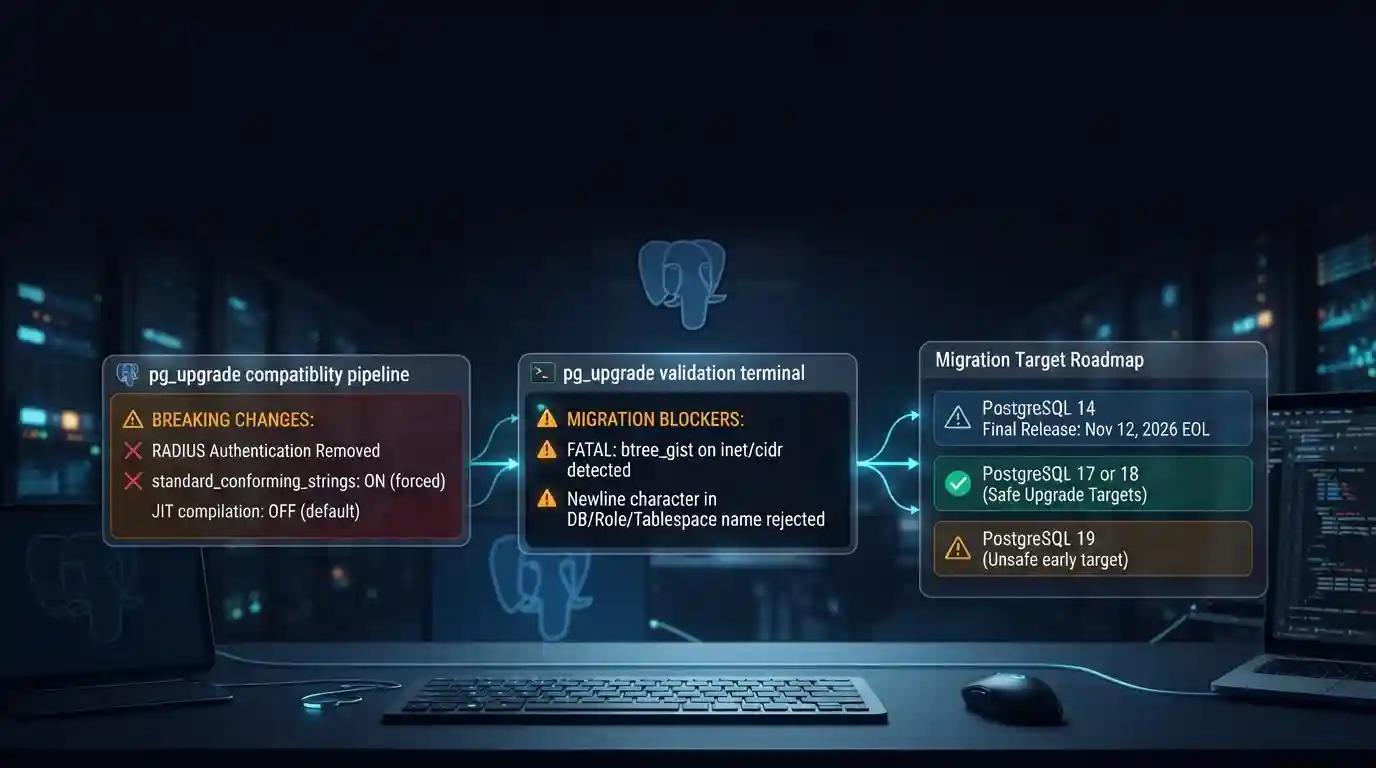
PostgreSQL 19 breaking changes to check before upgrading
PostgreSQL 19 is not released yet, but its list of breaking changes is already fixed enough to check your cluster against. The PostgreSQL project released Beta 4 on September 24, 2026. It says the
Tue Sep 29 2026 · 6 min read · 0 views

Google Cloud decommissions Node.js 20 on October 30
Google Cloud decommissions the Node.js 20 runtime on Cloud Run and Cloud Run functions on October 30, 2026. That is 31 days away. From that day you cannot create or redeploy a workload on it, and
Tue Sep 29 2026 · 6 min read · 0 views

Java 27 is not LTS: should you leave Java 25?
Java 27 shipped on September 15, 2026, and it is not a long-term-support release. Oracle says it will provide updates to JDK 27 until March 2027, when Oracle JDK 28 supersedes it. The next
Tue Sep 29 2026 · 6 min read · 0 views