Claude cannot register with your OAuth server. Now what?
By Nihar Ranjan Das · Sat Aug 22 2026 · 5 min read · 8 views
View as a Web StorySoftware#mcp#claude#connectors#oauth#cimd#dcr

Your remote MCP server works in curl. It works in MCP Inspector. Then you add it to Claude as a custom connector and get this:
Incompatible auth server: does not support dynamic client registration
The error is real. The usual advice is dated. Most guides tell you to add a registration_endpoint and move on. Anthropic's own docs now push the other way. If you expect your connector to be popular, DCR is the option to avoid, not the one to bolt on.
What the error actually means
Claude cannot start an OAuth flow without a client ID. A custom connector is a remote MCP server you add to Claude by URL, and Model Context Protocol (MCP) is the open standard that server speaks. Before any sign-in screen appears, Claude reads your OAuth metadata and looks for a way to identify itself.
Anthropic's connector troubleshooting guide lists three ways to do that. The first is a registration_endpoint in your OAuth server metadata. The second is a Client ID Metadata Document. The third is a client you set up in advance. If none is there, the flow stops. The error text names only the first, so that is what people go and build.
Two traps show up in bug reports. Setting registration_endpoint to null fails schema checks instead of being ignored, so drop the field rather than nulling it. A pre-set client ID also does not always stop Claude from trying to register, as the report in claude-code issue 67258 shows.
The three ways Claude gets a client ID
| Method | What you host | Good fit for |
|---|---|---|
oauth_dcr (RFC 7591) |
A POST /register endpoint |
Internal servers with few users |
oauth_cimd |
A static JSON document at an HTTPS URL | Public connectors, high traffic |
oauth_anthropic_creds |
Nothing new. You mail Anthropic a client ID and secret | Partners who cannot change their identity provider |
Dynamic Client Registration (DCR) is an OAuth add-on. It lets a client set itself up by posting its details to your server, and it is defined in RFC 7591. A Client ID Metadata Document (CIMD) is the reverse trade. The client ID is an HTTPS URL, and your server fetches that URL to read the client's details. The CIMD summary at oauth.net covers the shape of that document.
The third option is for teams whose identity provider can do neither. You email mcp-review@anthropic.com a client ID and secret. Anthropic stores them, and users still see a normal consent screen. The connector authentication docs add one catch. Those credentials are tied to the OAuth server that issued them, so a move means another email first.
Why dynamic registration hurts a popular connector
DCR costs you a database row per connection, not per customer. Claude registers a new client each time a fresh connection is made. Anthropic's guidance is blunt about the result: servers expecting directory traffic should prefer CIMD or Anthropic-held credentials, because DCR "can result in very large numbers of registered clients on your OAuth server."
That shows up on the bill. Hosted identity providers such as Auth0, Okta and Microsoft Entra ID meter apps, and some cap them. A listed connector can be added by thousands of people. Each of those adds is a write into your tenant. Cleaning it up later is a project, not a chore.
CIMD has no such tail. There is no registration call and no per-client record. Your server fetches one document, checks it, and moves on.
Advertisement
Turn on CIMD: the two fields Claude checks
Claude only chooses CIMD when your OAuth server metadata says two things at once. Both are required, and missing either sends Claude back to dynamic registration.
{
  "issuer": "https://mcp.example.com",
  "authorization_endpoint": "https://mcp.example.com/authorize",
  "token_endpoint": "https://mcp.example.com/token",
  "token_endpoint_auth_methods_supported": ["none"],
  "code_challenge_methods_supported": ["S256"],
  "client_id_metadata_document_supported": true
}
The "none" entry is not decoration. Claude's CIMD client signs in as a public client. Your token endpoint has to accept a PKCE request with no client secret. Anthropic's lazy auth walkthrough shows the same rule with a working Express server beside it.
Three more details decide whether the flow completes:
- Check that the document points at itself. Its
client_idfield must equal the URL it was served from. - Check the
redirect_uriin the request against theredirect_urisin that document. Require them to share the client ID URL's origin. - Show the host of the client ID URL on your consent screen. The
client_namefield is self-asserted, so it proves nothing.
Native clients need one more allowance. Claude Code grabs a loopback port at run time, such as http://localhost:3118/callback. Compare loopback redirect URIs with the port ignored. Claude on the web is simpler: register https://claude.ai/api/mcp/auth_callback and you are done.
What breaks after registration works
Getting a client ID is the first gate, not the last one. Four settings cause most of the failures that come next. All four are quick to check.
- PKCE. Claude sends
code_challenge_method=S256on every request, so advertise"code_challenge_methods_supported": ["S256"]. - Content type. Your
/tokenendpoint must acceptapplication/x-www-form-urlencoded. A framework that parses JSON only will answer415 Unsupported Media Type. The/registerroute uses JSON, so one parser does not cover both. - Latency. Claude waits up to 10 seconds for discovery, sign-up and token replies. It waits up to 30 seconds for a refresh. A slow gateway makes the failures look random.
- Refresh errors. Return
invalid_grantwhen a refresh token is dead. A custom code stops the retry from working.
For example, a token endpoint behind a WAF that adds two seconds is fine on a good day and broken on a bad one. Anthropic's traffic comes from 160.79.104.0/21, per the Claude IP address reference. Exempt that range from any rule that reads request bodies.
So which one should you ship?
Pick CIMD unless something stops you. Anthropic recommends it for new servers. The MCP authorization spec says clients and servers should support it. It also drops the registration call that DCR needs, and it survives a move to a new identity provider, because the client ID is a URL you host.
Keep DCR when your connector is internal, your user count is small, and your provider already exposes registration. Take Anthropic-held credentials only when your provider supports neither, and you accept the email round trip. If your connector will not connect at all, this may be the wrong question. A hostname that resolves to a private address fails earlier, which is the first cause in our guide to when your MCP server failed to start.
Advertisement
FAQ
Why does Claude say my auth server does not support dynamic client registration?
Claude could not find a way to identify itself. Your OAuth server metadata has no `registration_endpoint`, does not advertise CIMD support, and no pre-registered client was supplied. Adding any one of the three clears the error.
Is CIMD better than dynamic client registration for MCP servers?
For public connectors, yes. CIMD avoids a registration write per connection, needs no client database, and works across OAuth servers. Dynamic registration is still fine for internal servers with a small, stable user base.
What redirect URI should I register for Claude connectors?
Register `https://claude.ai/api/mcp/auth_callback` for Claude on the web, desktop and mobile. Claude Code uses a loopback address on a port that changes each session, so accept `http://localhost/callback` and `http://127.0.0.1/callback` with the port ignored.
Does Claude support machine-to-machine client credentials?
No. A pure `client_credentials` grant with no user present is not supported for connectors. Every connection needs user consent, which is why Anthropic-held credentials still run a consent screen before the token exchange.
How do I get Anthropic to hold my OAuth client credentials?
Email `mcp-review@anthropic.com` with your client ID and secret. Anthropic stores them and uses them for token exchange on behalf of consenting users. They are bound to the issuing OAuth server, so tell the same contact before you migrate.
Comments
Loading…
Sign in to join the conversation.
Related posts
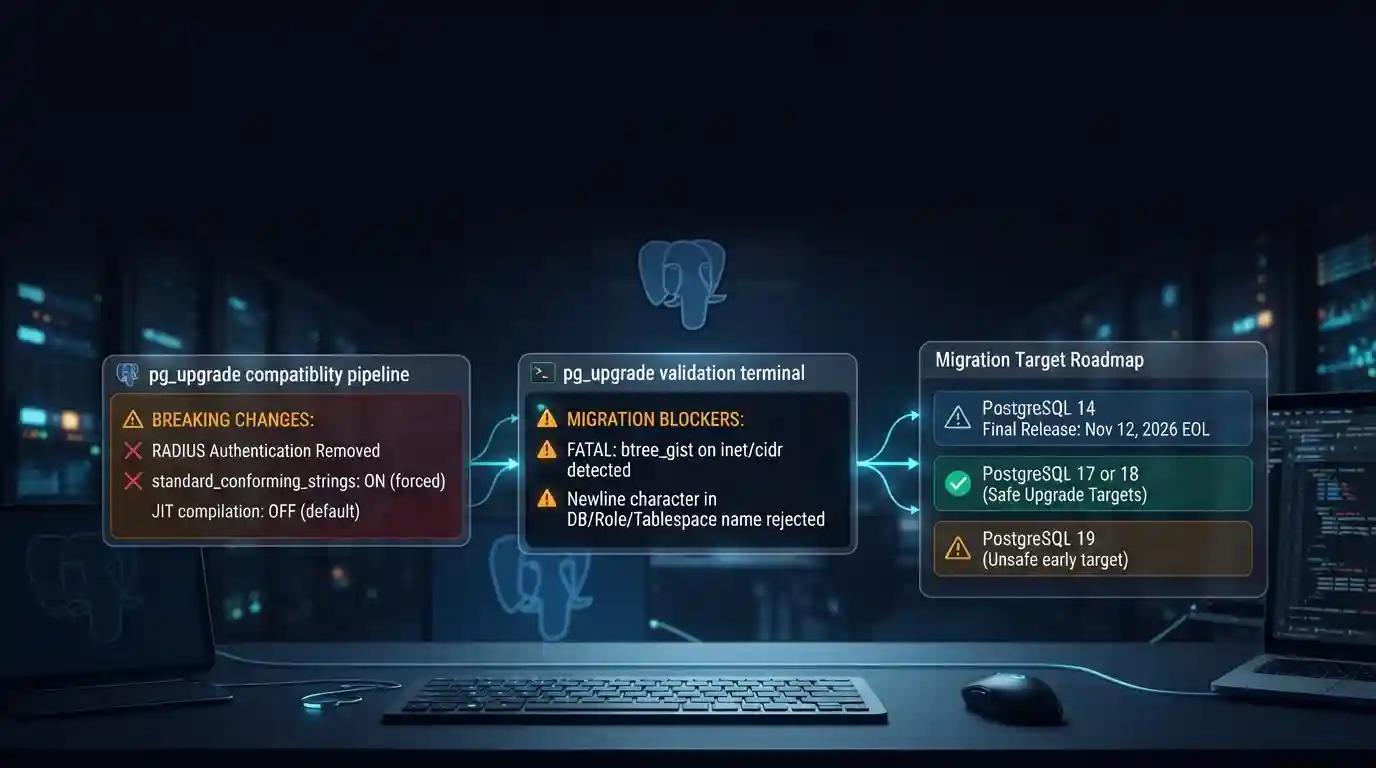
PostgreSQL 19 breaking changes to check before upgrading
PostgreSQL 19 is not released yet, but its list of breaking changes is already fixed enough to check your cluster against. The PostgreSQL project released Beta 4 on September 24, 2026. It says the
Tue Sep 29 2026 · 6 min read · 7 views
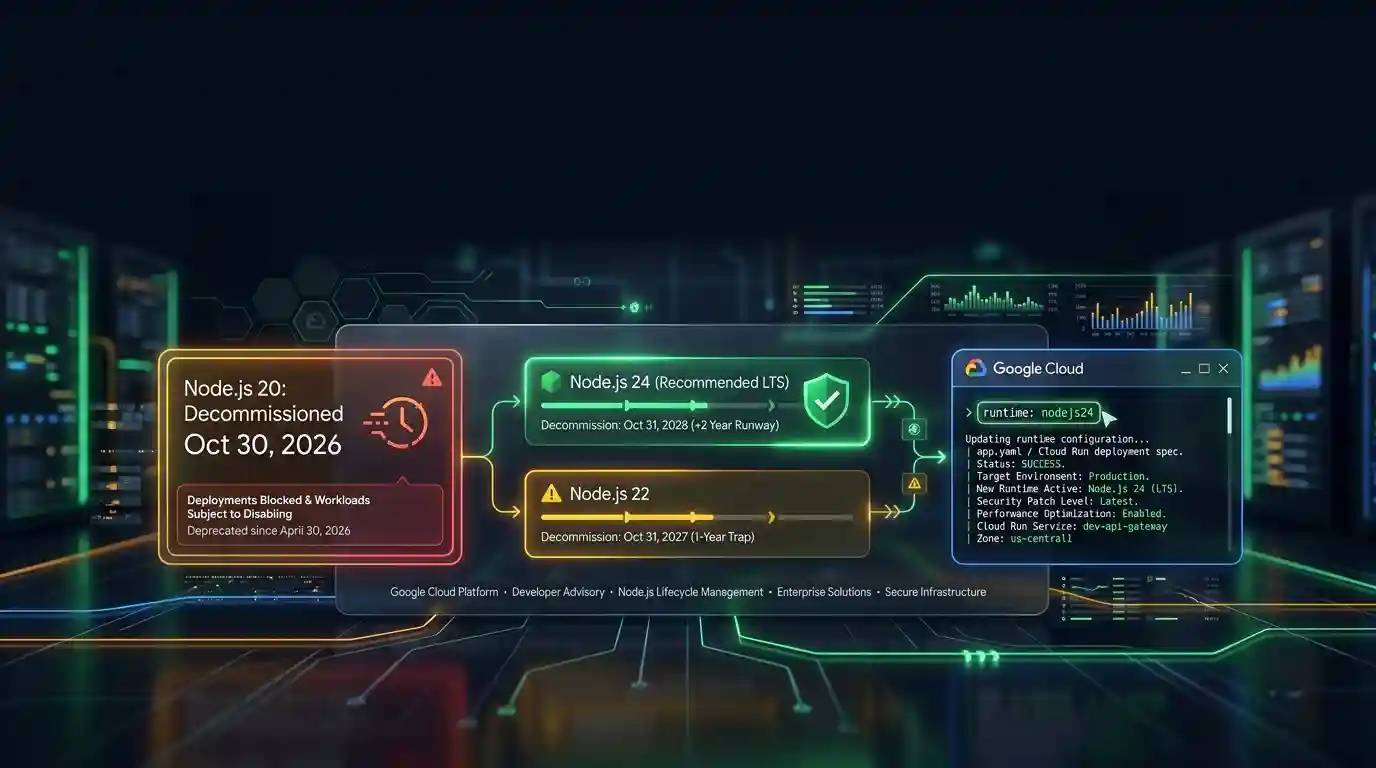
Google Cloud decommissions Node.js 20 on October 30
Google Cloud decommissions the Node.js 20 runtime on Cloud Run and Cloud Run functions on October 30, 2026. That is 31 days away. From that day you cannot create or redeploy a workload on it, and
Tue Sep 29 2026 · 6 min read · 6 views

Java 27 is not LTS: should you leave Java 25?
Java 27 shipped on September 15, 2026, and it is not a long-term-support release. Oracle says it will provide updates to JDK 27 until March 2027, when Oracle JDK 28 supersedes it. The next
Tue Sep 29 2026 · 6 min read · 10 views