Your MCP server failed to start. Five likely causes
By Nihar Ranjan Das · Thu Aug 20 2026 · 5 min read · 3 views
View as a Web StorySoftware#ai agents#developer tools#claude code#mcp#debugging
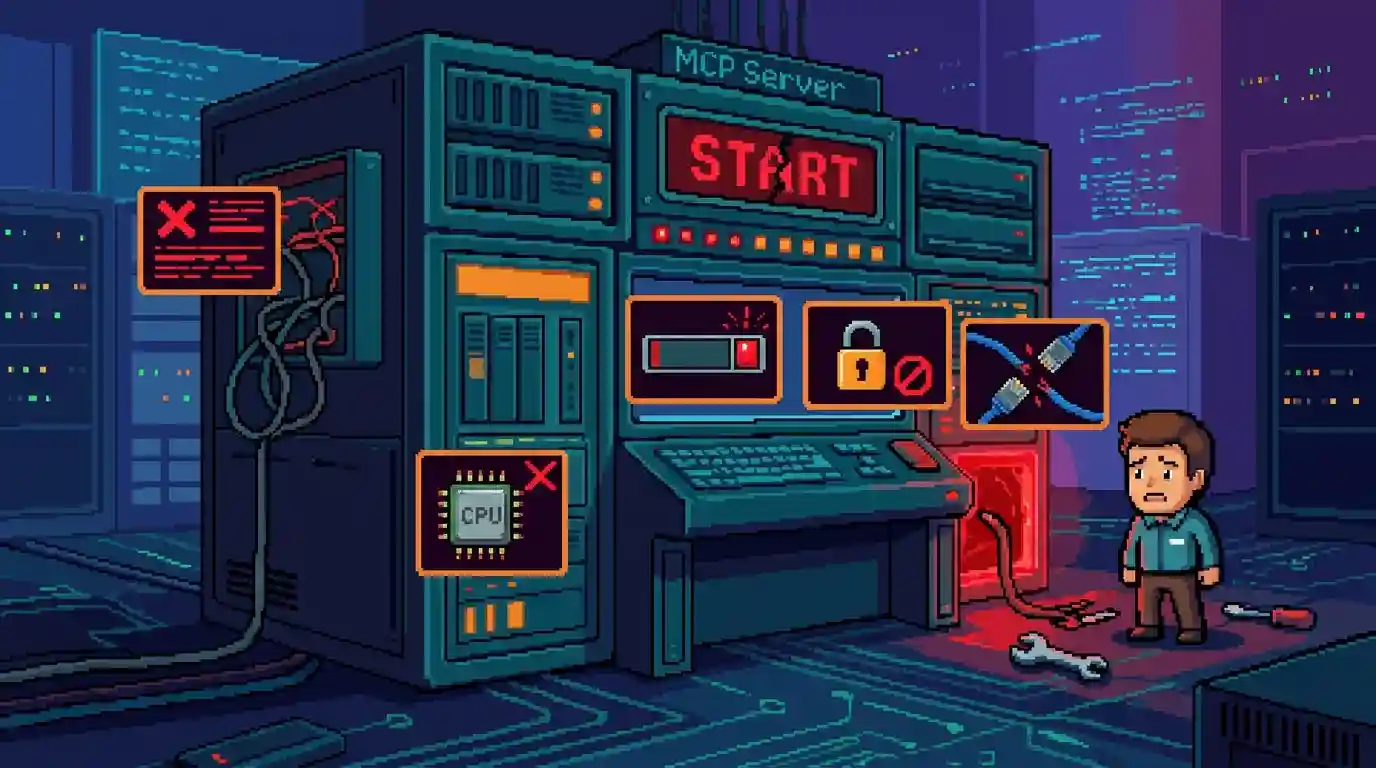
Cause one: your server prints to stdout
The single most common MCP failure is a log line written to stdout. Stdio transport is a mode where the client reads JSON-RPC messages from the server's standard output stream. Any other text on that stream corrupts the message frame, and the client drops the connection.
The official MCP debugging guide states the rule plainly: servers using stdio must never write anything except JSON-RPC to stdout. Everything else goes to stderr.
That means a stray print() in Python, or a console.log() in Node, breaks a server that is otherwise correct. Swap them for a logger that targets stderr. For example, in Node use console.error(), and in Python configure logging.StreamHandler(sys.stderr).
This failure is nasty because the process starts, runs and exits cleanly. Nothing in your own logs looks wrong.
Cause two: the command path is wrong
The second cause is a path the client cannot resolve. Your shell knows where npx, uv or python live. The client does not always inherit that environment.
The MCP debugging documentation recommends absolute paths in the config for this reason. Run which node and paste the full result.
Check three things in the config entry:
- The
commandvalue is an absolute path that exists on disk. - The
argsarray lists each argument as its own string, in order. - The JSON file itself parses. A trailing comma is enough to kill the whole file.
Then run the exact command and arguments in a terminal. If it does not start there, the client was never the problem.
Cause three: the runtime is not the one you tested with
A server can fail because the client launches it under a different runtime. GUI applications on macOS do not read your shell profile, so the Node or Python version they find is often older than the one in your terminal.
The MCP Marketplace guide lists this pattern directly: a server expecting Node.js 20 breaks under Node.js 18, and a Python server breaks when the wrong virtual environment is active. Docker-based servers fail the same way when they cannot reach the Docker socket.
Advertisement
The fix is to stop relying on lookup. Point command at the interpreter you want, such as /opt/homebrew/opt/node@22/bin/node, and pass any variables the server needs through the config's env key.
Cause four: the server works and the client still says it failed
Some servers print a startup banner to stderr. The client can read that as an error and mark a healthy server as failed. Community write-ups call this a false positive failure, and MCPJam's common errors reference documents it alongside the genuine ones.
Before you rewrite anything, read the client log. On macOS, Claude Desktop writes one log file per server to ~/Library/Logs/Claude/mcp-server-SERVERNAME.log. If the file shows a completed initialize handshake and a tool list, the server is up.
Then test the server on its own with MCP Inspector. Inspector is a standalone harness that speaks the protocol without any chat client attached. If Inspector lists your tools, the defect is in the client config.
Cause five: HTTP transport bound to the wrong interface
Remote servers add one more failure. A server that answers on http://localhost:3000/mcp and refuses http://192.168.1.20:3000/mcp is bound to the loopback interface only. An open thread on the modelcontextprotocol repository tracks exactly this confusion.
Bind to 0.0.0.0 if you intend to reach the server from another machine. Then treat it as an exposed service: add authentication before you leave it running, because an MCP endpoint is a remote code execution surface by design.
The risk is documented, not theoretical. A threat model of the protocol published in March 2026 tested seven MCP clients and found tool poisoning, where malicious instructions hide in tool metadata, to be the most impactful client-side weakness. Reachability and trust are the same decision here.
Work the layers in this order
Debugging gets faster when you stop guessing and walk the stack downward. Three layers, in order:
- Transport. Does the process start, and is stdout clean? Run the command by hand.
- Protocol. Does the initialize handshake complete? Check the client log or MCP Inspector.
- Application. Do the tools appear and return results? Only now is the server's own code in scope.
Most sessions end at layer one. A discussion thread on repeated Claude Desktop start failures shows the same pattern across dozens of reports: config first, code last.
Symptom to fix, at a glance
| Symptom | Most likely cause | First check |
|---|---|---|
| Server marked failed on every restart | Wrong command path or bad JSON | Run the command in a terminal |
| Connects, then drops immediately | Logging to stdout | Redirect all logs to stderr |
| Works in terminal, fails in the app | Different runtime or missing env var | Set an absolute interpreter path |
| Marked failed but tools work | Startup banner on stderr | Read the client log file |
| Works on localhost, not by IP | Bound to loopback | Bind to 0.0.0.0 and add auth |
Should you fix it, or drop the server?
Fix it when the server is yours, or when it is a dependency you already rely on. These five causes are cheap to rule out, and four of them are config edits rather than code changes.
Drop it when the server is abandoned. Check the repository's last commit date and open issue count before spending an evening on it. A server that has not shipped since the protocol went stateless is likely broken against current clients for reasons no config edit will reach. MCP went stateless. Your server still has state — and that mismatch produces session errors that look like startup failures but are not.
One more environment note for Claude Code users. Auto mode changes which tools an agent reaches for without asking, so a half-broken MCP server becomes visible faster than it used to. Claude Code Auto Mode Goes Default August 14, and since then a silently failing server tends to surface as a confusing refusal rather than an obvious error.
Advertisement
FAQ
Why does my MCP server say failed to start when it runs fine manually?
The client launches the server in a different environment than your shell. It may find another Node or Python version, miss variables from your profile, or use a relative path it cannot resolve. Use absolute paths in the config, and pass required variables through the `env` key.
Can a console.log break an MCP server?
Yes. On stdio transport, stdout carries JSON-RPC messages only. A single `console.log` or `print` corrupts the stream and the client drops the connection. Send every log line to stderr instead, using `console.error` in Node or a stderr handler in Python.
Where are Claude Desktop MCP logs stored on macOS?
Claude Desktop writes one log per server to `~/Library/Logs/Claude/mcp-server-SERVERNAME.log`. That file records the launch command, the handshake and anything the server sent to stderr. Read it before changing your server code.
What is MCP Inspector used for?
MCP Inspector is a standalone tool that connects to an MCP server without a chat client. It shows the handshake, the tool list and each tool response. Use it to decide whether a failure sits in your server or in the client configuration.
Is it safe to bind an MCP server to 0.0.0.0?
Only with authentication in front of it. Binding to 0.0.0.0 exposes the server to your whole network, and MCP tools often run commands or read files. Keep it on localhost during development, and add auth plus transport encryption before any wider exposure.
Comments
Loading…
Sign in to join the conversation.
Related posts
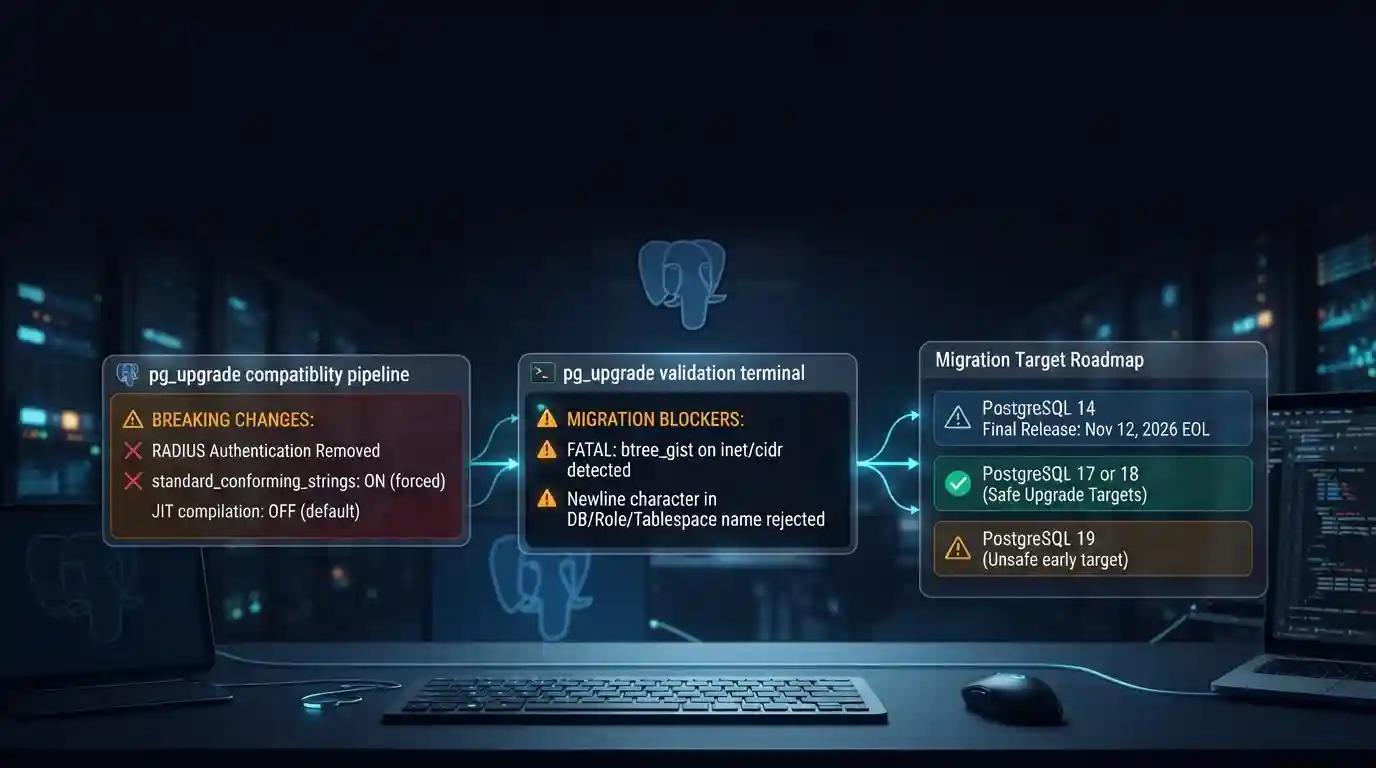
PostgreSQL 19 breaking changes to check before upgrading
PostgreSQL 19 is not released yet, but its list of breaking changes is already fixed enough to check your cluster against. The PostgreSQL project released Beta 4 on September 24, 2026. It says the
Tue Sep 29 2026 · 6 min read · 7 views
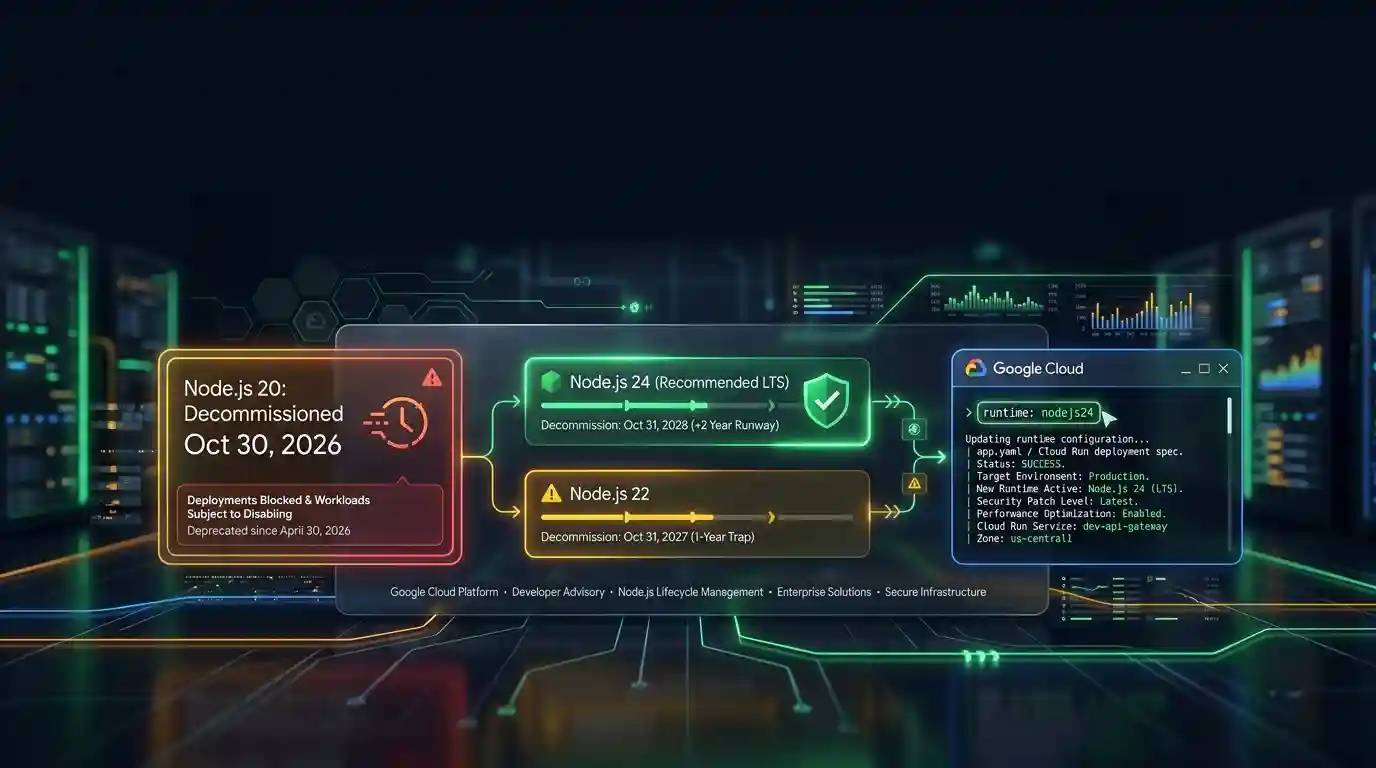
Google Cloud decommissions Node.js 20 on October 30
Google Cloud decommissions the Node.js 20 runtime on Cloud Run and Cloud Run functions on October 30, 2026. That is 31 days away. From that day you cannot create or redeploy a workload on it, and
Tue Sep 29 2026 · 6 min read · 5 views
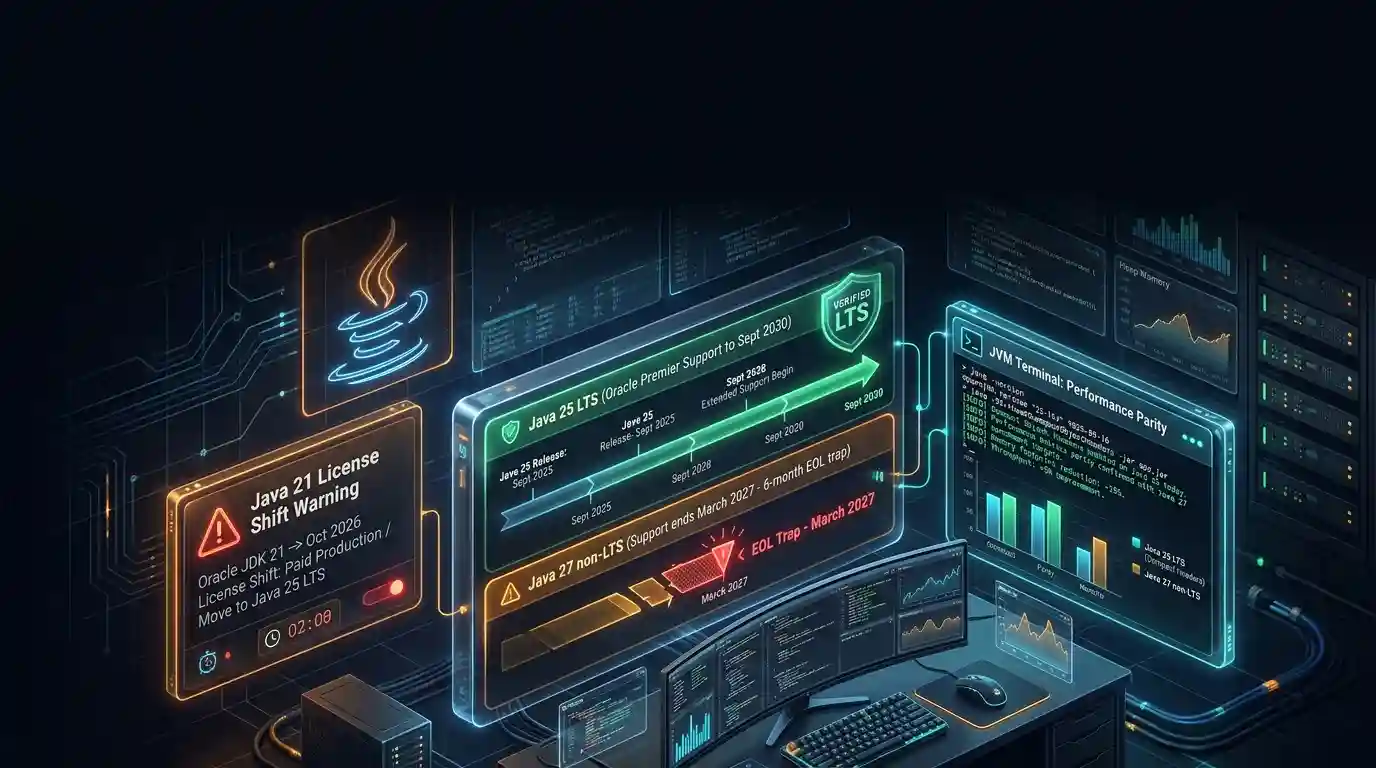
Java 27 is not LTS: should you leave Java 25?
Java 27 shipped on September 15, 2026, and it is not a long-term-support release. Oracle says it will provide updates to JDK 27 until March 2027, when Oracle JDK 28 supersedes it. The next
Tue Sep 29 2026 · 6 min read · 5 views