Compose 1.12 wants compileSdk 37. Which AGP is right?
By Nihar Ranjan Das · Fri Aug 21 2026 · 5 min read · 18 views
View as a Web StorySoftware#android#jetpack compose#gradle#agp#mobile development
Compose 1.12 wants compileSdk 37. Which AGP is right?
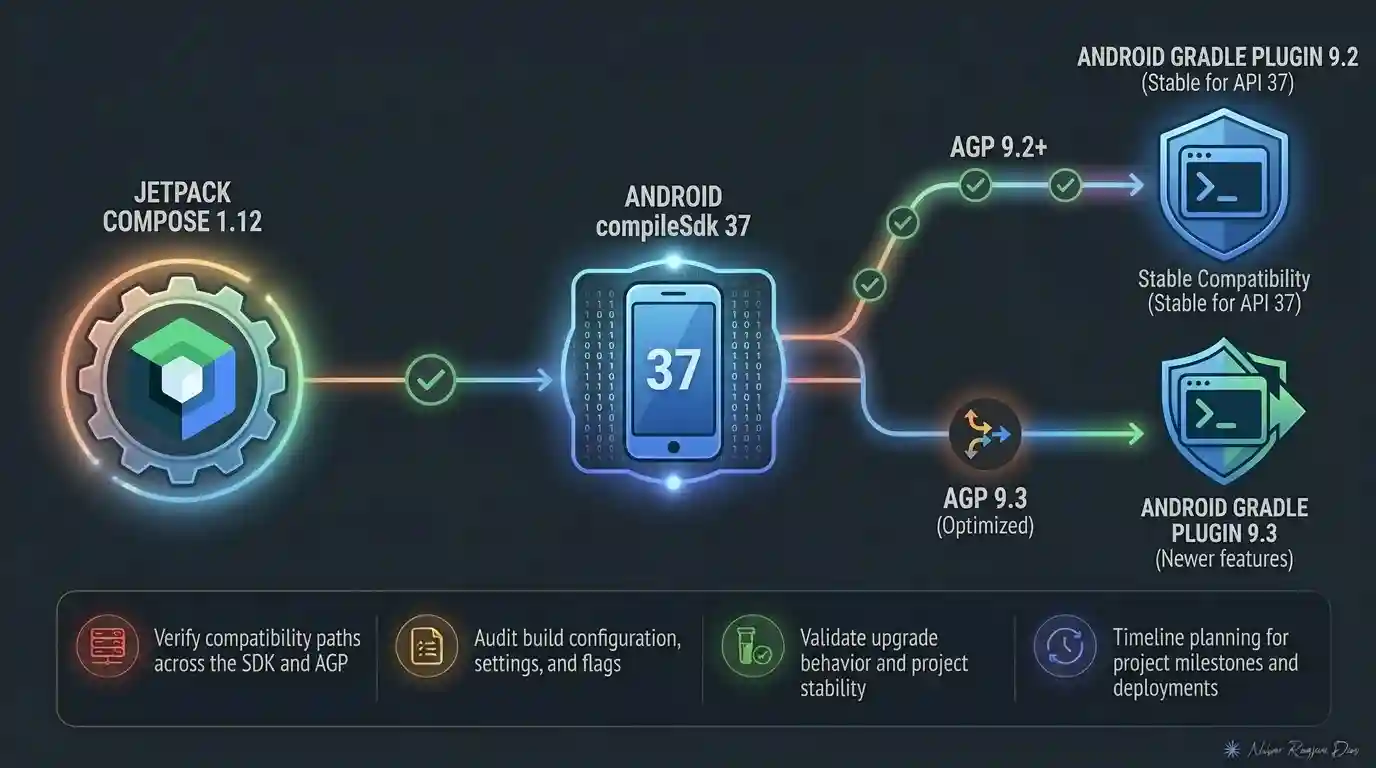
Bump to Compose BOM 2026.08.00 and the build stops. The message points at compileSdk, the fix looks obvious, and then the obvious fix does not always work. The reason is that Google's own documentation gives two different answers for the minimum Android Gradle Plugin version.
The August release blog says Compose 1.12 needs a minimum of AGP 9.1.1. The Compose Material release notes say 9.2.0. Both are current pages. Only one of them keeps every Compose library happy.
What the August 2026 Compose release actually requires
Jetpack Compose is Google's declarative UI toolkit for Android, released in coordinated sets through a Bill of Materials. The August 2026 set is BOM 2026.08.00, containing Compose 1.12.
The Compose August 2026 release post states the requirement plainly: Compose 1.12 updates compileSdk to API 37, requiring a minimum AGP 9.1.1.
| Setting | Required for Compose 1.12 |
|---|---|
| Compose BOM | 2026.08.00 |
compileSdk |
37 |
| AGP, per the release blog | 9.1.1 |
| AGP, per Compose Material notes | 9.2.0 |
This is not a small gap. AGP, the Android Gradle Plugin, is what translates your Gradle build into an Android build, and a version mismatch here fails the whole module rather than one dependency.
Which AGP version should you actually set?
Set AGP 9.2.0. It satisfies both documents, and it is the higher of the two published minimums.
The Compose Material release notes are explicit: "Updated Compose compileSdk to API 37. This means that a minimum AGP version of 9.2.0 is required when using Compose." The release blog's 9.1.1 is not wrong for every artifact, but if your app pulls in Compose Material — and almost every production Compose app does — 9.1.1 is not enough.
So the working configuration is this:
android {
    compileSdk = 37
}[versions]
agp = "9.2.0"
composeBom = "2026.08.00"If the build still fails with AGP 9.1.1 set, check this discrepancy first. For example, a module that only pulls Compose Foundation may build fine on 9.1.1 while the app module, which pulls Compose Material, does not.
Two behaviour changes that will not fail your build
The compileSdk requirement is loud. Two other changes in the same release are quiet, and one of them is user-visible.
Advertisement
- Click semantics threading. Compose 1.12 adds automatic interaction sounds, and semantics click listeners must now be called from the main thread. The release post notes this may affect a small number of test cases. Expect it in UI tests that invoke click semantics off the main dispatcher, for example a test helper that fires clicks from a background coroutine.
- Secure text fields.
BasicSecureTextFieldnow defaults toTextObfuscationMode.System, withRevealLastTypedavailable as an override. If your password field previously revealed the last typed character, it now follows the system setting instead, and your screenshots will differ.
There is also a deprecation to schedule: Modifier.onFirstVisible() gives way to Modifier.onVisibilityChanged(), which tracks visibility thresholds more precisely.
Should you take this release now, or wait?
Take it if you are already close to the requirements, and wait if you are not. The decision comes down to one question: how far is your build from AGP 9?
- On AGP 9.x already — upgrade. Set AGP 9.2.0 and
compileSdk 37, then run your UI test suite before shipping, because of the click semantics change. - On AGP 8.x — treat this as two changes, not one. Move to AGP 9 on your current Compose version first, confirm the build is green, then take the BOM bump.
- Blocked on a third-party library — hold the BOM. A dependency compiled against older Compose internals, such as an unmaintained charting or camera library, is the usual reason an AGP 9 move stalls.
There is one more reason not to panic-upgrade. The Compose Material 1.13.0-alpha01 notes, dated August 12, 2026, list "Remove requirement for compileSdk 37". The hard requirement looks temporary, so a team with a genuinely painful toolchain jump can reasonably wait for 1.13 to stabilise rather than forcing the issue now.
What this means for Play Store deadlines
Nothing on this release forces your hand immediately, and that distinction matters. compileSdk is what you build against. targetSdk is what Google Play's deadlines are written against, and they are separate settings.
Compose 1.12 raises the floor on the first, not the second. So this is an engineering schedule question, not a compliance one, and it can be planned for the sprint that suits you. That said, teams in the United States and Europe shipping consumer apps usually raise both together, since the toolchain work overlaps and doing it twice is wasted effort.
The Compose compiler setup guide is worth a read before you start, especially if your project still configures the Compose compiler by hand rather than through the Gradle plugin.
A build checklist for the upgrade
The methodology here is deliberately dull, because the failure modes are all in configuration rather than code.
- Read your current versions. Run
./gradlew buildEnvironmentand record the AGP version, then checkcompileSdkin every module, not justapp. - Raise AGP first, alone. Move to 9.2.0 as its own commit, on your existing Compose version. Confirm a green build.
- Raise
compileSdkto 37 next. Fix any new lint or API warnings this surfaces before adding anything else. - Then take BOM 2026.08.00. One change, one commit, easy to revert.
- Run the UI suite twice. Once on device, once in CI. The click semantics change shows up here or not at all.
If your Android build is one of several upgrades queued this quarter, sequence it away from unrelated toolchain work. The same advice applies elsewhere in the stack: Node.js 26 turns Temporal on, and stacking two runtime-level changes in one sprint is how a routine bump turns into a week of bisecting.
Advertisement
FAQ
What compileSdk does Compose BOM 2026.08.00 require?
Compose 1.12, shipped in BOM 2026.08.00, requires `compileSdk 37`. It also requires Android Gradle Plugin 9. Projects on `compileSdk 36` or lower will fail to build against this BOM until both settings are raised.
Is the minimum AGP for Compose 1.12 version 9.1.1 or 9.2.0?
Google's August 2026 release post says 9.1.1, while the Compose Material release notes say 9.2.0. Set 9.2.0, which satisfies both. Apps using Compose Material — most production apps — need the higher version regardless of the blog figure.
Why does my Compose build fail after upgrading the BOM?
The most common cause is a `compileSdk` or AGP version below the Compose 1.12 minimums of API 37 and AGP 9.2.0. Check every module, not just the app module, since a library module left on an older `compileSdk` fails the same way.
What replaces Modifier.onFirstVisible in Compose 1.12?
`Modifier.onFirstVisible()` is deprecated in favour of `Modifier.onVisibilityChanged()`, which provides more precise visibility threshold tracking. The old modifier still compiles in 1.12, so migrate it as scheduled work rather than as part of the upgrade itself.
Comments
Loading…
Sign in to join the conversation.
Related posts
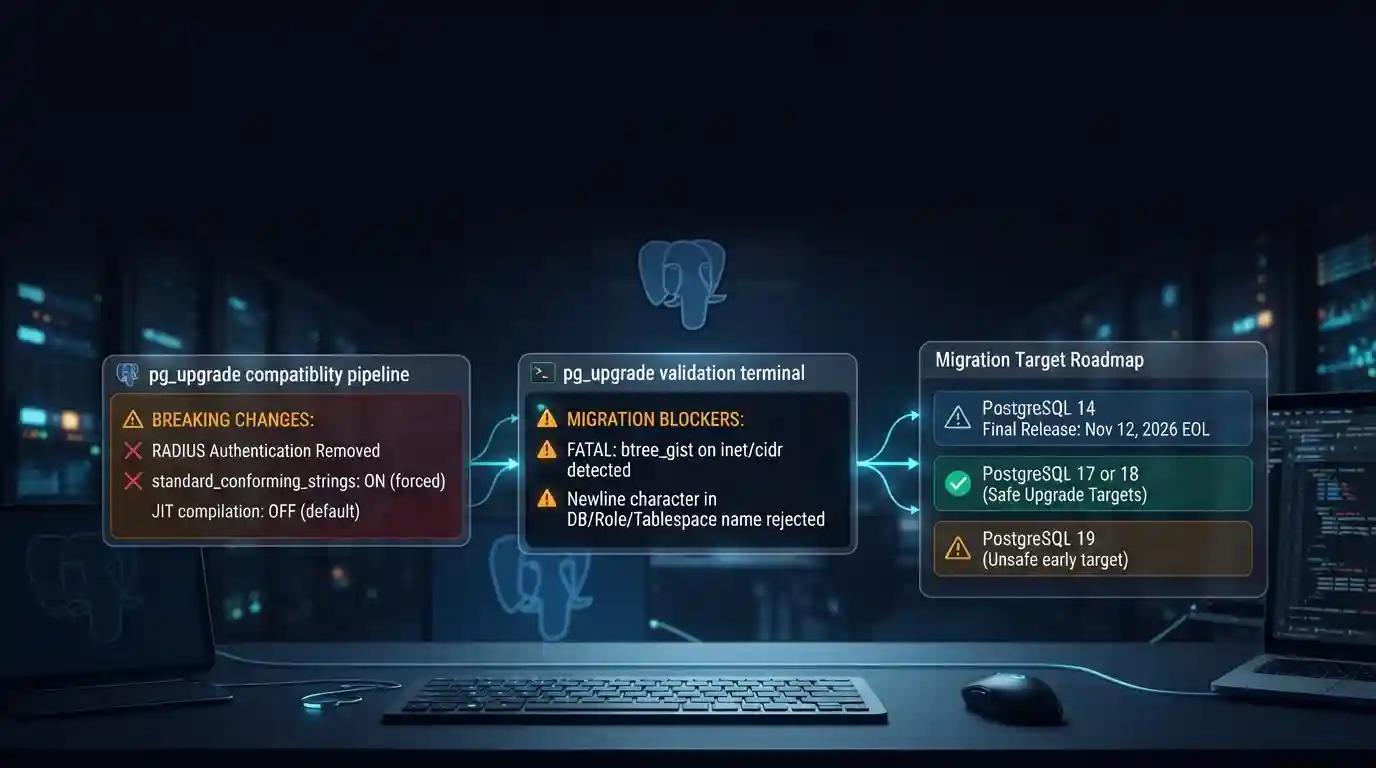
PostgreSQL 19 breaking changes to check before upgrading
PostgreSQL 19 is not released yet, but its list of breaking changes is already fixed enough to check your cluster against. The PostgreSQL project released Beta 4 on September 24, 2026. It says the
Tue Sep 29 2026 · 6 min read · 7 views

Google Cloud decommissions Node.js 20 on October 30
Google Cloud decommissions the Node.js 20 runtime on Cloud Run and Cloud Run functions on October 30, 2026. That is 31 days away. From that day you cannot create or redeploy a workload on it, and
Tue Sep 29 2026 · 6 min read · 6 views

Java 27 is not LTS: should you leave Java 25?
Java 27 shipped on September 15, 2026, and it is not a long-term-support release. Oracle says it will provide updates to JDK 27 until March 2027, when Oracle JDK 28 supersedes it. The next
Tue Sep 29 2026 · 6 min read · 7 views