MCP Adapter 0.6.0 exposes abilities you did not pick
By Nihar Ranjan Das · Sat Aug 22 2026 · 7 min read · 5 views
View as a Web StorySoftware#mcp adapter#wordpress abilities api#wordpress ai#mcp security#wordpress 6.9

MCP Adapter 0.6.0 changed which parts of your WordPress site an AI agent can reach. It did not ask first. The release landed on August 12, 2026, and the note calls it a breaking change (WordPress/mcp-adapter release notes). In practice it is a permissions change. Any ability registered with meta.public set to true now reaches the default MCP server unless it opts out.
If you have Claude, Cursor or ChatGPT wired into a client site, the set of things that agent can call is probably larger today than it was two weeks ago. This post shows you how to find out in about five minutes. It also shows how to close what you did not mean to open.
What is the MCP Adapter, and what changed in 0.6.0?
The MCP Adapter is an official WordPress plugin that bridges the Abilities API to the Model Context Protocol, so MCP clients can find and run WordPress abilities (WordPress/mcp-adapter). An ability is one unit of function, such as "read this content" or "create a post", that a plugin, theme or core registers in machine-readable form. The Abilities API is the core registry those units live in. It shipped in WordPress 6.9 on December 2, 2025 (Make WordPress Core).
Version 0.6.0 carries four breaking changes:
| Change | What it means on a live site |
|---|---|
| WordPress 6.9+ required | The standalone Abilities API plugin is no longer a supported install path |
meta.public: true exposed by default |
Abilities reach the default MCP server with no second opt-in |
| Multisite session storage moved | Active Streamable HTTP sessions must reconnect once after the upgrade |
MIME helpers cut from McpValidator |
Custom code must supply its own file-type checks |
Version 0.6.1 followed one day later, on August 13, 2026. It fixes a Jetpack Autoloader class map in the release ZIP that pointed at files the ZIP left out. If you pulled 0.6.0 from the archive and it failed to load, take 0.6.1 instead.
The second row is the one that widens your attack surface. The other three are upgrade chores.
Which abilities does 0.6.0 expose by default?
Abilities are private by default in the Abilities API. Version 0.6.0 changes the second gate, not the first. An ability that sets meta.public to true now goes to the default MCP server on its own, where before it needed a separate MCP opt-in (mcp-adapter docs).
That matters because meta.public was never only about AI agents. It is a broad "safe for clients" flag, and plugin authors set it with REST consumers and the block editor in mind. Those authors judged a different question. Version 0.6.0 reuses their answer for a new one.
Once exposed, an ability is reachable through the default server's three meta-tools: mcp-adapter/discover-abilities, mcp-adapter/get-ability-info and mcp-adapter/execute-ability. An agent that can call the first two can list your site's capabilities without being told anything.
How do I audit what my site exposes?
Run the WP-CLI ability command and read four flags. That is the whole audit, and it is one command:
Advertisement
wp ability list --fields=name,category,readonly,destructive,idempotent,show_in_rest --format=jsonwp ability list ships in the wp-cli/ability-command package and lists every registered ability on the site. The default table shows name, label, category and description. The four flags below are optional fields you have to ask for by name (WP-CLI handbook).
Read the output against this triage:
| Flag | Reads as | Action after 0.6.0 |
|---|---|---|
destructive: true |
Deletes, overwrites or publishes | Opt out of MCP, or gate behind human approval |
readonly: true |
Reads only, changes nothing | Usually safe to leave exposed |
idempotent: false |
Repeating the call repeats the effect | Treat as destructive, since agents retry |
show_in_rest: true |
Already reachable over REST | Not evidence that it is safe for an agent |
The last row is the one people get wrong. REST exposure sits behind a logged-in user and a capability check. An MCP session sits behind an agent acting as that user, following text that may have come from your comment form.
Filter the list while you triage. For example, wp ability list --namespace=core shows what core registers. Swap the namespace for a plugin prefix to see what that plugin added.
How do I opt an ability back out?
Set meta.mcp.public to false on the registration. The ability stays public to other clients and drops out of MCP:
wp_register_ability( 'my-plugin/my-ability', [
    'label'               => 'My Ability',
    'description'         => 'What this ability does',
    'category'            => 'site',
    'execute_callback'    => 'my_callback',
    'permission_callback' => function () {
        return current_user_can( 'read' );
    },
    'meta'                => [
        'public' => true,
        'mcp'    => [
            'public' => false,
        ],
    ],
] );
The reverse works too. Leave out meta.public and set only meta.mcp.public to true, and the ability is exposed through MCP and nowhere else.
For an ability you did not write, editing the plugin file is pointless. The next update overwrites it. Tighten the role of the WordPress user your agent connects as instead. An agent signed in as a Subscriber cannot run an ability whose permission_callback demands manage_options, however cheerfully it tries (Abilities API guide).
Should I upgrade now or wait?
Upgrade, then audit the same afternoon. Do not skip the upgrade to dodge the exposure change.
Version 0.6.0 is the release that requires WordPress 6.9 and drops the standalone Abilities API plugin path. Staying on 0.5.x keeps you on an install route the project no longer supports. MCP Adapter is also still pre-1.0 software, moving fast, and sitting still on a fast-moving dependency is its own risk.
The order that works:
- Upgrade to 0.6.1 on staging, not 0.6.0. The release ZIP fix is worth the extra day.
- Run
wp ability liston staging and again on production. Diff the two. - Opt out anything flagged
destructivethat you do not want an agent calling unattended. - On multisite, expect one reconnection. Session storage moved from a network-wide key to per-site keys, so live Streamable HTTP sessions drop once.
- Only then point a live agent at production.
If the adapter will not boot at all after the upgrade, that is a separate problem. Your MCP server failed to start. Five likely causes are worth ruling out before you touch ability configuration.
What is the actual risk here?
The risk is prompt injection reaching a tool that changes your site. Prompt injection is an attack where text the model reads is treated as instructions rather than as content. An agent wired into WordPress reads posts, comments and form entries. Any of that text can carry orders aimed at the agent. The agent cannot reliably tell the two apart, and this is an open problem across the industry rather than a WordPress defect (WordPress MCP security guide).
What is specific to WordPress is the blast radius. On a site where only read abilities are exposed, a hostile comment wastes tokens. On a site where a destructive ability is now reachable, it is a much worse afternoon. The pattern is familiar to anyone who watched agent tooling this year: a GitHub issue could hijack Claude Code and Gemini CLI by the same route, through text the agent was only meant to read.
So the rule has not changed, but 0.6.0 makes it urgent. Never expose publishing, user-management, media-deletion, option-write or commerce abilities without a strict permission callback and a human in the approval path.
The upgrade is fine. The default is what needs your attention
MCP Adapter 0.6.0 is a good release on a project that is moving fast. Take it, take 0.6.1 over it, and accept the one multisite reconnection.
What you should not do is take it and assume nothing moved underneath. The adapter now reads a flag that plugin authors set for a different audience and turns it into agent access. You did not pick that set of abilities. A default did. Ten minutes with wp ability list tells you exactly which abilities it promoted on your site. On most sites the answer will be dull. On the sites where it is not, you want to know before an agent does.
Advertisement
FAQ
Does MCP Adapter 0.6.0 expose my abilities without asking?
Yes, if they carry `meta.public: true`. Version 0.6.0 hands those abilities to the default MCP server on its own, unless the registration sets `meta.mcp.public: false`. Abilities with no public flag stay private, and permission callbacks still run on every execution.
What WordPress version does MCP Adapter 0.6.0 need?
WordPress 6.9 or newer. The Abilities API is bundled into core from 6.9, released on December 2, 2025, and the standalone Abilities API plugin is no longer a supported install path for the adapter.
How do I list every ability registered on a WordPress site?
Run `wp ability list --format=json` from WP-CLI. Add `--fields=name,category,readonly,destructive` for the safety flags, `--namespace=core` for core abilities only, or `--category=site` to filter by category.
Why did my multisite MCP session drop after upgrading?
Session storage moved from a network-wide key to separate per-site keys in 0.6.0. Live Streamable HTTP sessions on multisite must reconnect once after the upgrade. It is a one-time reconnection, not a recurring fault.
Is an ability exposed over REST also exposed to MCP?
Not on its own. `show_in_rest` and MCP exposure are separate flags, so an ability can be REST-visible and MCP-hidden, or the reverse. Treating REST visibility as proof that an ability is agent-safe is the most common mistake in this upgrade.
Comments
Loading…
Sign in to join the conversation.
Related posts
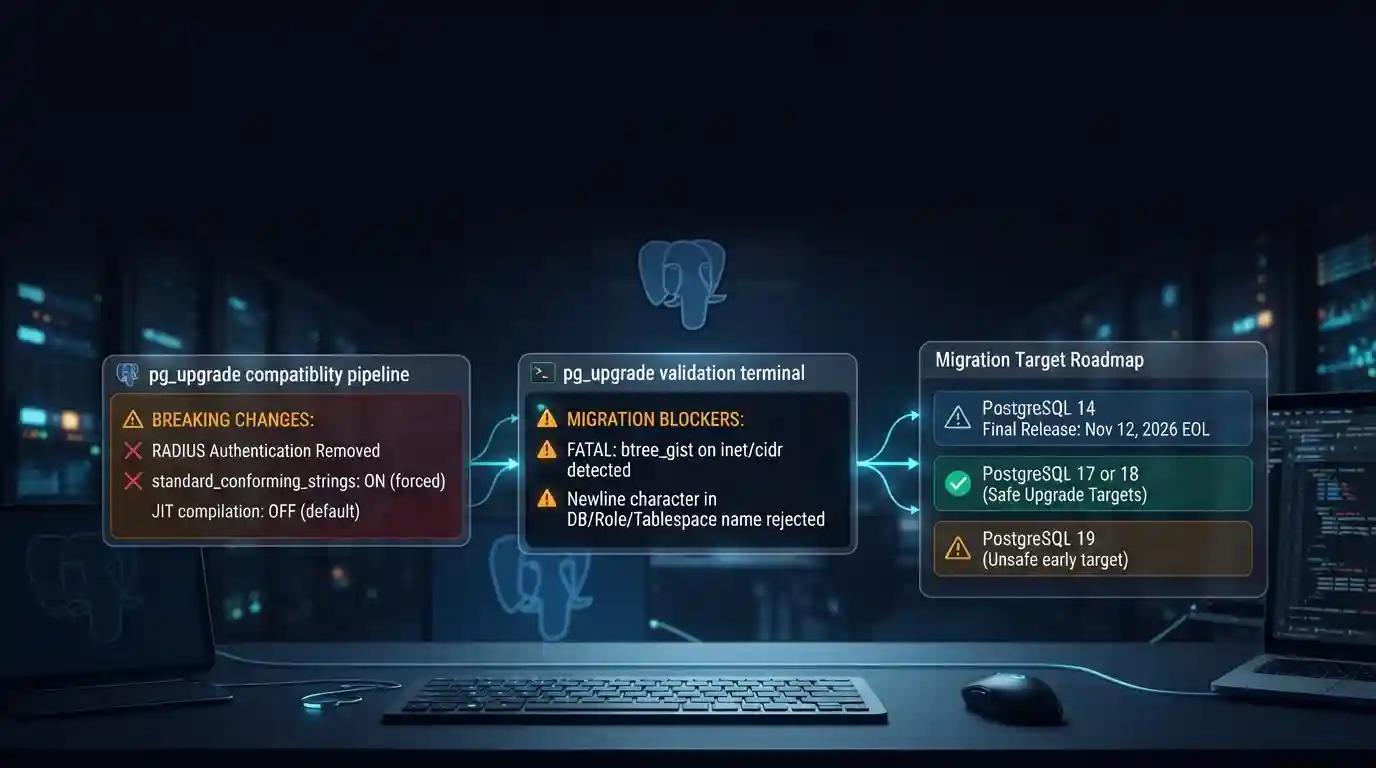
PostgreSQL 19 breaking changes to check before upgrading
PostgreSQL 19 is not released yet, but its list of breaking changes is already fixed enough to check your cluster against. The PostgreSQL project released Beta 4 on September 24, 2026. It says the
Tue Sep 29 2026 · 6 min read · 7 views
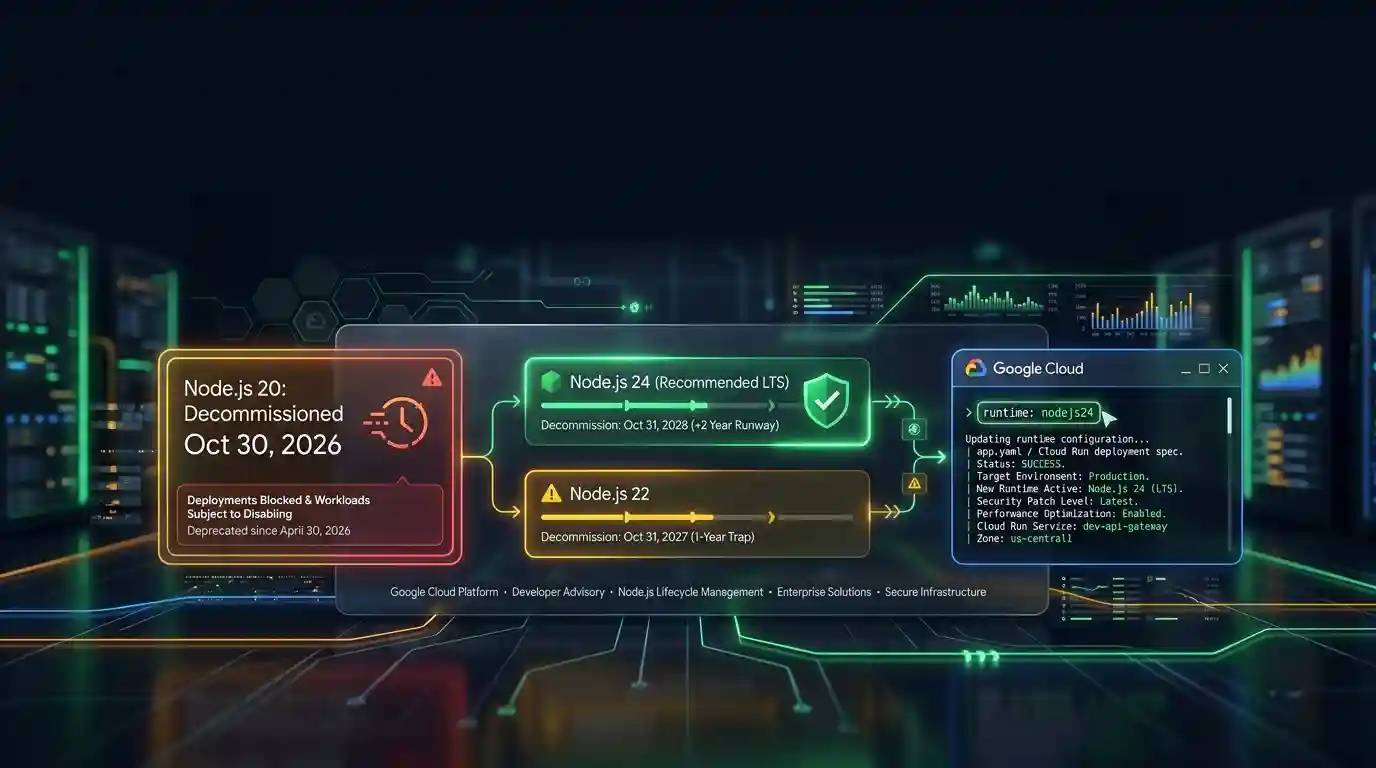
Google Cloud decommissions Node.js 20 on October 30
Google Cloud decommissions the Node.js 20 runtime on Cloud Run and Cloud Run functions on October 30, 2026. That is 31 days away. From that day you cannot create or redeploy a workload on it, and
Tue Sep 29 2026 · 6 min read · 6 views

Java 27 is not LTS: should you leave Java 25?
Java 27 shipped on September 15, 2026, and it is not a long-term-support release. Oracle says it will provide updates to JDK 27 until March 2027, when Oracle JDK 28 supersedes it. The next
Tue Sep 29 2026 · 6 min read · 10 views