Should your Claude connector draw its own UI?
By Nihar Ranjan Das · Sat Aug 22 2026 · 5 min read · 11 views
View as a Web StorySoftware#mcp#claude#connectors#mcp-apps#ui#sep-1865

A connector used to be text in, text out. Now it can draw. An MCP App is an MCP server that ships its own interface, and Claude renders it inline in the conversation.
The interesting question is no longer whether this works. It does, in Claude and in other clients. The question is whether the extra build and the extra review cost are worth it for your connector. In practice the answer turns on what your tool returns, so here is what each side of that trade involves.
What MCP Apps are, and where they run
MCP Apps is the extension that lets a server return interactive HTML instead of plain text. The client renders that HTML in a sandboxed iframe, and the page talks back over JSON-RPC carried on postMessage. The proposal is known as SEP-1865. It began as the community mcp-ui project and was adopted as the first official MCP extension, maintained in the ext-apps repository.
A sandboxed iframe is a frame with its own origin and restricted permissions, which is how a client runs your page safely. Support is not limited to one vendor. Claude, ChatGPT, VS Code and Goose all render server-shipped HTML under the same extension, which is what makes building one a portable investment rather than a bet on a single client. Anthropic launched support in Claude with nine partners, including Asana, Box, Canva, Figma and Slack, as Alpic's launch write-up records.
The practical effect is a different kind of tool result. A customer segmentation tool can return a scatter chart you can brush. A mapping tool can return a globe. A shader tool can compile and display output. Those three are real examples in the MCP Apps examples directory, which is the fastest way to see the shape of one.
Try one before you build one
Should you prototype first? Yes. You can run an example server locally in about five minutes, and it is worth doing before committing a sprint.
- Open Claude Desktop, go to Settings, then Developer, and click Edit Config.
- Add a server entry to
claude_desktop_config.json. - Save the file and restart the desktop app.
- Prompt Claude to use the tool, then click "Always allow" when it asks permission to display the app.
{
  "mcpServers": {
    "qr": {
      "command": "npx",
      "args": ["-y", "@modelcontextprotocol/qr-server", "--stdio"]
    }
  }
}
If the server never appears in Claude, the causes are the ordinary ones from when your MCP server failed to start. That config runs the QR code example. Swap the package name for the map, sheet music or shader server to see a different rendering style. Anthropic's MCP Apps getting started guide lists the full set.
Building your own
The SDK path is short. The MCP Apps quickstart walks through the first app, and the repository ships examples in vanilla JavaScript, React, Vue and Svelte.
Three practical notes for a first build:
- Test remote apps through a proxy. A remote MCP App can be tested locally with
mcp-remote, which saves deploying on every change. - Migrating from the OpenAI Apps SDK is a supported path. There is a migration reference, so an existing app is not a rewrite from scratch.
- Agent skills exist for this. The
ext-appsrepository publishes MCP Apps skills for coding agents, installed in Claude Code with/plugin marketplace add modelcontextprotocol/ext-apps.
The interface itself is ordinary web code. The constraint is the sandbox: your page runs in an iframe with no direct access to the conversation, and every exchange with the client goes through the extension's message channel.
Advertisement
The review costs nobody mentions
An MCP App carries submission requirements that a text-only connector does not. Both sets are listed in Anthropic's directory submission docs, and the asset rules are exact.
| Requirement | Text connector | MCP App |
|---|---|---|
| Carousel screenshots | Not required | 3 to 5 PNGs, 1000px wide or more |
| Screenshot crop | Not applicable | App response only, prompt excluded |
| Paired prompt text | Not applicable | Supplied per screenshot |
| Video or GIF assets | Not accepted | Not accepted |
| Allowed link URIs | Optional | Strongly worth declaring |
The link rule is the one that quietly hurts usability. If your app opens URLs with the ui/open-link capability, you can declare the destinations up front. Claude then opens those without a confirmation prompt. Everything else still works, but the user is asked to confirm each time.
Declarations take two forms: an HTTPS origin such as https://app.example.com, where only scheme and host are matched, or a custom scheme such as myapp: for a native deep link. Subdomains are not implied, so list each one. Every origin must be owned by you, and entries you do not own are removed during review.
Is it worth building?
Build an MCP App when the answer is genuinely visual and the user acts on it. Charts you can brush, maps, diagrams, pickers and previews all justify the sandbox. So does anything where reading a table of numbers is worse than seeing the shape of them.
Skip it when the tool returns a fact, a status or a short list. A text result is cheaper to build, cheaper to review, and easier for Claude to reason about later in the conversation. Adding an interface to a lookup tool buys screenshots and a review round, not usefulness.
There is one strategic reason to lean in. Directory listings with interfaces stand out, and the launch partners are established products, so an app-shaped listing now sits beside names such as Figma and Slack. If your connector competes for attention in a category those partners occupy, the screenshots are part of the pitch. Whatever you build, the tool design rules still apply, so read our guide to what gets a Claude connector rejected before you submit. Anthropic takes feedback on the extension at its published MCP Apps contact address, mcp-apps@anthropic.com.
Advertisement
FAQ
What is an MCP App in Claude?
An MCP App is an MCP server that returns interactive HTML, which Claude renders inline in the conversation inside a sandboxed iframe. The page communicates with the client over JSON-RPC on postMessage, and the same extension is supported by several other clients.
Do MCP Apps work outside Claude?
Yes. The extension is part of the Model Context Protocol rather than a Claude-only feature, and Claude, ChatGPT, VS Code and Goose all render server-shipped interfaces. That makes an app portable across clients that implement the extension.
How many screenshots does an MCP App submission need?
Between three and five PNG images, each at least 1000px wide, cropped to the app response with the prompt excluded. Aspect ratio is free, no mobile-specific assets are needed, and video or GIF files are not accepted.
Can an MCP App open external links?
Yes, through the `ui/open-link` capability. Declare each HTTPS origin or custom URI scheme you own as an allowed link URI, and those open without a prompt. Undeclared destinations still open, but the user has to confirm each one.
How do I test a remote MCP App locally?
Run it behind a proxy such as `mcp-remote`, which lets Claude Desktop reach a remote server through a local configuration. That avoids a deploy for every change while you iterate on the interface.
Comments
Loading…
Sign in to join the conversation.
Related posts
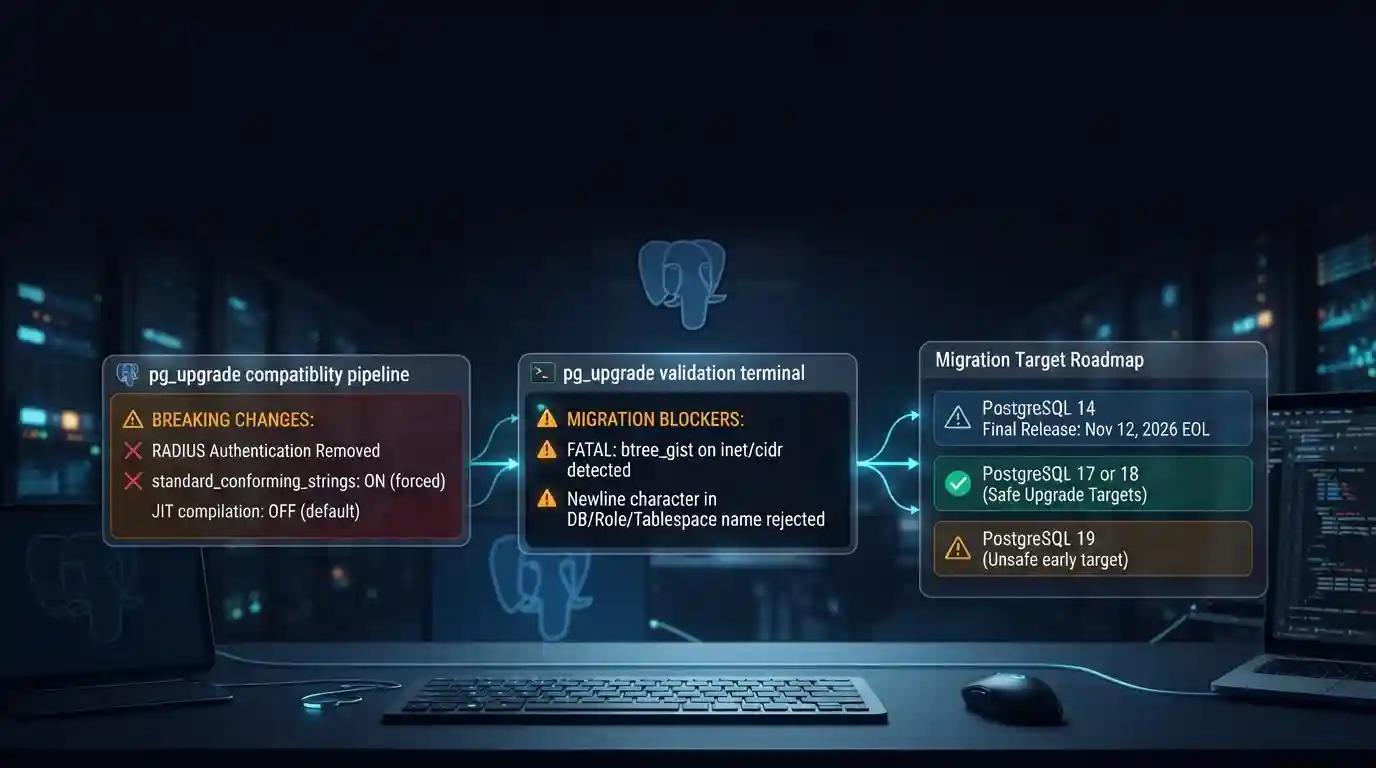
PostgreSQL 19 breaking changes to check before upgrading
PostgreSQL 19 is not released yet, but its list of breaking changes is already fixed enough to check your cluster against. The PostgreSQL project released Beta 4 on September 24, 2026. It says the
Tue Sep 29 2026 · 6 min read · 7 views
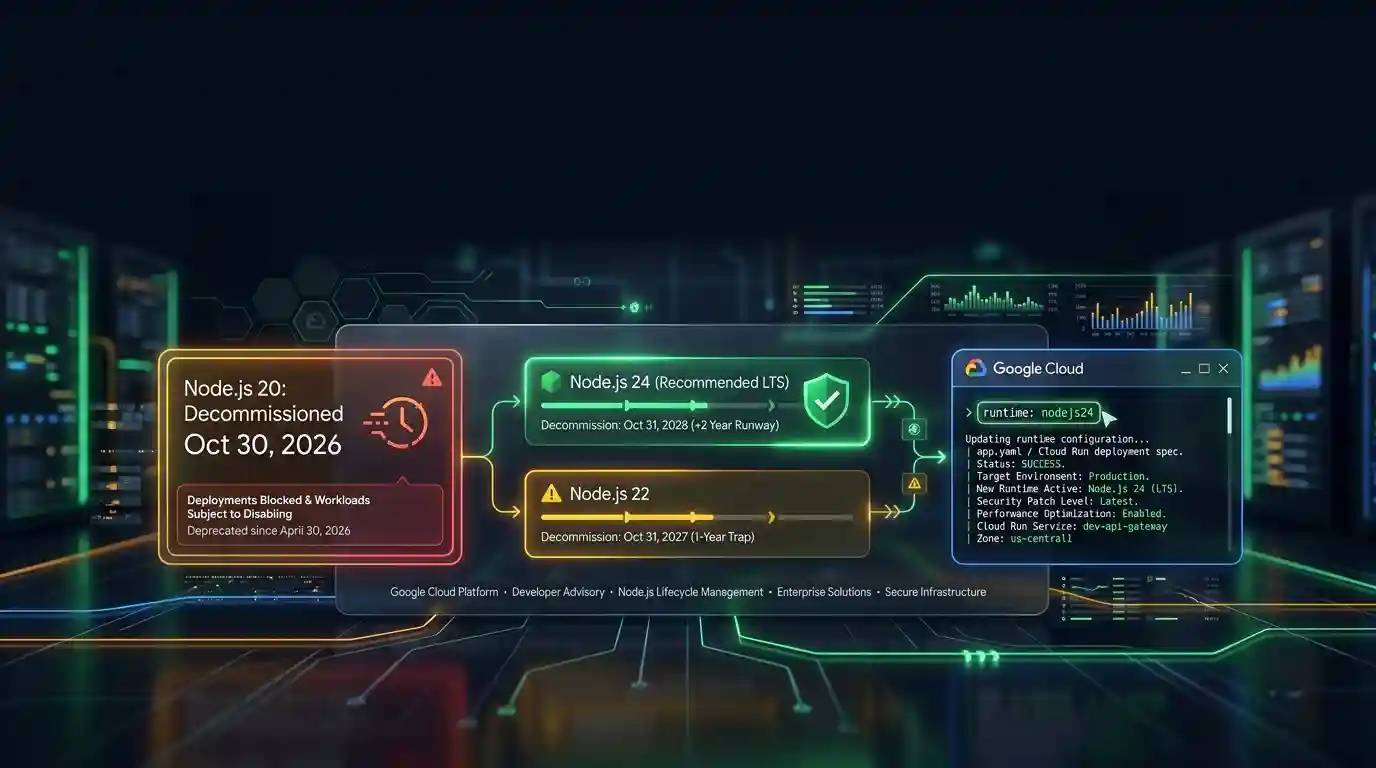
Google Cloud decommissions Node.js 20 on October 30
Google Cloud decommissions the Node.js 20 runtime on Cloud Run and Cloud Run functions on October 30, 2026. That is 31 days away. From that day you cannot create or redeploy a workload on it, and
Tue Sep 29 2026 · 6 min read · 6 views
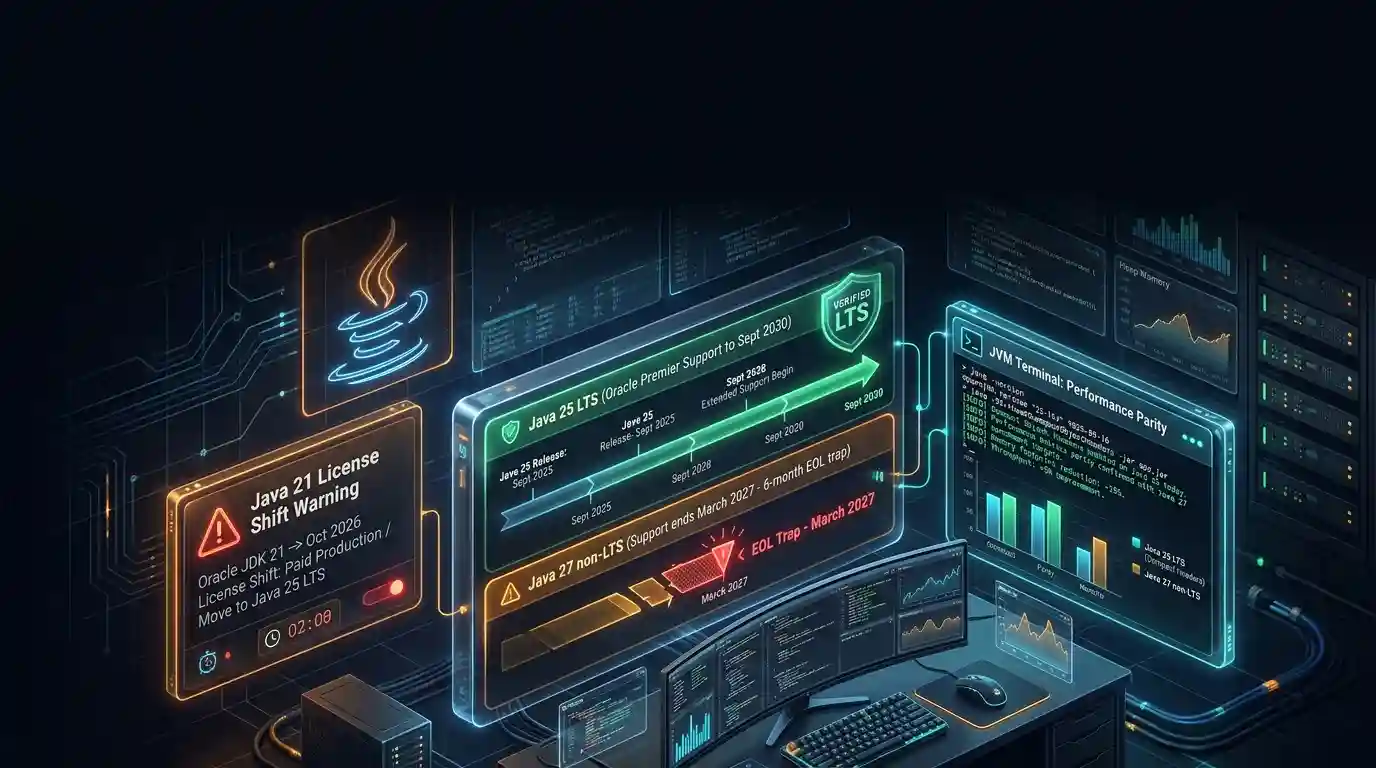
Java 27 is not LTS: should you leave Java 25?
Java 27 shipped on September 15, 2026, and it is not a long-term-support release. Oracle says it will provide updates to JDK 27 until March 2027, when Oracle JDK 28 supersedes it. The next
Tue Sep 29 2026 · 6 min read · 10 views