Vercel Drops Node.js 20 on October 1. Check This Now
By Nihar Ranjan Das · Tue Sep 29 2026 · 5 min read · 0 views
View as a Web StorySoftware#node.js#javascript#vercel#devops#nodejs-20#deployment
Vercel Drops Node.js 20 on October 1. Check This Now
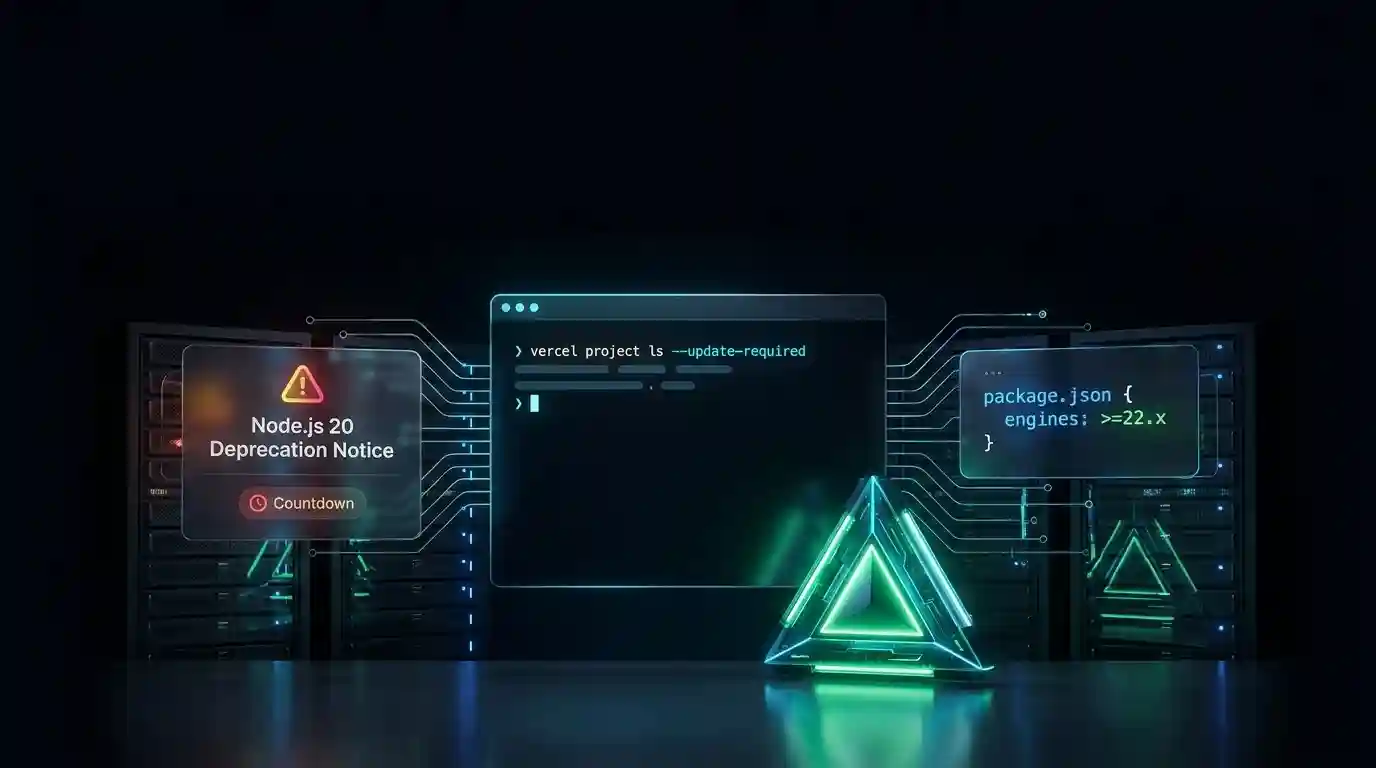
If a Vercel project is still set to Node.js 20, it has until October 1, 2026, before new deployments start failing. Vercel is deprecating Node.js 20 for both Builds and Functions on that date, because Node.js 20 itself reached end of life on April 30, 2026, and stopped receiving security patches five months earlier (Vercel's changelog entry on the deprecation). Today is September 28, 2026, which leaves three days.
Vercel is the deployment platform behind this blog and thousands of other Next.js and Node.js applications. Node.js 20 is the JavaScript runtime version many of those projects were built against when it was still the current Active LTS release, before Node.js 22 and then Node.js 24 replaced it.
Key Takeaways
- New deployments on Node.js 20 fail starting October 1, 2026; deployments already live keep running.
- The fix is a one-line change to the
enginesfield inpackage.json, or a setting in Vercel's Project Settings.- Run
vercel project ls --update-requiredfirst to find out if this affects you at all.
What Actually Breaks on October 1
Only new deployments break; nothing happens to a project's traffic on that date by itself. Starting October 1, 2026, Node.js 20 is disabled in Vercel's Project Settings, and any new deployment configured for it fails with an error (Vercel's Node.js 20 deprecation notice). Existing deployed Serverless Functions keep running, and invocations against them continue to work normally.
That distinction matters for how urgent this actually is. A project that deploys weekly has three days of runway before its next deploy fails. A project that hasn't redeployed in months already has more time, but the fix is the same either way, and cannot be put off indefinitely.
Are You Even Affected?
Run this from the Vercel CLI to check before doing anything else:
vercel project ls --update-requiredThat command lists every project in your account still configured for a deprecated Node.js version. For example, a team managing a dozen projects can use it to find the two or three still pinned to Node.js 20 instead of checking each one by hand.
The Fix
Set your Node.js version to 24 in one of these places, and Vercel picks up the first one it finds:
package.json. Add or update theenginesfield:
{
  "engines": {
    "node": "24.x"
  }
}.nvmrcor.node-version, if your project uses one of those files for local development.- Vercel's Project Settings, under the Node.js Version dropdown, if you'd rather not touch the repository at all.
If your CI pipeline pins a Node.js version separately from these files, for example in a GitHub Actions workflow, update that configuration too. A green CI run on Node.js 24 doesn't help if the workflow itself still installs Node.js 20 first.
Should You Migrate Now, or Wait?
| Your situation | What happens if you do nothing | What to do |
|---|---|---|
| Deploy at least weekly | Next deploy fails within days | Bump engines.node to 24.x today |
| Deploy rarely | More runway, but the failure is identical when it hits | Fix it now while it's not urgent |
| Already on Node.js 22 or 24 | Nothing — this deprecation doesn't apply | No action needed |
The riskiest projects here aren't the actively maintained ones. They're the side projects and internal tools that deploy rarely enough that nobody has opened them since Node.js 20 was current. Those are the ones where an engineer discovers the failure by accident, weeks after the cutoff, trying to ship an unrelated fix.
Advertisement
Two Things That Won't Save You
Vercel does offer one narrower option: deploying via a container image with a Dockerfile.vercel instead of upgrading the managed Node.js version. Vercel's own changelog still recommends upgrading when possible, since a container deployment means self-managing Node.js security updates going forward instead of letting the platform handle them (the same deprecation changelog entry).
Waiting for the error to force the fix isn't a real option either, since a failed production deployment is a worse time to discover a version mismatch than a calm Tuesday three days ahead of the cutoff.
What to Check After Upgrading
Bumping the version number is the easy part. Before merging, confirm two things:
- Your framework version supports Node.js 24. Confirm the installed framework version supports the target runtime before relying on it in production, particularly for Next.js applications making the same jump (an independent migration guide covering the Node.js 20-to-24 jump).
- Native dependencies still build. Older packages with native bindings may not support Node.js 24 without being updated or rebuilt. Run your full install and build locally on Node.js 24 before pushing, not just in CI.
A build that passes locally and fails on Vercel is almost always a native dependency, not a code problem. Delete node_modules and reinstall under Node.js 24 to catch this before a deploy does.
Frequently Asked Questions
What exact date does Vercel stop supporting Node.js 20?
Vercel disables Node.js 20 for new Builds and Functions on October 1, 2026. Existing deployments already running on Node.js 20 keep working; only new deployments configured for that version start failing after the cutoff (Vercel's official cutoff announcement).
Will my live site go down on October 1?
No. Existing deployed Serverless Functions are not affected, and current function invocations continue to work normally. The deprecation only blocks creating new deployments configured for Node.js 20 from that date forward.
How do I know if any of my Vercel projects are affected?
Run vercel project ls --update-required from the Vercel CLI. It lists every project in your account still configured for a Node.js version Vercel is deprecating, so you don't have to check each project's settings individually.
What Node.js version should I upgrade to instead of 20?
Node.js 24 is the version Vercel's own deprecation guidance points to. Set it through the engines field in package.json, a .nvmrc file, or Vercel's Project Settings directly. It's also the current Active LTS release of Node.js itself. Security support for it runs through April 30, 2028 (the Node.js release schedule tracker). That's a long runway before this decision comes up again.
Is there any way to keep using Node.js 20 past the cutoff?
Only by deploying through a container image using Dockerfile.vercel instead of Vercel's managed Node.js runtime. Vercel still recommends upgrading when possible, since that path makes you responsible for your own Node.js security patches going forward.
Advertisement
FAQ
What exact date does Vercel stop supporting Node.js 20?
Vercel disables Node.js 20 for new Builds and Functions on October 1, 2026. Existing deployments already running on Node.js 20 keep working; only new deployments configured for that version start failing after the cutoff.
Will my live site go down on October 1?
No. Existing deployed Serverless Functions are not affected, and current function invocations continue to work normally. The deprecation only blocks creating new deployments configured for Node.js 20 from that date forward.
How do I know if any of my Vercel projects are affected?
Run vercel project ls --update-required from the Vercel CLI. It lists every project in your account still configured for a Node.js version Vercel is deprecating, so you don't have to check each project's settings individually.
What Node.js version should I upgrade to instead of 20?
Node.js 24 is the version Vercel's own deprecation guidance points to, set through the engines field in package.json, a .nvmrc file, or Vercel's Project Settings directly.
Is there any way to keep using Node.js 20 past the cutoff?
Only by deploying through a container image using Dockerfile.vercel instead of Vercel's managed Node.js runtime. Vercel still recommends upgrading when possible, since that path makes you responsible for your own Node.js security patches going forward.
Comments
Loading…
Sign in to join the conversation.
Related posts
PostgreSQL 19 breaking changes to check before upgrading
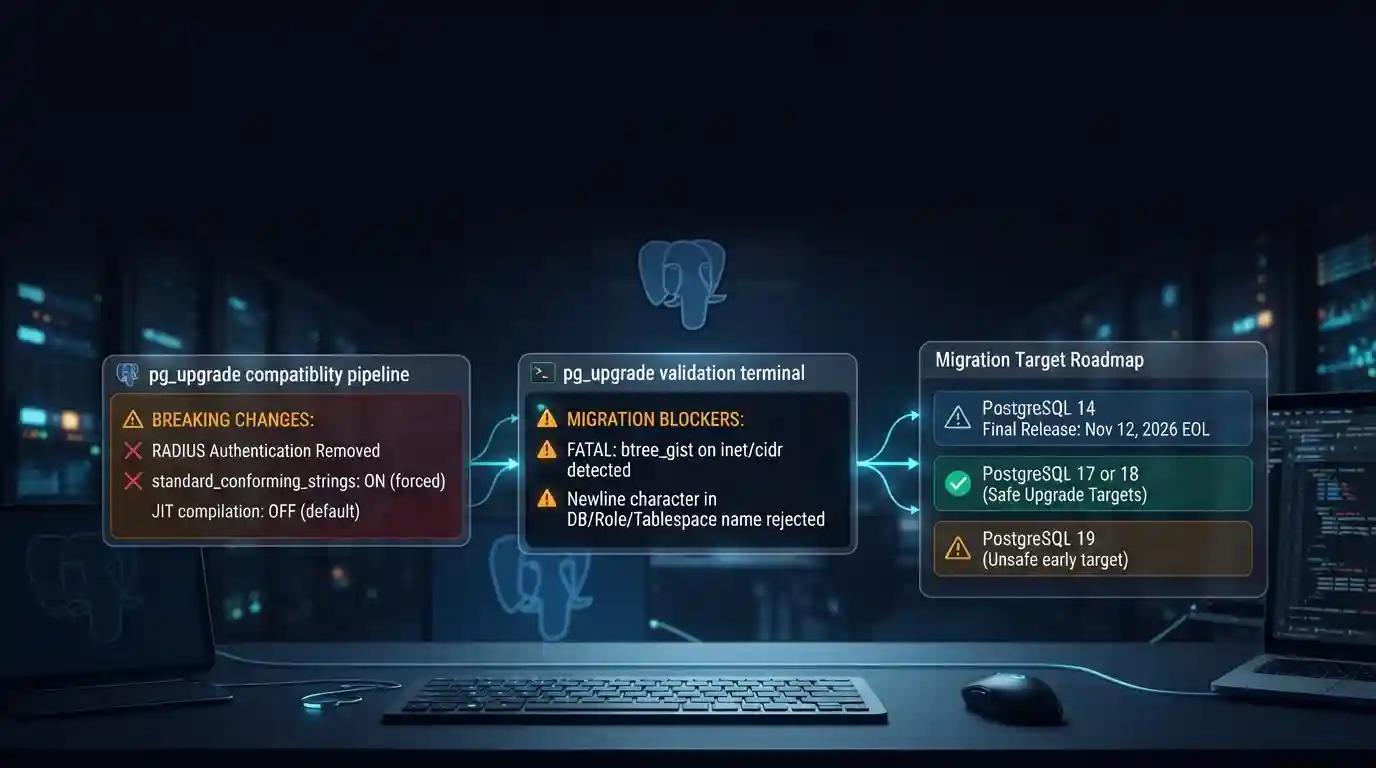
PostgreSQL 19 is not released yet, but its list of breaking changes is already fixed enough to check your cluster against. The PostgreSQL project released Beta 4 on September 24, 2026. It says the
Tue Sep 29 2026 · 6 min read · 0 views
Google Cloud decommissions Node.js 20 on October 30
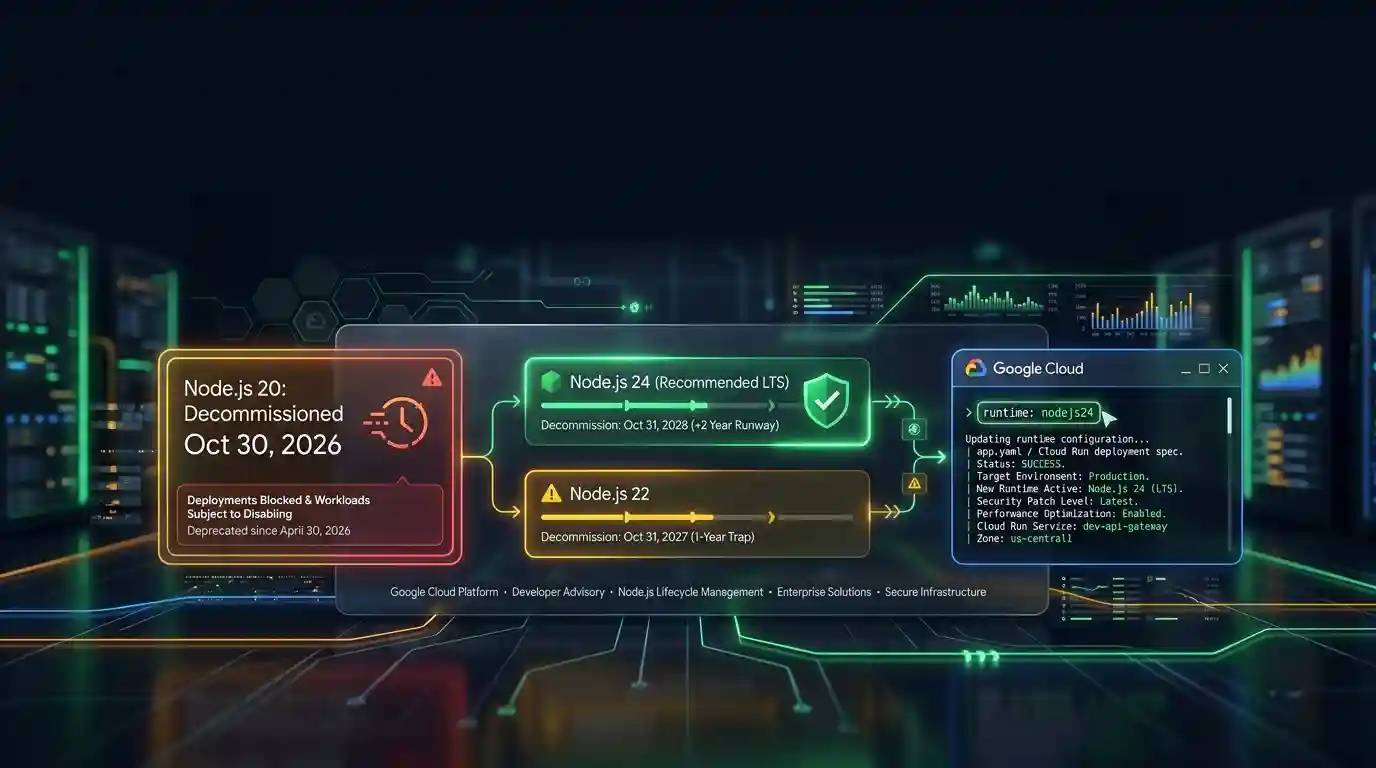
Google Cloud decommissions the Node.js 20 runtime on Cloud Run and Cloud Run functions on October 30, 2026. That is 31 days away. From that day you cannot create or redeploy a workload on it, and
Tue Sep 29 2026 · 6 min read · 0 views
Java 27 is not LTS: should you leave Java 25?
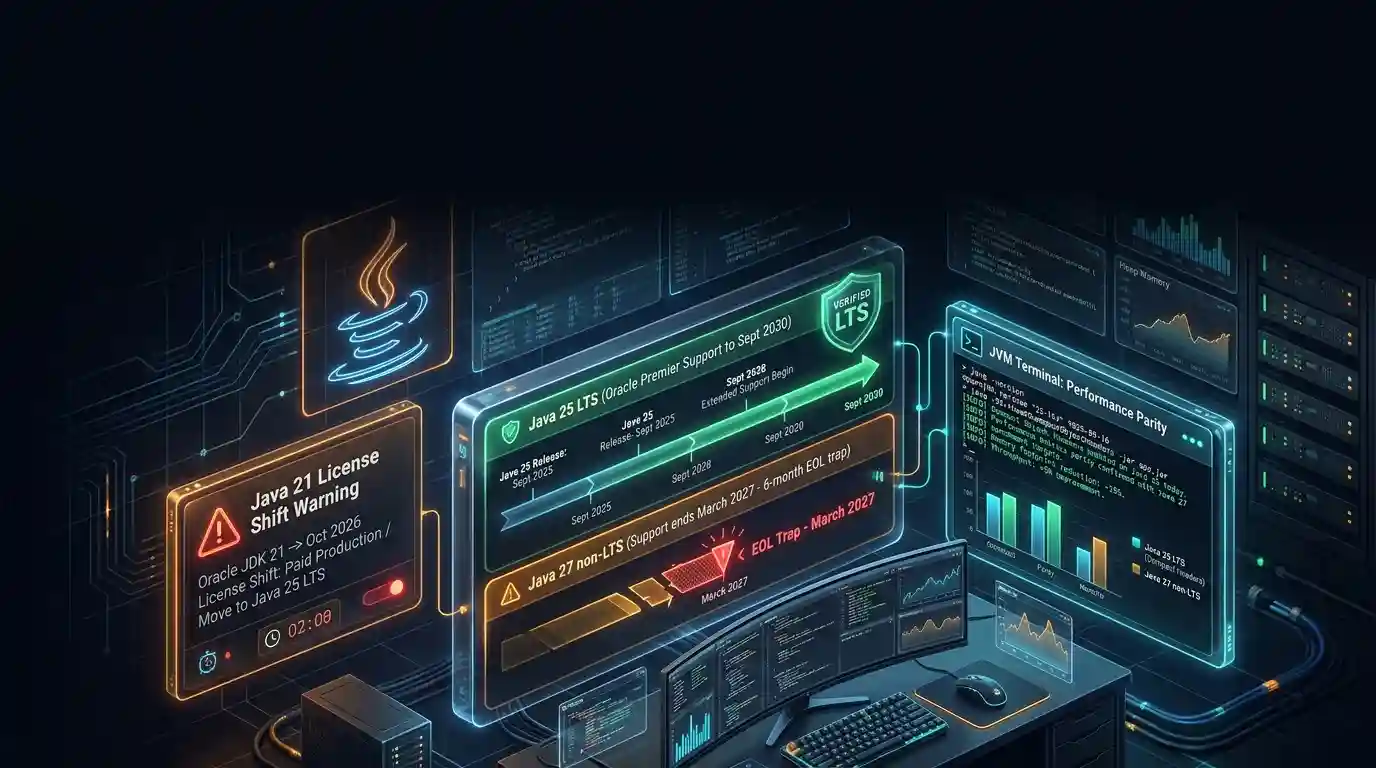
Java 27 shipped on September 15, 2026, and it is not a long-term-support release. Oracle says it will provide updates to JDK 27 until March 2027, when Oracle JDK 28 supersedes it. The next
Tue Sep 29 2026 · 6 min read · 0 views