Windows 10 security updates stop on October 13
By Nihar Ranjan Das · Fri Aug 21 2026 · 5 min read · 2 views
View as a Web StorySoftware#pc upgrade#windows 11#windows 10#esu#security updates#microsoft

Windows 10 security updates stop on October 13
Consumer Windows 10 security updates stop on October 13, 2026. That date ends the first and only year of the consumer Extended Security Updates program. Microsoft's Windows 10 ESU page is explicit that home users cannot buy a further year. Business licensing is a separate arrangement with a longer runway. That is why so much of the coverage disagrees with itself.
There is a second detail that changes what you should do this month. October 13, 2026 is both the last day security updates are delivered and the last day to enroll.
What is Windows 10 ESU, and what does it actually cover?
Extended Security Updates is a paid Microsoft program, shortened to ESU. It sends critical and important security patches after a Windows version leaves mainstream support. It delivers security fixes only. There are no new features, no other bug fixes, and no technical support, as Microsoft's ESU documentation sets out.
Windows 10 is the Microsoft desktop operating system released in 2015. Its mainstream support ended on October 14, 2025. ESU is the bridge offered after that date. For home users the bridge runs one year, and it ends this October.
Why enrolling in September is different from enrolling in July
Enrollment closes on the same day coverage ends. A Microsoft Q&A thread on when ESU enrollment closes is direct about it. Enrolling near October 13, 2026 buys updates only up to that date. There is no extension beyond it.
Consider what that means in practice. A household PC enrolled in September receives roughly one month of patches. The same PC enrolled a year ago received twelve. The program is not a rolling subscription that starts when you join, so the value of enrolling falls every week from here.
That settles a question people keep asking in support threads. No, a home user cannot keep paying yearly to stay on Windows 10. Microsoft's answer on whether consumer ESU can continue past 2026 has been consistent. The program ends.
The three exits, and what each one costs
| Exit | Cost | Who it suits |
|---|---|---|
| In-place upgrade to Windows 11 | Free with a licensed Windows 10 | PCs that pass the Windows 11 hardware check |
| Buy a new PC | Full retail price of a replacement machine | PCs blocked by the TPM or CPU requirement |
| Stay on Windows 10 unpatched | Nothing up front | Offline machines with no bank, email or work data |
Most people qualify for the first exit and skip it anyway. Upgrading to Windows 11 is free for a licensed Windows 10 device. Microsoft's advice is to check upgrade eligibility first. The upgrade keeps your files and apps, so the job is an evening, not a project.
The second exit is forced by hardware, not chosen. TPM 2.0 is a security chip that stores encryption keys, and Windows 11 requires it. It also requires a supported processor generation. Together those rules exclude a band of machines built around 2017 and 2018. Those PCs are otherwise fine. They will keep working. They simply cannot take the supported upgrade path, a point this ESU explainer makes as well.
The third exit fits a narrow case only. Think of a machine that drives a scanner, a synth or a lab instrument and never touches the internet. For anything used for banking, email or work, an unpatched desktop is the highest-value target on a home network.
Advertisement
How to decide in the next eight weeks
- Open Settings, then Windows Update, and check whether Windows 11 is offered on each Windows 10 PC you own.
- Run the PC Health Check tool on any machine that is not offered the upgrade, and note whether TPM 2.0 or the processor is the blocker.
- Back up before upgrading, because an in-place upgrade is reliable and a backup is still cheaper than the exception.
- For blocked machines, decide between replacement and retirement now rather than in October, when stock and prices respond to the deadline.
- Enroll in ESU only if the PC cannot be upgraded or replaced before October 13, 2026, and treat it as a bridge of weeks.
- Move anything sensitive off a machine you plan to keep unpatched, including saved browser passwords and email clients.
Step four is worth acting on early. The deadline lands in mid-October, just before the holiday buying season. Waiting means shopping when demand is highest.
Buyers weighing that timing will find the same argument in Should you buy a GPU now, or wait out 2026? — component pricing responds to deadlines and shortages long before the deadline arrives. And anyone nervous that a patch will break something should read KB5121003 is crashing games. Don't uninstall it. before deciding that skipping updates is the safer path.
Should you upgrade, replace, or ignore the deadline?
Upgrade if Windows Update offers Windows 11 on your machine. It is free, it is supported, and it ends the question permanently.
Replace if TPM 2.0 or the processor blocks the upgrade, and you use the PC for money, identity or work. A 2017 machine was due for replacement anyway. Buying before October avoids shopping into a deadline.
Ignore the deadline only for an offline machine with a specific job. Even then, write down the decision and the date. An unpatched Windows 10 PC that quietly rejoins a home network is how this ends badly.
Advertisement
FAQ
When exactly does Windows 10 stop getting security updates?
Consumer Extended Security Updates for Windows 10 end on October 13, 2026. After that date Microsoft sends no further security patches to home devices under the program. The operating system itself keeps running.
Can I pay for another year of Windows 10 ESU after 2026?
No. The consumer ESU program ends on October 13, 2026 and cannot be renewed by home users. Commercial ESU licensing follows a different schedule, which is why business guidance and consumer guidance often appear to conflict.
Is upgrading from Windows 10 to Windows 11 still free?
Yes. The in-place upgrade to Windows 11 remains free for devices with a licensed copy of Windows 10 that meet the hardware requirements, including TPM 2.0 and a supported processor.
What happens if my PC cannot run Windows 11?
The machine keeps working but stops receiving security patches after October 13, 2026. The choices are replacing it, repurposing it offline, or moving it to another operating system such as a Linux distribution.
Does enrolling in ESU in September 2026 still help?
Only slightly. Enrollment closes on October 13, 2026, the same day coverage ends, so a late enrollment delivers patches for the remaining weeks rather than for a full year.
Comments
Loading…
Sign in to join the conversation.
Related posts
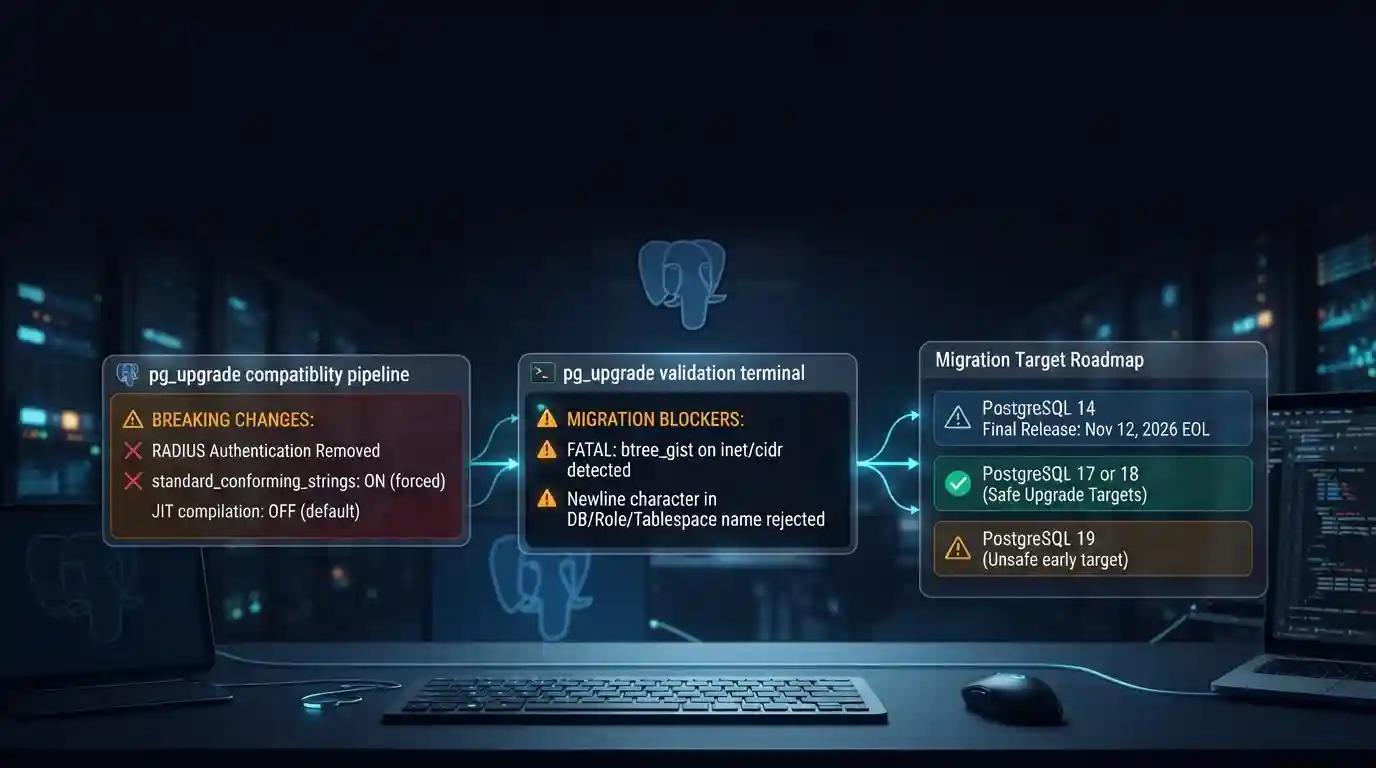
PostgreSQL 19 breaking changes to check before upgrading
PostgreSQL 19 is not released yet, but its list of breaking changes is already fixed enough to check your cluster against. The PostgreSQL project released Beta 4 on September 24, 2026. It says the
Tue Sep 29 2026 · 6 min read · 7 views
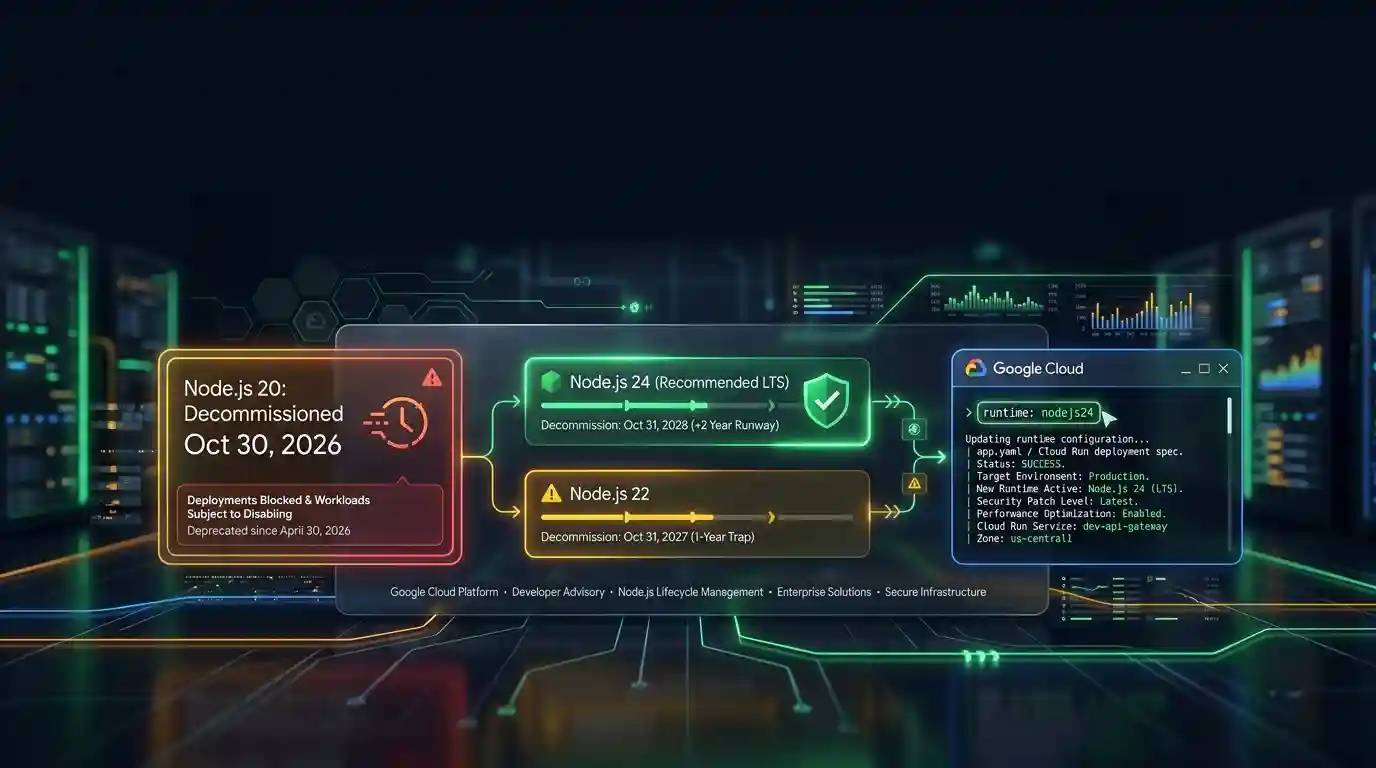
Google Cloud decommissions Node.js 20 on October 30
Google Cloud decommissions the Node.js 20 runtime on Cloud Run and Cloud Run functions on October 30, 2026. That is 31 days away. From that day you cannot create or redeploy a workload on it, and
Tue Sep 29 2026 · 6 min read · 6 views
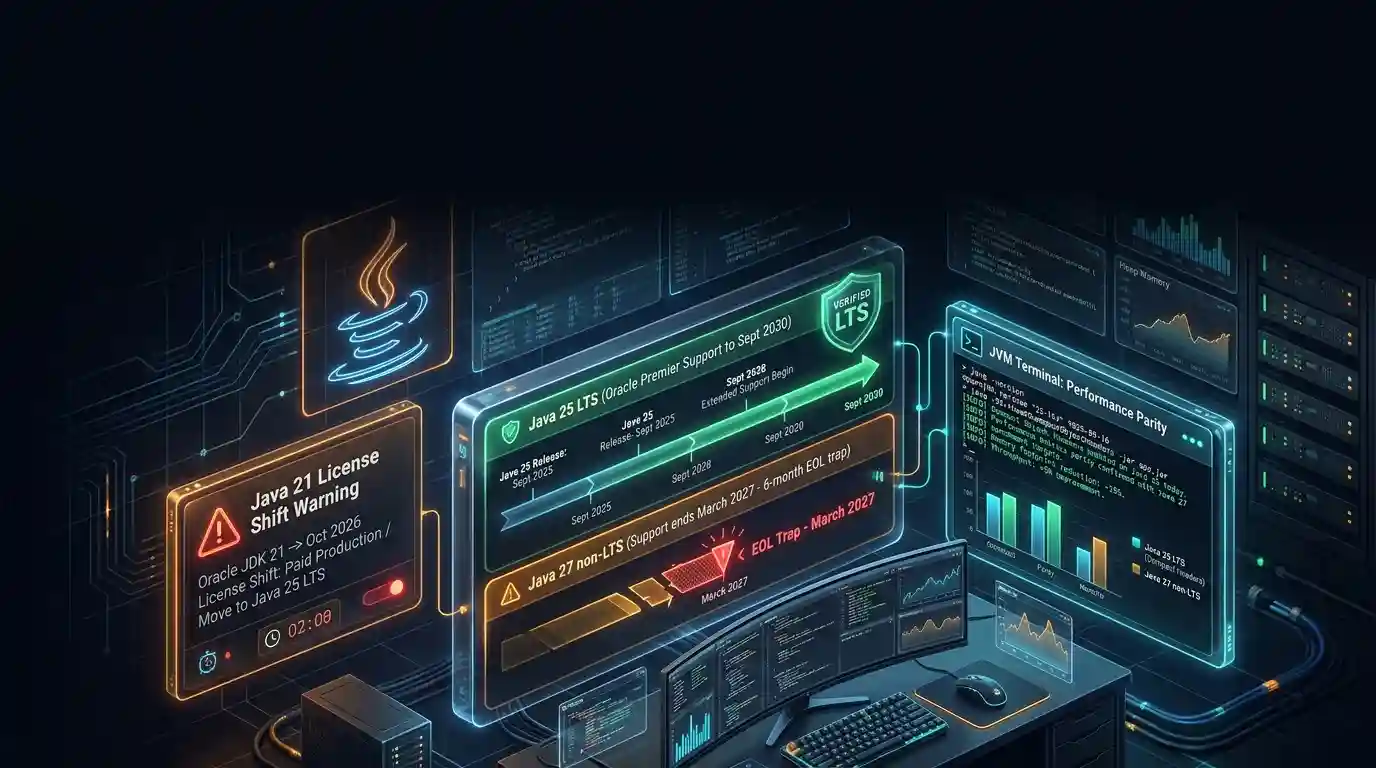
Java 27 is not LTS: should you leave Java 25?
Java 27 shipped on September 15, 2026, and it is not a long-term-support release. Oracle says it will provide updates to JDK 27 until March 2027, when Oracle JDK 28 supersedes it. The next
Tue Sep 29 2026 · 6 min read · 7 views