What gets a Claude connector rejected from the directory
By Nihar Ranjan Das · Sat Aug 22 2026 · 6 min read · 5 views
View as a Web StorySoftware#anthropic#mcp#claude#connectors#directory#review

Most guides to the Claude Connectors Directory explain how to submit. This one covers what fails. The triggers are published, exact, and easy to hit by accident. The most common one is a design choice many MCP servers ship on day one.
If your server exposes a single api_request tool with a method parameter, it will be rejected. Splitting it is not optional, and no amount of description text saves it.
You may not be able to submit at all
The portal lives in Claude.ai org settings. So your plan decides access before any code does. The Connectors Directory is Anthropic's reviewed listing of MCP servers that users can add in one click. The directory submission docs set out who may submit and what the portal collects.
You need a Team or Enterprise org. By default only Owners and Primary Owners can submit or manage a listing. On Enterprise, an Owner can hand that to a custom role. The role needs the Directory permission, or the wider Libraries one. Team plans have no custom roles, so it stays with Owners.
Desktop extensions are a separate path. An MCP Bundle (MCPB) is a local MCP server packaged for Claude Desktop, and it uses its own desktop extension submission form rather than the portal.
The tool design rules that fail review
Four rules in Anthropic's pre-submission checklist cause most tool-level rejects. Each is mechanical. You can check all four before a reviewer does.
- Split read from write. A tool that accepts GET, HEAD and OPTIONS alongside POST, PUT, PATCH or DELETE is rejected. Split writes further by action where you can: create, update, delete.
- Name the API in freeform query tools. If a tool takes endpoint paths or request bodies the caller builds, its description must name or link the target API. For example, "Queries the Slack Web API" with a link passes, while "Makes a request to the API" fails.
- Add hints to every tool. Each tool needs a
titleplusreadOnlyHint: trueordestructiveHint: true. - Keep tool names to 64 characters or fewer.
Servers often expose more than their authors meant to, as the release where MCP Adapter 0.6.0 exposes abilities you did not pick showed. That third rule is worth more than a checkbox. The hints drive auto-permissions in Claude. Read-only tools can run with no prompt each time. Write tools always ask first. Skip the hints and your connector is both non-compliant and slower to use.
Prompt injection language gets you rejected too
A tool description is read as an instruction, not as marketing. The rules sit on the same review criteria page. Anthropic rejects text that tells Claude to call software the user did not ask for. It also rejects text that blocks Claude from calling other tools, or that pulls behavior from an outside source.
Hidden or encoded text fails. So does text that tries to override system rules or push a product. The rule is short. Say what the tool does. Do not tell Claude how to act. It is the same class of risk as an AI agent that can infect the next one through AGENTS.md: instructions arrive as data and get followed.
Two more rules sit next to it. Do not take chat data beyond what the tool needs. Do not read Claude's memory, chat history, summaries or user files.
Advertisement
Two categories that are simply not accepted
Some connectors fail on subject, not on quality. Anthropic does not accept ones that move money, crypto or other assets. It does not accept ones that make images, video or audio with AI models.
One carve-out is worth knowing. Design tools that draw diagrams, charts or UI mockups are fine. The line falls at generated media, not at visual output as such.
Your server must call your own APIs, or ones you proxy with permission. The MCP server domain should match your service. Plugins face a harder rule. They must link a public GitHub repo, and closed source is out.
The asset specs people get wrong
An MCP App is an MCP server that draws its own UI inside Claude. If you submit one, the listing needs carousel screenshots. The specs are exact, and the rows below are where entries bounce.
| Asset or field | Requirement |
|---|---|
| Screenshots | PNG, at least 1000px wide, 3 to 5 images |
| Screenshot crop | The app response only, with the prompt excluded |
| Video or GIF | Not accepted |
| Server name | 100 characters maximum |
| Tagline | 55 characters maximum |
| Description | 2,000 characters maximum |
| Categories | One to five |
| URL slug | Permanent once published |
Aspect ratio is free. No mobile assets are needed. You send the prompt text for each shot as a separate field. Anthropic ships a carousel template in the MCP Apps Figma community file.
What the portal asks for, step by step
The portal runs to eleven steps. Your progress saves in the browser as you move. Have four things ready first: a docs URL, a privacy policy URL, an icon, and test account logins.
The steps run in this order: intro, connection, tools, listing, use cases, company, sign-in, data handling, test and launch, compliance, review. The tools step syncs from your live server. It sorts tools by whether the hints mark them read-only or write. Tools with no hints land in their own group. That is how a missing hint is caught before a human sees it.
Two steps trip people up. Test and launch needs steps good enough for a reviewer to drive your server end to end. That includes a login for a full, populated account. Compliance asks you to tick seven boxes. They cover directory rules, first-party API use, money transfers, AI media, prompt injection, chat data, and public docs. All seven are required.
Community listing now, verified later
Getting in is not the same as being vetted. Anthropic sets out the two labels in its connector verification docs. A new server is scanned by machine for policy issues. By default it lands as a community connector.
Anthropic may then move a listing it rates as useful into verified review. That path is slower and more hands-on. Each tool is reviewed by a person, not by a scanner. The move is picked by machine, so there is nothing to apply for. The label is a signal to users. It does not change how the connector runs.
Both labels face the same bar. A tool must return a real answer for valid inputs. A generic error, such as "Internal Server Error", fails. Answers should fit the task, not dump a whole table. Public documentation is required by your publish date, and a blog post or help-center article is enough. All listings must also comply with the Anthropic Software Directory Policy.
Should you submit at all?
Submit if you have three things: a Team or Enterprise org, your own API, and tools split by action. The listing is real reach. The work it asks for is work a good connector needs anyway.
Wait if any of three things is true. Your tools have no hints. Your server proxies an API you do not control. Or your only account is an individual plan. Fix those, then submit. Before you do, exercise every tool through the MCP Inspector and as a custom connector, and email mcp-review@anthropic.com if you need to escalate a stuck review. If a tool fails to connect during your own testing, our guide to when Claude cannot reach your MCP server covers the usual causes.
Advertisement
FAQ
Who can submit a connector to the Claude Connectors Directory?
Only members of a Team or Enterprise organization. The submission portal sits in Claude.ai organization settings, and by default only Owners and Primary Owners have access. Enterprise Owners can delegate through a custom role with the Directory or Libraries permission.
Why was my MCP server rejected from the Connectors Directory?
The most common causes are a catch-all tool that mixes read and write methods, tools missing a `title` and a `readOnlyHint` or `destructiveHint` annotation, a missing privacy policy, generic error responses, or descriptions that instruct Claude rather than describe the tool.
Do Claude connector tools need annotations?
Yes. Every tool must include a `title` and the applicable hint. Read-only tools use `readOnlyHint: true` and can run without a per-call confirmation. Tools that modify or delete data use `destructiveHint: true` and always prompt the user.
How long does Claude connector review take?
Anthropic does not publish a fixed turnaround. Review times vary with queue volume, and the portal stays open. Track status and reviewer feedback in the submissions dashboard, and use the review contact address for escalations.
What is the difference between a community and a verified connector?
Community is the default listing after an automatic policy scan. Verified is a higher-touch review that Anthropic escalates to on its own assessment, where reviewers functionally test every tool. Both must meet the same criteria, and the label does not change how the connector behaves.
Comments
Loading…
Sign in to join the conversation.
Related posts
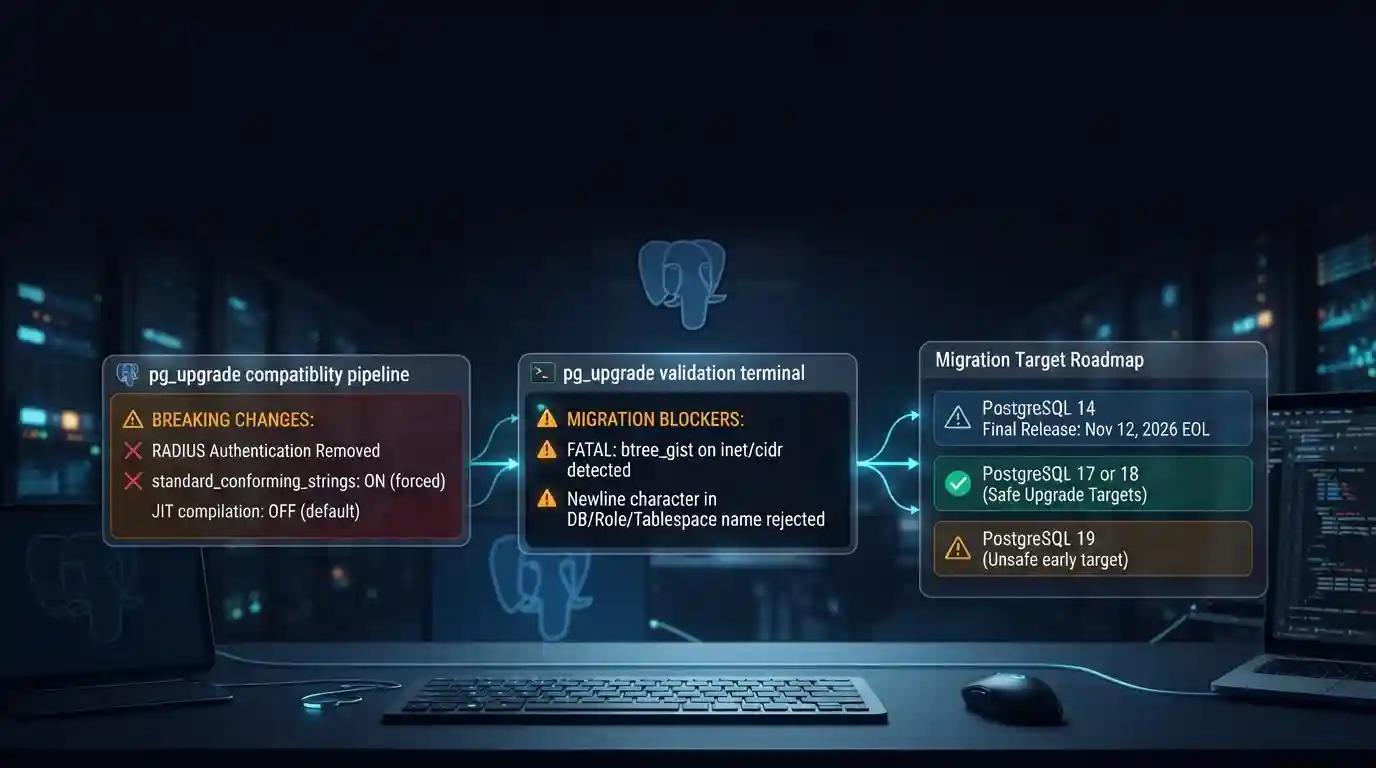
PostgreSQL 19 breaking changes to check before upgrading
PostgreSQL 19 is not released yet, but its list of breaking changes is already fixed enough to check your cluster against. The PostgreSQL project released Beta 4 on September 24, 2026. It says the
Tue Sep 29 2026 · 6 min read · 7 views
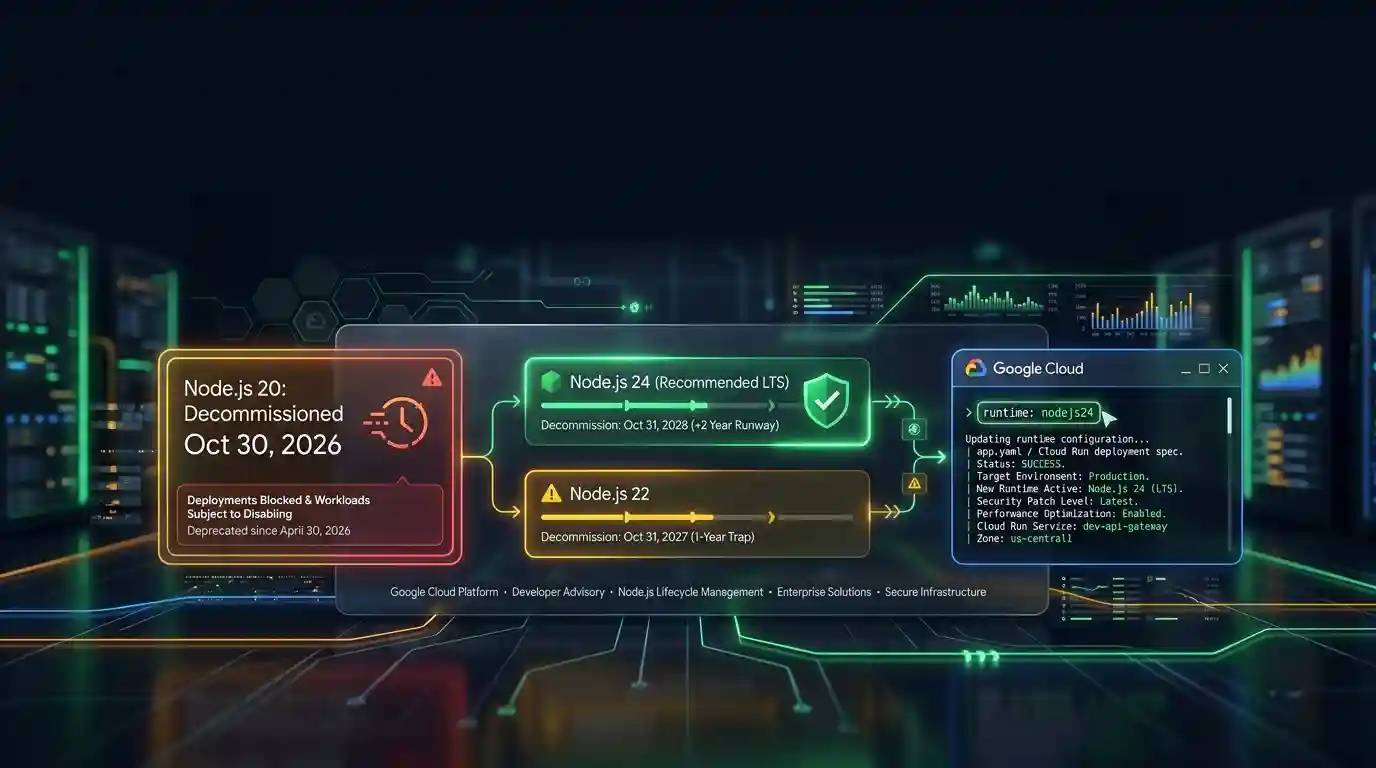
Google Cloud decommissions Node.js 20 on October 30
Google Cloud decommissions the Node.js 20 runtime on Cloud Run and Cloud Run functions on October 30, 2026. That is 31 days away. From that day you cannot create or redeploy a workload on it, and
Tue Sep 29 2026 · 6 min read · 6 views
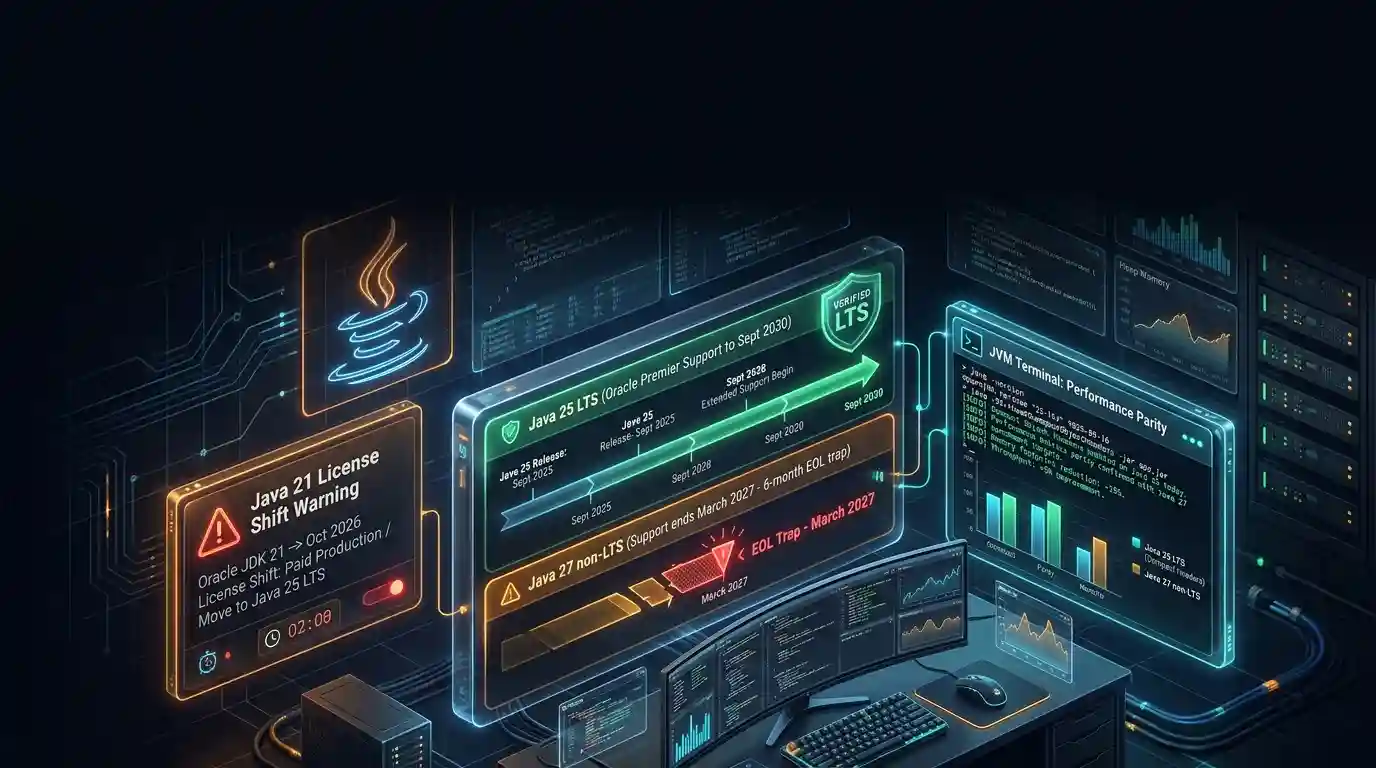
Java 27 is not LTS: should you leave Java 25?
Java 27 shipped on September 15, 2026, and it is not a long-term-support release. Oracle says it will provide updates to JDK 27 until March 2027, when Oracle JDK 28 supersedes it. The next
Tue Sep 29 2026 · 6 min read · 10 views