Are passkeys still safe after Pass-ta-key?
By Nihar Ranjan Das · Wed Aug 12 2026 · 6 min read · 7 views
View as a Web StorySoftware#chrome#passkeys#security#google-password-manager#windows#authentication
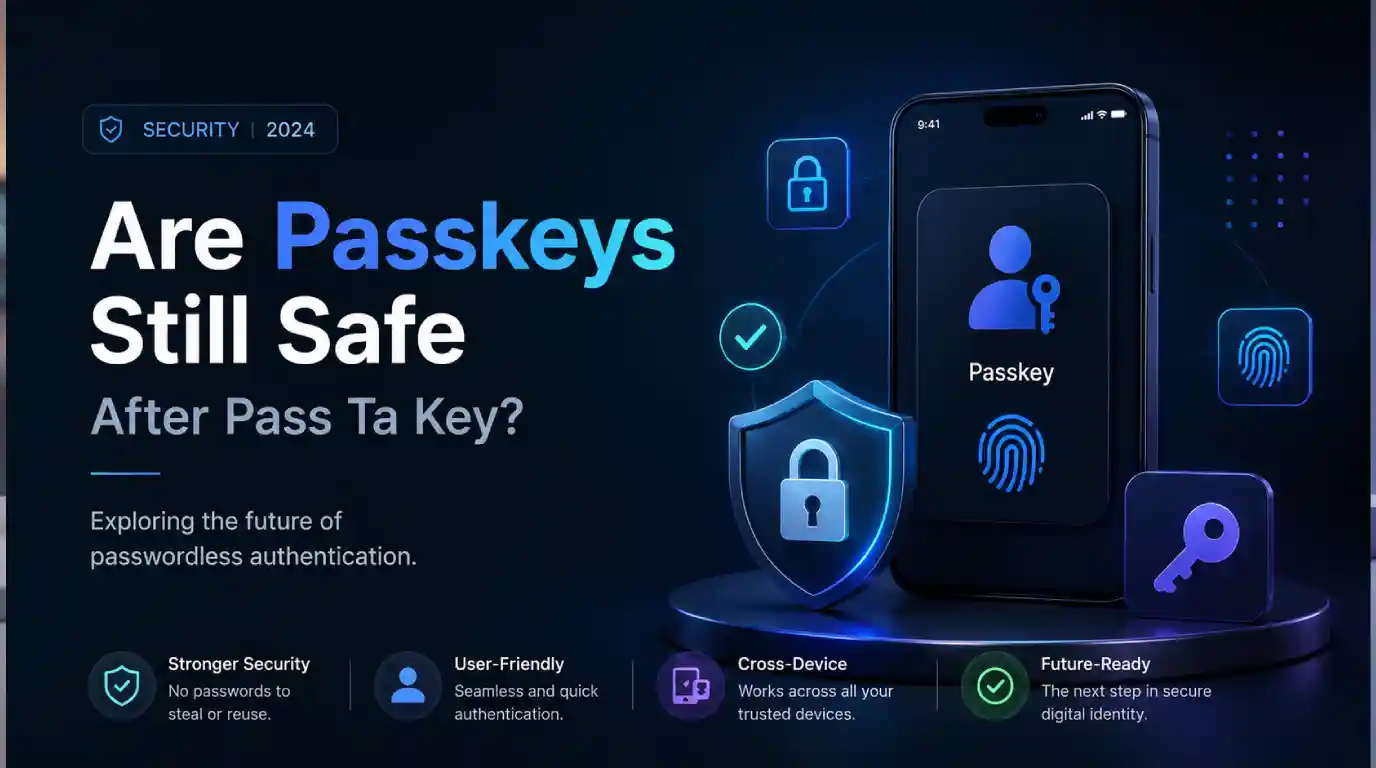
Passkeys are still safer than passwords. That is the answer, and the research behind the scary headlines says so too. On 3 August 2026, Palo Alto Networks' Unit 42 published three techniques that let malware take over accounts protected by Google-synced passkeys. No fingerprint, no PIN, and no prompt on screen. The coverage that followed skipped the part readers need: exactly who is exposed, and what to change. The real scope is narrow. The fix is cheap. The standard itself is not broken.
What Pass-ta-key actually is
A passkey is a key pair that replaces a password. The private half stays on your device or in a synced store, and the site only ever sees a signature.
Unit 42 named three variants, not four. Several outlets reported a fourth, including 9to5Google. The research describes three (Unit 42, 3 August 2026).
Pass-ta-key. Malware extracts Chrome's device identity key and uses it to sign a request. No admin rights, no device unlock, no user action.
Silver Pass-ta-key. The attacker forces Chrome to re-register the device. They then register their own user-verification key with Google's cloud authenticator. Afterwards they can sign in from their own machine, and the cloud authenticator believes a fingerprint check happened.
Golden Pass-ta-key. The attacker pulls the Security Domain Secret out of Chrome's process memory during onboarding. The Security Domain Secret is a 32-byte master key that protects every synced passkey. With it, they all decrypt. This is the variant that turns one infection into a saleable bundle (BleepingComputer, 3 August 2026).
The target is not the passkey file on disk. It is the Google Cloud Authenticator behind Google Password Manager, and the trust it puts in a device that malware is now imitating (The Hacker News, August 2026).
Who is actually affected
This is the question the coverage left open. Here it is against the research's own stated scope.
| Setup | Status |
|---|---|
| Chrome on Windows with a TPM, Google Password Manager | Affected. This is what Unit 42 tested |
| Chrome on macOS | Not tested |
| Android, iOS | Not tested |
| Apple iCloud Keychain, 1Password, other managers | Not tested |
| Hardware security key | Not applicable. Device-bound credentials never sync |
What this post adds: read the middle rows precisely. "Not tested" is not "safe". Unit 42 limited its work to Chrome on Windows with a TPM and said so. The attacks exploit how one sync system establishes device trust, so they do not transfer mechanically to another vendor's design. But nobody has published the same audit of Apple's or 1Password's. Treating untested as proven secure is how the next headline gets written.
The prerequisite that changes everything
Every variant needs malware already running on the machine. Unit 42 states it plainly: all presented attacks rely on malware already existing on the victim's device during the initial stage.
Advertisement
That one condition sets the risk correctly. This is not a flaw in WebAuthn or FIDO2. An attacker cannot do it to you over the web, through a phishing page, or from a bad link alone. It is a post-compromise problem. An infostealer is malware that harvests saved credentials from a machine it already controls, and that is the realistic delivery route here.
Compare that to passwords on the same infected PC. An infostealer takes those instantly, along with your session cookies. Phishing takes them with no malware at all. Passkeys remove phishing as an attack path entirely, and Pass-ta-key does not put it back.
One genuine regression is worth naming. Chrome stores synced passkey metadata locally in readable form. That hands malware a directory of every service where you use a passkey. It is reconnaissance the attacker did not previously get for free. Readers who followed how the keyv npm attack reached VS Code and Claude Code will recognise the shape: the primitive works, the plumbing around it leaks.
What Google fixed and what it did not
After disclosure, Google removed the Security Domain Secret from Chrome's logging output. That closes the easiest path to it.
The secret still passes through process memory during device onboarding and account recovery. That is where Golden Pass-ta-key reads it. So the loudest variant is harder now, not gone.
Anyone waiting for a patch that ends this class of attack is waiting for a redesign of how synced passkeys bootstrap trust. That is not a version bump, and Chrome ships a lot of those, as the Chrome security update numbers show.
What to change today
Ordered by how much they help.
1. Add a hardware security key to your important accounts. A device-bound credential is a passkey that never leaves the hardware it was created on. It never syncs, never enters Chrome's enclave state, and cannot be read from process memory. Unit 42 recommends exactly this. For email, your password manager and your bank, it defeats all three variants. Buy two and register both, so losing one is not a lockout.
2. Treat unexpected recovery PIN prompts as an alarm. Silver and Golden both need a re-registration flow. If Chrome asks you to re-enter a recovery PIN for a device you did not touch, stop and investigate.
3. Avoid needless re-registration. Onboarding is when the master secret sits in memory. Fewer re-registrations, fewer windows.
4. Keep endpoint protection real. Every attack here starts with malware. It is the precondition, not a footnote.
5. If you run a service, validate the User Verified flag strictly. The basic variant fails against sites that check it properly. Many do not. The same lesson runs through a GitHub issue that could hijack Claude Code and Gemini CLI: trusting a flag you did not verify is the bug.
Should you turn passkeys off?
No. Going back to passwords trades a post-compromise risk on Windows for a permanent, remote, no-malware-required risk everywhere. That is a worse deal in every direction.
The useful read is narrower. Synced passkeys are a convenience feature with a trust boundary, and the boundary is whether your device is clean. If it is, sync works as advertised. If it is not, sync is what spreads the damage. One hardware key on the accounts that unlock everything else puts those credentials outside that boundary. If you are weighing how much a vendor's convenience layer really costs you, the same question applies to whether root-level Linux bugs deserve your attention.
The short version
Three variants, not four. Chrome on Windows with a TPM, using Google Password Manager. Malware must already be on the machine. Other platforms and password managers were not tested, rather than cleared. Google removed the master secret from logs, but it remains in memory during onboarding. Passkeys still beat passwords, and a hardware key on your critical accounts closes the gap for about the price of a takeaway.
Advertisement
FAQ
Should I stop using passkeys after Pass-ta-key?
No. The attacks need malware already on your Windows PC, while passwords remain vulnerable to phishing with no malware at all. Passkeys still remove phishing as an attack path entirely.
Which devices are affected by the Pass-ta-key attacks?
Unit 42 tested Google Chrome on Windows machines with a TPM, using Google Password Manager. macOS, Android, iOS and other password managers such as Apple iCloud Keychain and 1Password were not tested, so their status is unverified rather than confirmed safe.
Do hardware security keys stop Pass-ta-key attacks?
Yes. A device-bound credential on a hardware key never syncs, never enters Chrome's enclave state, and cannot be recovered from process memory. Unit 42 recommends hardware keys as supplementary authentication.
Has Google fixed the passkey vulnerability?
Partly. Google removed the Security Domain Secret from Chrome's logging output after disclosure, but the secret still passes through process memory during device onboarding, which is where the Golden Pass-ta-key variant reads it.
What is the Golden Pass-ta-key attack?
It extracts the Security Domain Secret, a 32-byte master key, from Chrome's process memory during onboarding. With that key an attacker can decrypt every synced passkey, turning one infected machine into a bundle of credentials.
Comments
Loading…
Sign in to join the conversation.
Related posts
Is your Next.js app exposed to CVE-2026-94545?
Your Next.js app is exposed to CVE-2026-94545 only if three things are true. It runs Next.js 16.2.0 through 16.3.5, it calls ImageResponse from next/og on the Node.js runtime, and untrusted input can
Fri Sep 25 2026 · 6 min read · 2 views
X API bills per post now. A link costs 13x more.
X's pay-per-use API charges $0.015 per post and $0.20 per post with a link. See what Basic and Pro users pay and where the old tiers break even.
Thu Sep 24 2026 · 5 min read · 1 views
Windows 11 24H2 stops getting updates Oct 13. Are you on it?
Windows 11 24H2 Home and Pro reach end of updates on Oct 13, 2026. Check your version in 30 seconds and move to 25H2 with one restart.
Thu Sep 24 2026 · 4 min read · 1 views