How the keyv npm attack reached VS Code and Claude Code
By Nihar Ranjan Das · Wed Aug 05 2026 · 5 min read · 15 views
View as a Web StorySoftware#npm#supply chain security#shai-hulud#keyv#developer tools#vs code#claude code
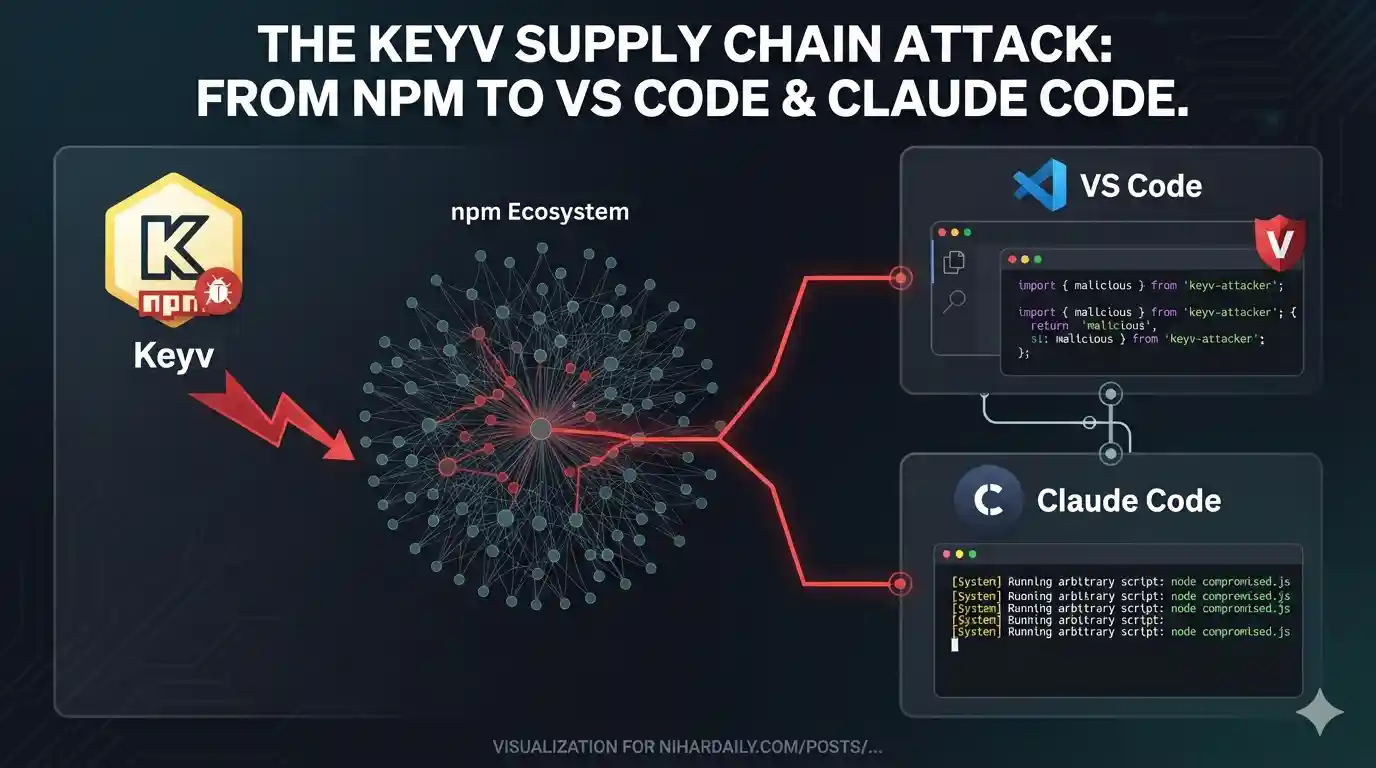
On Tuesday morning a caching library most developers have never thought about became the fastest-moving malware delivery system on the internet. A poisoned release of keyv went up at 09:35 UTC. Within roughly half an hour it had spread to more than 400 npm packages.
That part has been covered widely. Two details have not, and they are the ones that matter.
The first is that the malicious release passed npm's signing checks. The second is that the payload did not stop at stealing tokens. It reached into the code editor and wrote itself into VS Code and Claude Code.
What actually happened on 4 August
Attackers compromised a maintainer account on GitHub. They then published keyv@6.0.0 along with ten related packages, according to Datadog's incident writeup.
Each poisoned package carried a hidden preinstall script. That script pulled down a bundle of 727,680 bytes, or about 728 KB. The bundle swept the machine for GitHub tokens, cloud credentials, private keys, and database connection strings.
Then it republished itself through any credentials it found. That is what makes this a worm rather than a single bad package.
The confirmed footprint is 2,234 poisoned versions across 444 package names, as tracked by SafeDep. Twelve unrelated organisations were caught up in it.
The reach is larger than the names suggest. Four of the affected packages alone draw about 1,877 million downloads a month. Two of them, flat-cache and file-entry-cache, ship inside ESLint. That pulls in projects which never added any of this on purpose.
Shai-Hulud is the malware family this payload descends from. It first hit npm in September 2025, when CISA issued an alert about a self-replicating worm that had compromised over 500 packages. The technique is not new. The delivery is faster now.
Why the signing checks did not help
This is the uncomfortable part. For two years the standard advice for supply chain safety has pointed at provenance. Verify the attestation. Prefer packages published through trusted CI.
Advertisement
The poisoned keyv releases had all of that.
npm provenance is a cryptographic record linking a published package back to the exact CI run and source commit that built it. It is meant to prove a human did not hand-upload something strange from a laptop.
Here the attacker did not need to. They took over the maintainer's GitHub account and published through the legitimate GitHub Actions pipeline. The attestation was truthful. It said the package came from the real repository, built by the real workflow. It just could not say the person who triggered it was not the maintainer.
Wiz's analysis makes the same point about the trusted-publisher path. Provenance proves origin. It does not prove intent.
For example, a lockfile audit that only checks whether a package is signed would have waved this through. So would a policy that allows any version from a publisher with a clean history.
The part that targets your AI coding tools
Most coverage stopped at credential theft. The payload went further.
Alongside the usual token harvesting, it wrote into two files developers rarely audit. The Hacker News documented both: a SessionStart hook in .claude/settings.json, and an Environment Setup task in .vscode/tasks.json set to run on folder open.
The two are cross-wired, which is the neat part. The Claude Code hook calls a script in the .vscode directory. The VS Code task calls a script in the .claude directory. Anyone auditing one tool in isolation sees a reference to the other and may assume it is legitimate.
Neither fires on its own. VS Code blocks automatic tasks in an untrusted workspace, and Claude Code applies workspace trust to project settings supplied by a repository. Both wait for the developer to trust the folder.
That trigger is well chosen. Trusting a workspace is a routine click. It happens after the install, often days later, and nobody connects it to a package update. The gap between trusting a folder and something running inside it is also narrowing: Claude Code made auto mode the default for new sessions on August 14, so fewer actions stop for a prompt at all.
A hook is a command an editor or agent runs automatically at a defined moment, such as opening a folder or starting a session. It is a legitimate feature. It is also an ideal hiding place, because clearing node_modules and reinstalling does not touch it.
Consider what that means for cleanup. Rotating your tokens and deleting the bad package versions is the obvious response. If the hooks are still sitting in your editor config, the machine is still compromised.
What to do if you installed anything on Tuesday
Work through these in order. The editor step is the one most teams will skip.
| Step | What to check | Why it matters |
|---|---|---|
| 1 | Lockfiles for keyv, cacheable, and related packages resolved on 4 August |
Identifies whether you pulled a poisoned version at all |
| 2 | GitHub personal access tokens, npm tokens, and cloud keys | These were the payload's primary target |
| 3 | .vscode/tasks.json for a task set to run on folder open |
Survives a clean reinstall of dependencies |
| 4 | .claude/settings.json for a SessionStart hook you did not add |
Same persistence path, less commonly audited |
| 5 | Your own published packages for versions you did not release | The worm republishes through stolen credentials |
Aikido's advisory lists the affected package names in full. Check against it rather than from memory, because the list grew through the day.
If you rotate credentials, rotate them from a machine you know is clean. Rotating from a compromised laptop hands the attacker the new keys. Moving those logins to passkeys raises the floor but does not clear this bar either — Unit 42's Pass-ta-key research shows what malware already resident on a machine can do to a synced passkey.
The broader lesson for automated toolchains
The optimistic version of this story is Chrome Security Update AI: 1,072 Bugs, Then 1,442, where automated bug hunting kept surfacing real flaws faster than humans could. This week is the same capability pointed the other way. Automation that makes development fast also makes a compromise spread in thirty minutes rather than thirty days. Meta's Muse Spark 1.1 reaching into a real company's systems during an evaluation is the same shape once more: the guardrail was supposed to be the environment, and the environment was set up wrong.
The same tension shows up in Can AI Agents Run a Business? It Lost $447. Once a process runs without a human in the loop, its failure modes stop being human-paced. A worm that republishes itself through stolen CI credentials does not wait for anyone to wake up.
The practical takeaway is narrow. Treat your editor and agent configuration as part of your dependency attack surface. Right now, almost nobody does.
Advertisement
FAQ
Was keyv itself malicious?
No. The `keyv` project was the victim. An attacker compromised a maintainer's GitHub account and published poisoned versions under the real project name.
Does npm provenance still mean anything?
Yes, but it answers a narrower question than many teams assume. It proves a package came from a specific repository and workflow. It cannot prove the account that triggered that workflow was not stolen.
How do I know if the editor hooks are on my machine?
Look in `.vscode/tasks.json` for a task that runs on folder open, and in `.claude/settings.json` for a `SessionStart` hook. Reinstalling dependencies removes neither.
Which versions were affected?
Roughly 2,234 versions across 444 package names, spanning twelve organisations. The vendor advisories linked above carry the current list, which changed repeatedly during the first day.
Is the attack over?
The initial burst was contained within hours. The credentials it stole are not automatically invalidated, so the follow-on risk continues until affected teams finish rotating.
Comments
Loading…
Sign in to join the conversation.
Related posts
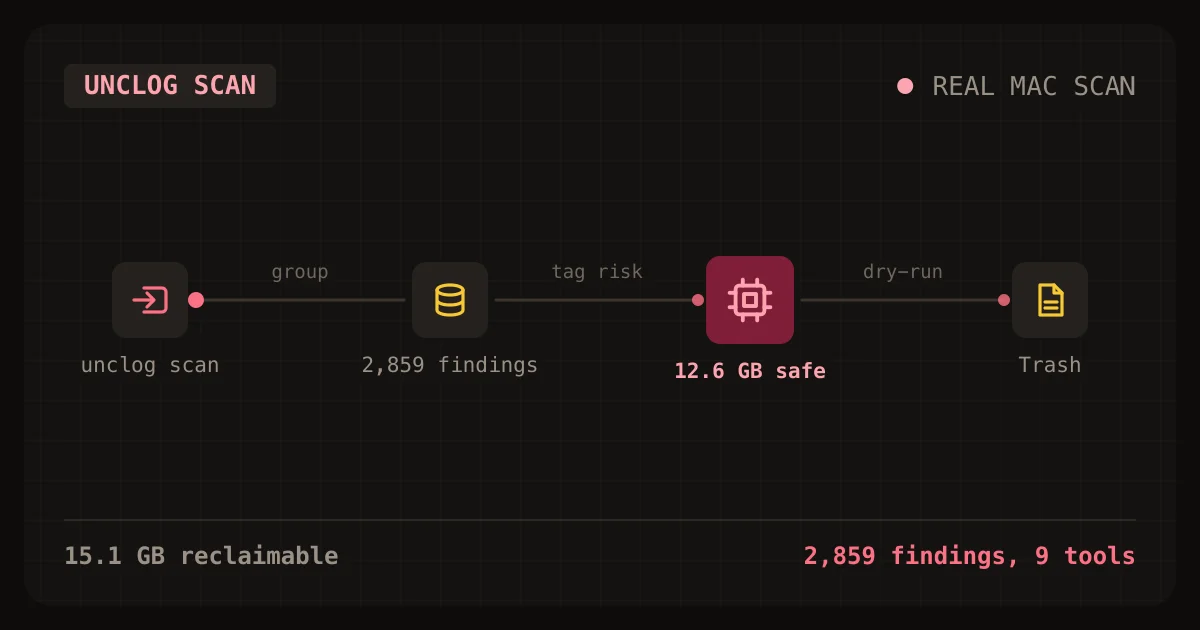
AI coding tools hid 15 GB on my Mac. unclog found it
unclog is a free CLI that finds the caches, logs and orphaned processes AI coding tools leave behind. Here is how to install and use it.
Wed Oct 28 2026 · 11 min read · 3 views
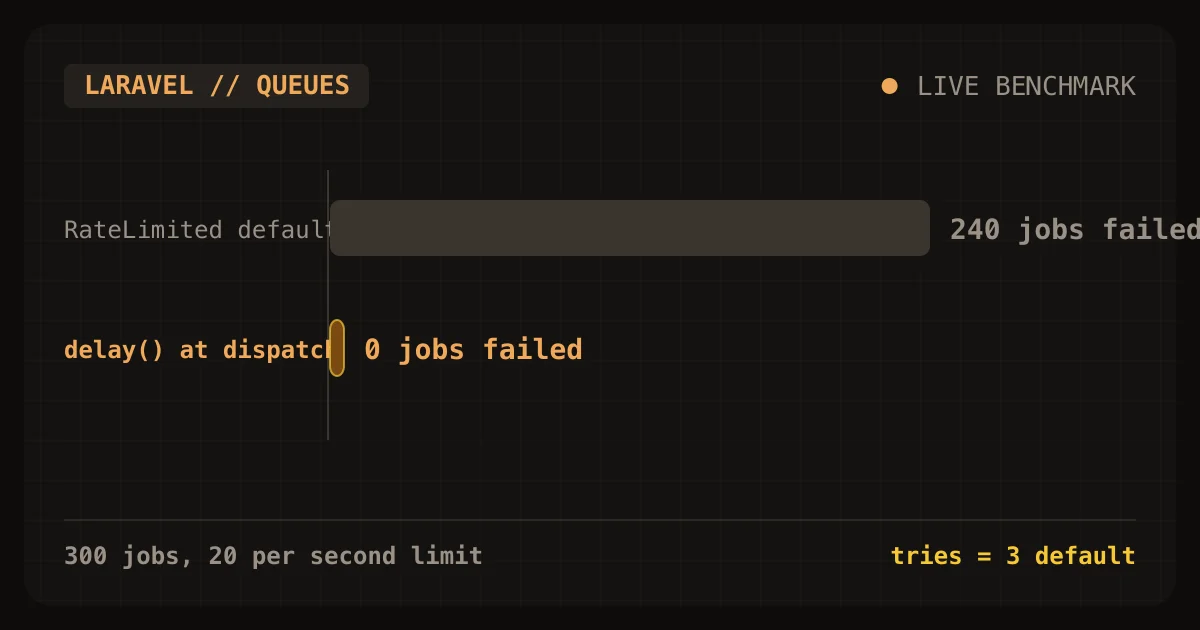
Laravel's RateLimited job middleware failed 240 of 300 jobs
Laravel's RateLimited job middleware protected a small tenant from a noisy one, and it also failed 240 of the noisy tenant's 300 jobs. In my lab, a limit of 20 jobs per second kept the small tenant's
Sat Oct 24 2026 · 9 min read · 1 views
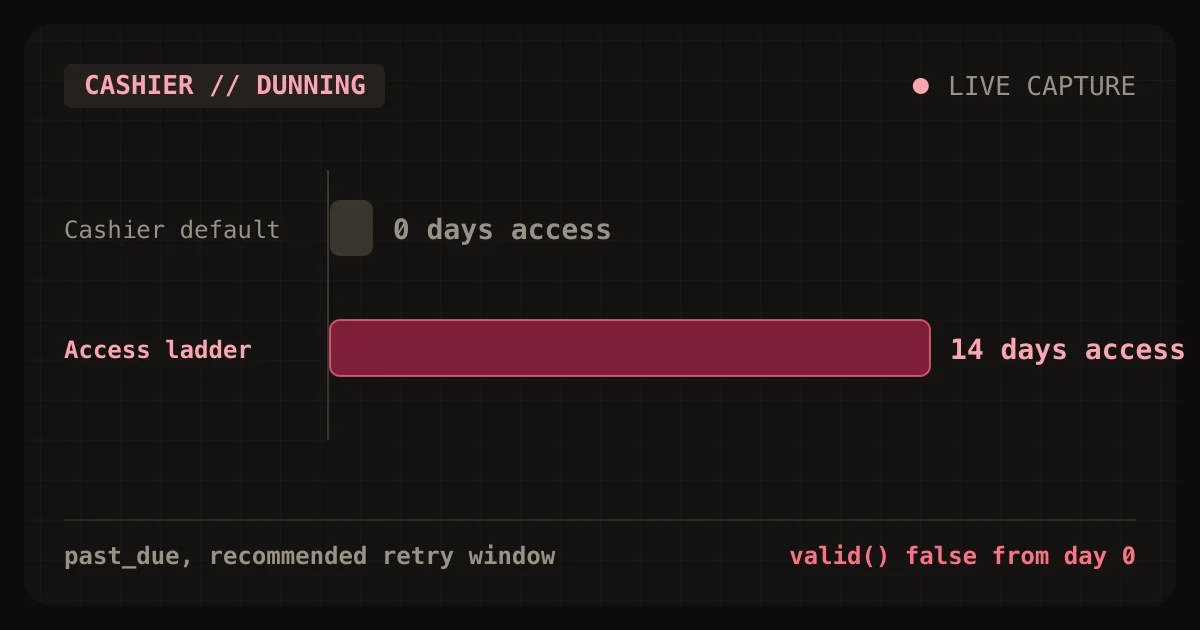
Cashier locks customers out on day 0 of the retry window
Laravel Cashier locks customers out on day 0 of Stripe's retry window. The first failed renewal moves a subscription to pastdue, and Cashier's valid() returns false from that moment. Stripe's
Sat Oct 24 2026 · 9 min read · 1 views