Your MCP connector spends context before you type
By Nihar Ranjan Das · Sat Aug 22 2026 · 6 min read · 6 views
View as a Web StoryAISoftware#claude code#mcp#tokens#claude#connectors#context

The advice you have read about MCP context cost is out of date. The old rule was simple. Every tool you connect gets injected up front, so a big connector spends a chunk of the window before you type a word. That is no longer true by default.
Tool search now ships on by default in Claude Code. Only tool names and server instructions load at the start of a session. The costs that remain are different, smaller, and easy to get wrong. They still matter, because your AI agent gets worse long before the context fills.
What tool search changed
The Model Context Protocol (MCP) is the open standard Claude uses to talk to outside tools, and a connector is one such server that a user adds to Claude. Tool search is a Claude Code feature that defers MCP tool definitions until Claude needs them. At session start it loads only tool names and each server's instructions. The full schema arrives when a tool is actually searched for.
Anthropic's Claude Code MCP reference is direct about the effect: adding more MCP servers has minimal impact on your context window, and there is no fixed per-server tool cap. The practical limit is your context budget.
That kills the old workaround culture. Splitting a server into three domain servers, or disconnecting servers you are not using this session, solved a problem that the client now solves for you. It is worth checking rather than assuming. Tool search needs a model that supports tool_reference blocks, such as Claude Sonnet 4.5, Haiku 4.5, Opus 4.5 and later. The tool search tool docs list current model support.
When tools still load up front
Tool search is on unless something turns it off, and several conditions do. Knowing them saves you from debugging a context problem that has a config cause.
| Setting or condition | What happens |
|---|---|
ENABLE_TOOL_SEARCH unset |
Tools deferred and loaded on demand |
ENABLE_TOOL_SEARCH=auto |
Loaded up front until definitions hit ten percent of the window, then deferred |
ENABLE_TOOL_SEARCH=auto:5 |
Same, with a five percent threshold |
ENABLE_TOOL_SEARCH=false |
All tools loaded up front |
ANTHROPIC_BASE_URL on a non-first-party host |
Deferral off, since most proxies drop tool_reference blocks |
| Microsoft Foundry on Azure | Server-side rejection forces up-front loading |
CLAUDE_CODE_DISABLE_EXPERIMENTAL_BETAS also keeps tool search off, and you cannot override that by setting ENABLE_TOOL_SEARCH yourself. The Claude Code environment variable reference lists both. If your team runs Claude through a gateway, that proxy line is the one to check first.
You can also opt a server out on purpose. Setting alwaysLoad: true in a server's .mcp.json entry loads all its tools at session start, whatever the global setting says:
{
  "mcpServers": {
    "core-tools": {
      "type": "http",
      "url": "https://mcp.example.com/mcp",
      "alwaysLoad": true
    }
  }
}
alwaysLoad is a per-server flag that exempts one server from deferral. Use it sparingly. Each up-front tool spends context that the conversation could use, and alwaysLoad makes startup wait for that server, capped at the five-second connect timeout. A server can also mark one tool as always loaded with "anthropic/alwaysLoad": true in the tool's _meta object.
The 2KB budget nobody mentions
Here is the constraint that catches connector authors: Claude Code truncates tool descriptions and server instructions at 2KB each. Write past that and the tail is cut, silently.
Advertisement
With tool search enabled, server instructions matter more than they used to. They tell Claude when to go looking for your tools, in the same way an agent skill description works. A good instructions block names the category of task the tools handle, when Claude should search for them, and the key capabilities on offer.
Two habits follow from the 2KB cap:
- Put the decisive detail in the first sentence of each description, not after a preamble.
- Keep parameter documentation in the schema, where it belongs, rather than restating it in prose.
Tool output has its own ceiling
Input side aside, the output side has hard numbers. Claude Code warns when any MCP tool output exceeds 10,000 tokens and caps output at 25,000 tokens by default. The warning threshold is fixed. The cap is not:
export MAX_MCP_OUTPUT_TOKENS=50000
claude
The MCP output limits section sets out both numbers. Server authors have a better option than asking every user to set an environment variable. A tool can declare anthropic/maxResultSizeChars in its metadata, and Claude Code uses that value for the tool's text content regardless of what MAX_MCP_OUTPUT_TOKENS says. Tools that return image data stay subject to the token limit, so the annotation does not help there.
That split matters when you design responses. For example, a log search tool that can return a megabyte of matches should paginate and declare its own limit, rather than relying on a user to notice a truncation warning. If you do not control the server, contact its author and ask for the annotation or for pagination.
Timeouts you should set on purpose
Context is one budget. Time is the other, and the defaults are surprising in both directions. Cache behavior is a third, which is why agent memory that does not wreck your prompt cache is worth designing for at the same time.
MCP_TIMEOUTsets how long Claude Code waits for a server to start.- A per-server
timeoutfield in.mcp.json, in milliseconds, is a hard wall-clock limit per tool call. Progress notifications do not extend it. - Values below 1000 are ignored and fall through to
MCP_TOOL_TIMEOUT, whose default is roughly 28 hours when unset. - For HTTP, SSE and claude.ai connector servers there is a second timer covering each request through to the first response byte. That one is 60 seconds unless you raise the per-server
timeout.
A 28-hour default is not a typo. It is why a hung tool can sit there all day, and it is documented in the MCP server configuration guide. Set an explicit timeout per server, such as "timeout": 600000 for ten minutes, and you get a failure instead of a stall.
What to change this week
If you use connectors, check three things and move on. Confirm your model supports tool search. Confirm ANTHROPIC_BASE_URL is not silently disabling it through a proxy. Then stop pruning servers you actually use, because that tax has mostly been refunded.
If you build a connector, the work is different. Trim every tool description and your server instructions to fit 2KB. Declare anthropic/maxResultSizeChars on any tool that can return a lot of text. Paginate the rest. Split read and write tools, which the directory review criteria require anyway, as our guide to what gets a Claude connector rejected sets out. Those four changes cost an afternoon and remove most of the reasons a connector feels heavy.
Advertisement
FAQ
Do MCP tools still use up my Claude context window?
Much less than before. With tool search enabled, Claude Code loads only tool names and server instructions at session start, and fetches full definitions on demand. Tools load up front only when tool search is disabled, when a proxy blocks it, or when a server sets `alwaysLoad`.
How do I stop MCP tool output from being truncated?
Raise the cap with `MAX_MCP_OUTPUT_TOKENS`, for example `MAX_MCP_OUTPUT_TOKENS=50000`. Server authors can instead declare `anthropic/maxResultSizeChars` on the tool, which applies to text content whatever the environment variable is set to.
What is the token limit for MCP tool output in Claude Code?
The default cap is 25,000 tokens, and a warning appears above 10,000 tokens. The warning threshold cannot be changed. Tools returning image data are always subject to the token cap rather than the per-tool character annotation.
How long can a tool description be for an MCP server?
Claude Code truncates tool descriptions and server instructions at 2KB each. Anything past that is cut, so put the important detail first and leave parameter details in the input schema.
Should I disable MCP servers I am not using?
Usually not, if tool search is active. The context cost of an idle server is now a name and its instructions. Disconnect a server for access or safety reasons, not to save tokens.
Comments
Loading…
Sign in to join the conversation.
Related posts
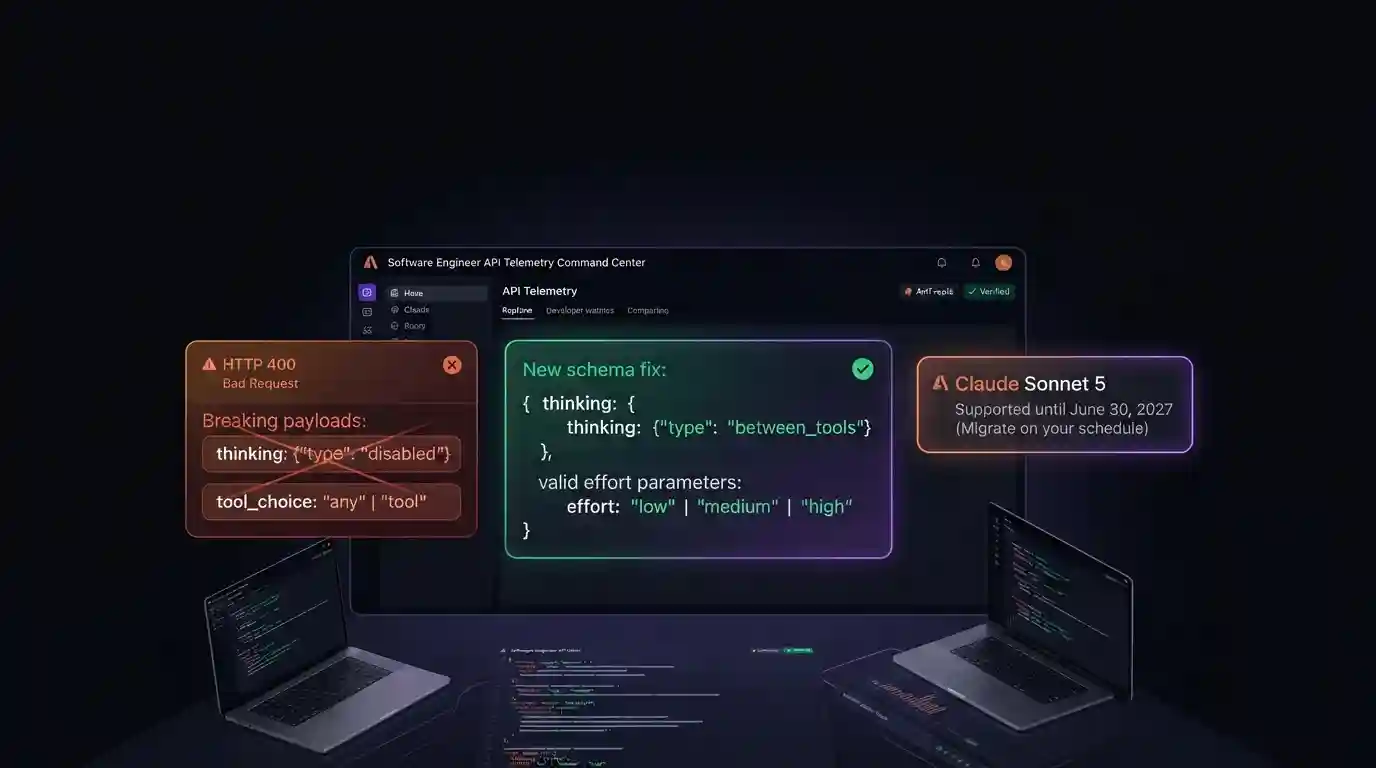
Claude Sonnet 5.5 migration: which changes return a 400
Claude Sonnet 5.5 launched on September 28, 2026 at the same price as Claude Sonnet 5, $2 per million input tokens and $10 per million output tokens. Moving to it is not a model-ID swap. Several
Tue Sep 29 2026 · 6 min read · 2 views
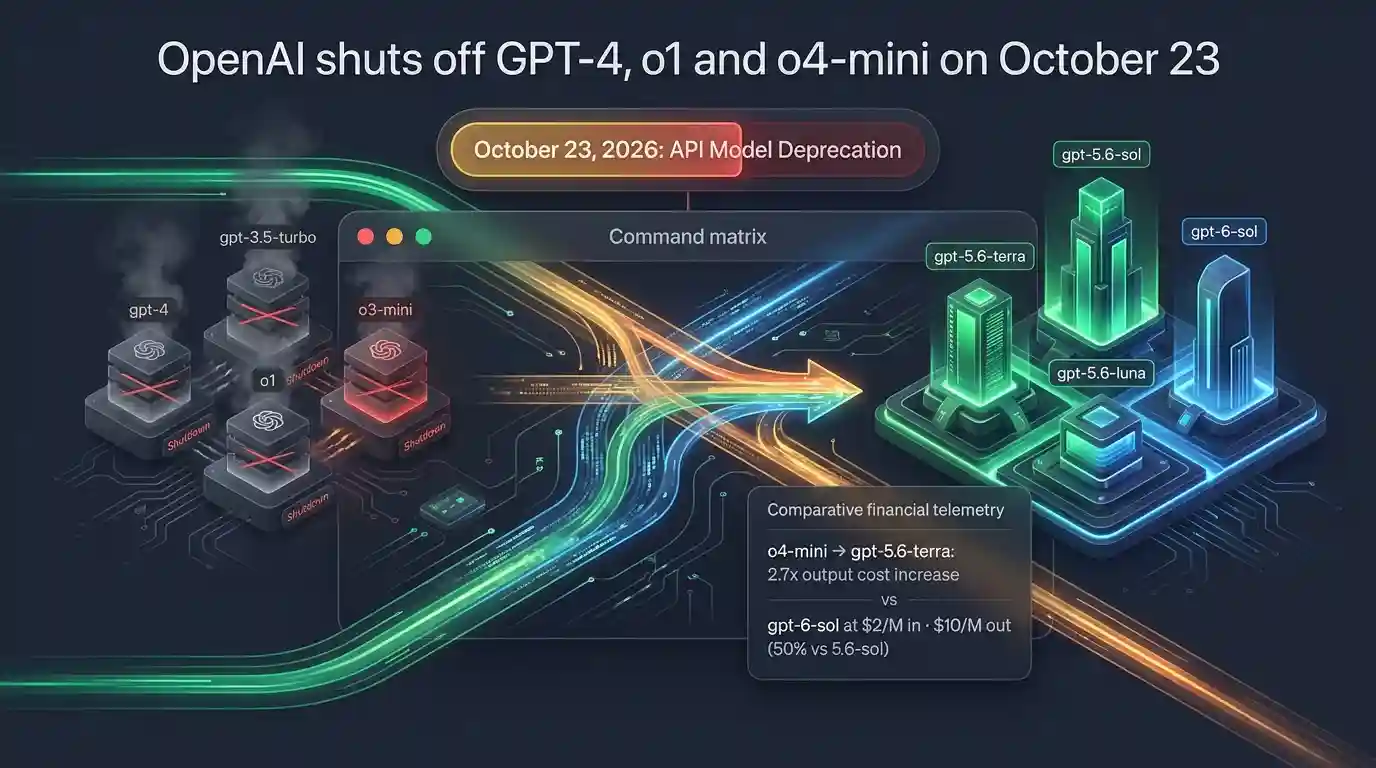
OpenAI shuts off GPT-4, o1 and o4-mini on October 23
OpenAI shuts off GPT-4, GPT-3.5 Turbo, GPT-4 Turbo, o1, o1-pro, o3-mini, o4-mini and several other models on its API on October 23, 2026. That is 24 days away. Any call that names one of those models
Tue Sep 29 2026 · 6 min read · 6 views

AI SDK 7 Changed usage. Your Token Counts Are Now Wrong
If a project upgraded to AI SDK 7 and its per-request token costs suddenly look higher than before, nothing is actually costing more. result.usage used to report only the final step's tokens. In AI
Tue Sep 29 2026 · 6 min read · 2 views