Windows 11 24H2 stops getting updates Oct 13. Are you on it?
By Nihar Ranjan Das · Thu Sep 24 2026 · 4 min read · 0 views
View as a Web StorySoftware#windows 11#end of support#24h2#25h2
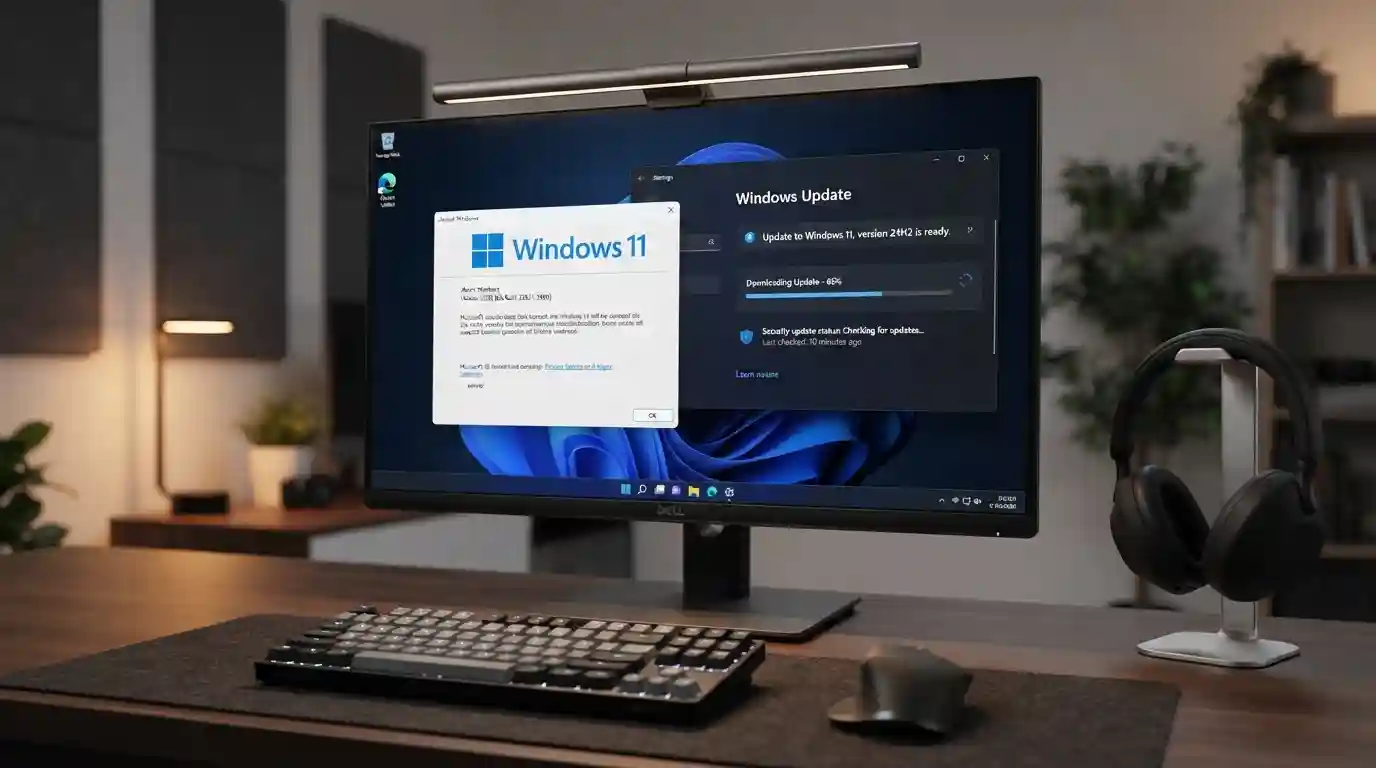
Windows 11 version 24H2 Home and Pro reach end of updates on October 13, 2026. After that date, those PCs get no more security or preview updates. Most unmanaged PCs will move to 25H2 on their own, but you can check yours in 30 seconds.
How do you know whether you are on 24H2?
Press Windows key + R, type winver and press Enter. The window shows your version and OS build. Build 26100 is 24H2. Build 26200 is 25H2.
You can also open Settings, then System, then About. Look under Windows specifications for the version line. If it says 25H2, you are already covered and can stop reading.
One quirk is worth knowing. Because 25H2 arrives as a switch rather than a new build, winver can lag behind. Trust the Settings page if the two disagree. Make Tech Easier's end-of-updates guide covers the same deadline.
What exactly ends on October 13?
Windows 11 24H2 is the 2024 Update of Windows 11. Its Home and Pro editions reach end of updates on October 13, 2026. Microsoft's 24H2 release health page says those devices will no longer receive fixes for known issues, time zone updates, technical support, or monthly security and preview updates.
The PC keeps running. It just stops getting patches. BleepingComputer's report confirms that only Home and Pro are affected. Enterprise and Education editions stay supported until October 2027.
This is not the Windows 10 deadline. That one covers a different operating system and is covered in Windows 10 security updates stop on October 13. Both land on the same day, so a household with old and new PCs may face both.
How does the move to 25H2 work?
Windows 11 25H2 is the 2025 Update, and it installs on top of 24H2 through an enablement package. An enablement package is a small update that switches on features already sitting dormant in the system files. The two versions share one core, so the move needs one restart and no reinstall.
Microsoft's enablement package article for 25H2 states the requirement. Your PC must run 24H2 with the August 29, 2025 update, KB5064081, or any later cumulative update. Any PC that has been patched this year clears that bar.
Home and Pro PCs that no IT department manages get the upgrade automatically. Microsoft says you can pick the restart time or postpone it. That is the safe default for most people.
Advertisement
How do you upgrade yourself?
You do not have to wait for the automatic offer. The manual path takes a few minutes.
- Open Settings, then Windows Update.
- Select Check for updates.
- If your PC is ready, you will see "Download and install Windows 11, version 25H2."
- Select it, wait for the download, then restart.
- Run
winveragain and confirm build 26200.
Back up first. The update is small, but a backup costs nothing. Also install any pending monthly update before you start.
What if the 25H2 offer never appears?
Some PCs are held back. Microsoft blocks upgrades on machines with a known driver or app conflict. These blocks are called safeguard holds, and Microsoft documents them on its release health page.
Work through these checks in order:
- Install every pending update, then check again.
- Update your graphics, storage and chipset drivers from the PC maker.
- Check your PC's known-issues entries on the release health page.
- Look at whether third-party security or anti-cheat software is installed, and update it.
Do not force the upgrade with an unofficial tool. A hold exists because Microsoft found a real problem on that hardware. Waiting a few weeks is safer than overriding it.
Does upgrading to 25H2 fix the September update bugs?
No. The September 8 update, KB5124008, has known issues on both 24H2 and 25H2. Microsoft's release health page lists a USB audio bug and a Credential Guard trust bug that hit both versions. Moving to 25H2 will not remove them.
The USB audio bug has its own write-up, KB5124008 breaks USB audio with Code 10. What is fixed? Install the latest cumulative update on whichever version you run, since the September 14 out-of-band update fixed the Remote Desktop and Linux folder-share issues.
Should you upgrade now or wait?
Upgrade now if your PC is offered 25H2 and you use it for everyday work. The change is small. The deadline is fixed. Waiting only shortens your margin.
Wait only if the PC does something fragile, such as studio audio work through a USB interface. In that case, test on a spare machine first. Then plan the move before October 13, since staying past the date leaves the PC exposed. The US cyber agency CISA lists unsupported software as a bad practice and warns that it raises exploitation risk.
Advertisement
FAQ
When does Windows 11 24H2 support end?
Windows 11 24H2 Home and Pro reach end of updates on October 13, 2026. After that, those editions get no security updates, bug fixes or technical support. Enterprise and Education editions keep support until October 2027.
Is 25H2 a full reinstall?
No. Windows 11 25H2 installs through an enablement package on top of 24H2. The two versions share the same core files, so the upgrade needs one restart. It is much smaller than a normal feature update.
How do I check whether I have 24H2 or 25H2?
Open Settings, then System, then About, and read the version line. You can also run `winver`. Build 26100 means 24H2, and build 26200 means 25H2. Settings is more reliable if the two disagree.
Will Windows update me automatically?
Yes for most Home and Pro PCs that no IT department manages. Microsoft says these devices receive 25H2 automatically, and you can choose the restart time or postpone it. A PC with a safeguard hold may not get the offer.
Comments
Loading…
Sign in to join the conversation.
Related posts
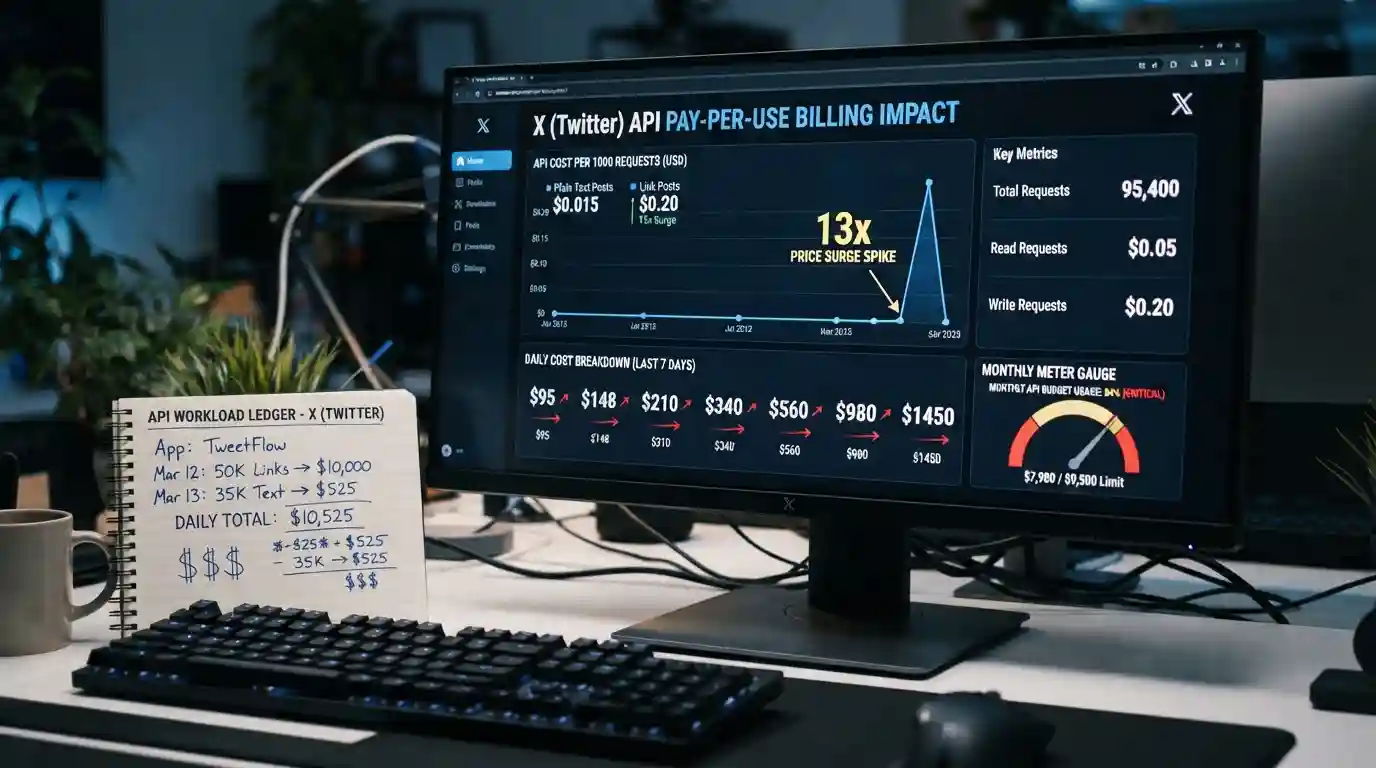
X API bills per post now. A link costs 13x more.
X's pay-per-use API charges $0.015 per post and $0.20 per post with a link. See what Basic and Pro users pay and where the old tiers break even.
Thu Sep 24 2026 · 5 min read · 0 views
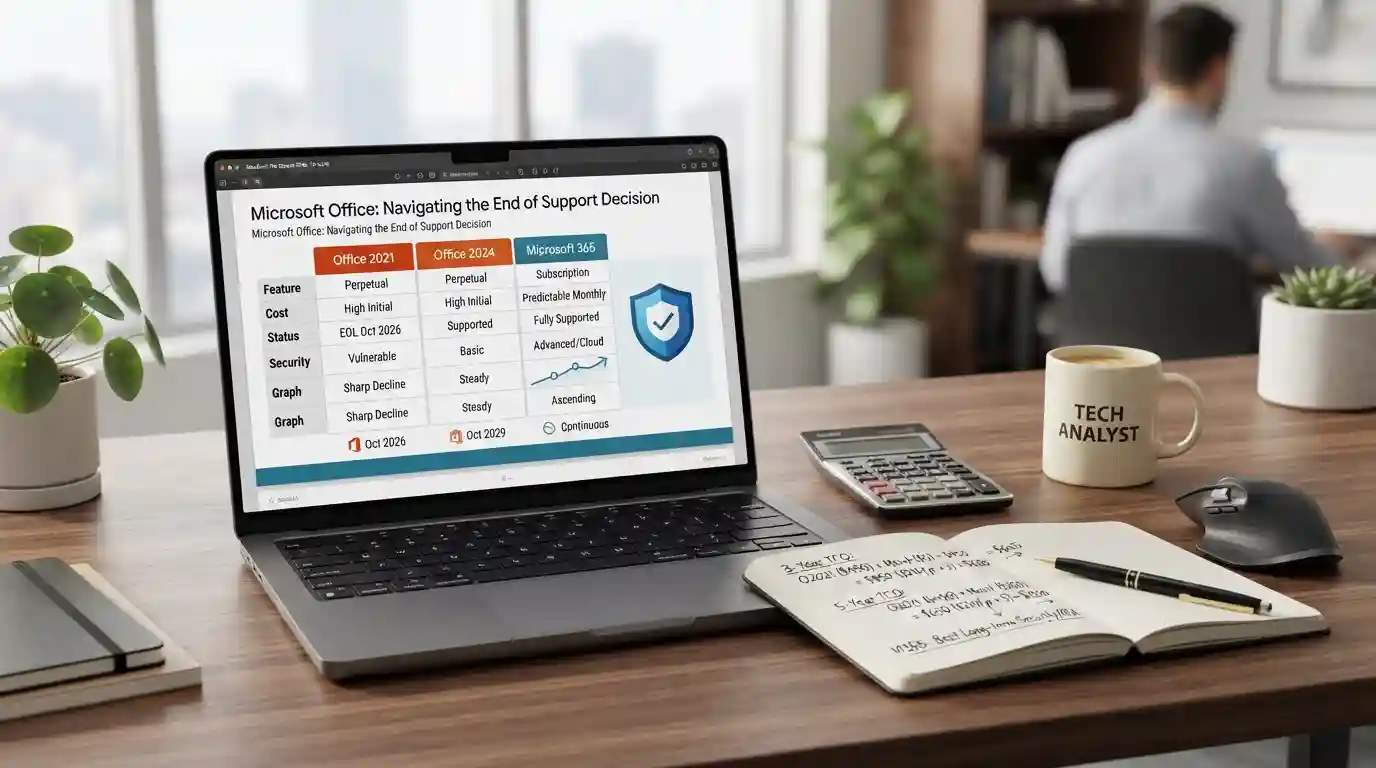
Office 2021 loses security updates on Oct 13. Now what?
Office 2021 support ends Oct 13, 2026 with no paid extension. Compare keeping it, Office Home 2024 at $149.99, or Microsoft 365 over 3 and 5 years.
Thu Sep 24 2026 · 5 min read · 0 views
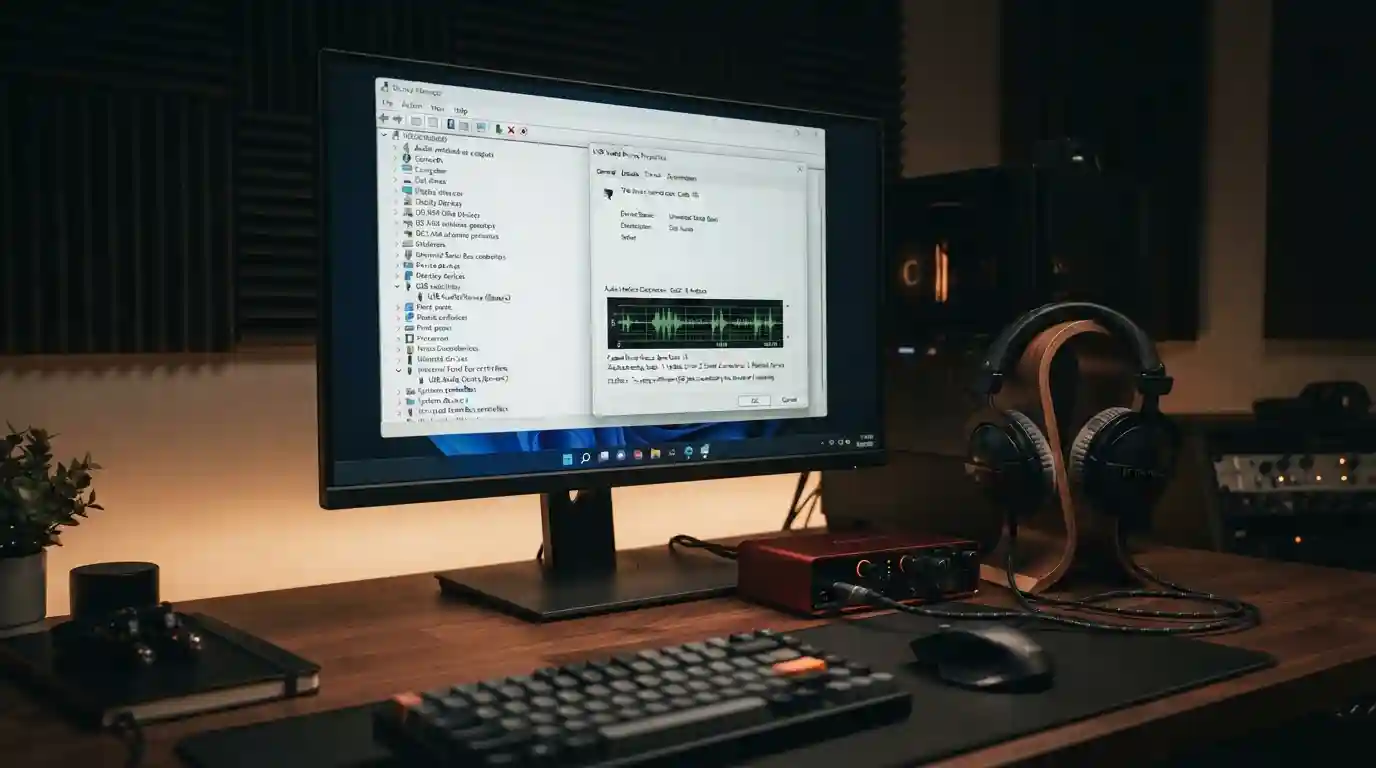
KB5124008 breaks USB audio with Code 10. What is fixed?
KB5124008 can trigger 'This device cannot start (Code 10)' on USB audio gear. See which symptoms KB5129195 fixed, which remain, and safe workarounds.
Thu Sep 24 2026 · 4 min read · 0 views