KB5124008 breaks USB audio with Code 10. What is fixed?
By Nihar Ranjan Das · Thu Sep 24 2026 · 4 min read · 0 views
View as a Web StorySoftware#windows 11#kb5124008#usb audio#code 10
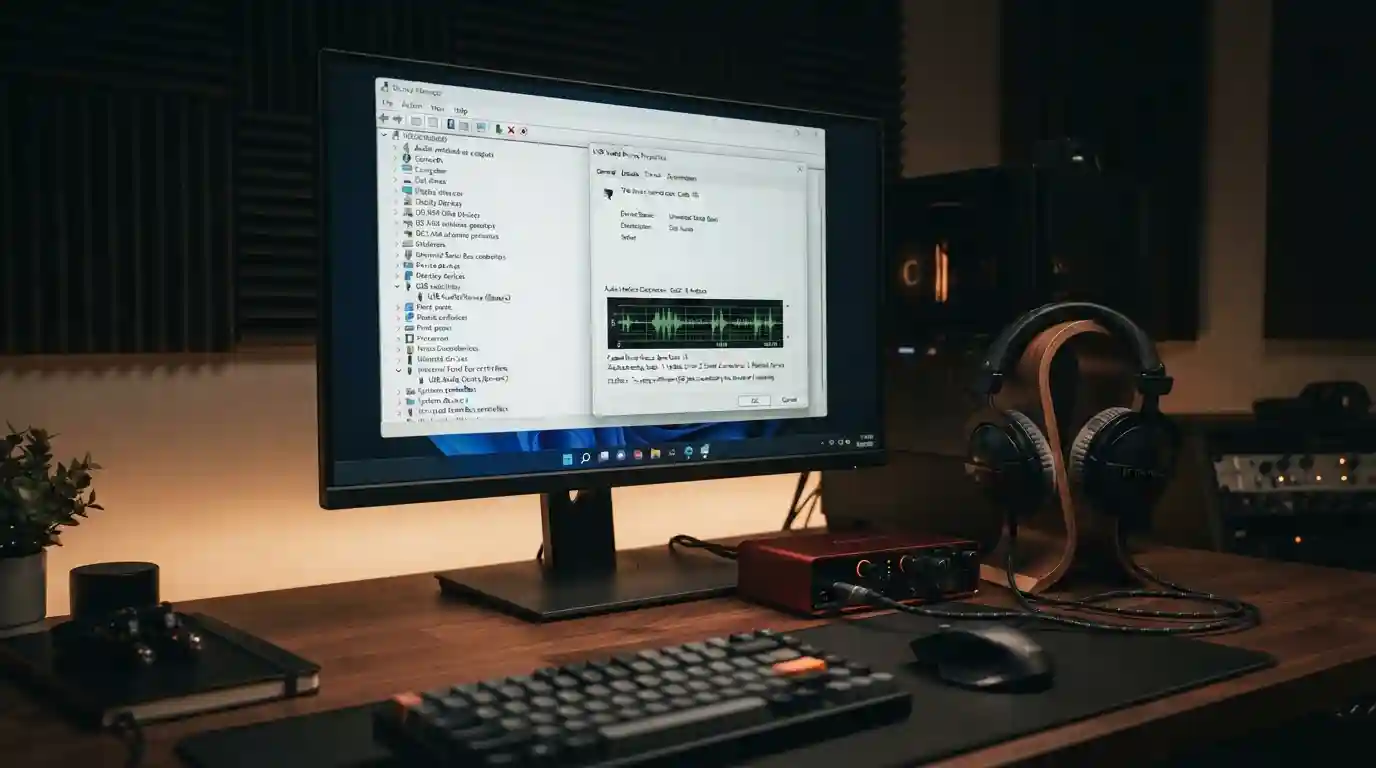
The September 8, 2026 Windows update KB5124008 can stop USB headsets, speakers and DACs from working. Device Manager shows "This device cannot start (Code 10)." Microsoft's September 14 out-of-band update fixed one symptom, but the no-sound case is still open.
What is the KB5124008 USB audio bug?
KB5124008 is the Windows 11 security update Microsoft released on September 8, 2026, per its official update notes. On some PCs it breaks USB audio devices that use the built-in Windows driver. Microsoft's release health entry describes the failure as devices that "might fail to start or produce audio."
USB Audio Class 1.0 is the older standard that lets headsets, speakers and DACs work with Windows' built-in driver, with no vendor software. The bug is limited to that class. BleepingComputer's coverage confirms Microsoft acknowledged it.
Microsoft lists these symptoms:
- Device Manager shows "This device cannot start (Code 10)."
- No audio output.
- Volume controls stay at zero or do not respond.
- Sound settings do not open or respond.
- Multichannel modes, such as 8-channel or 3D audio, fail while stereo works.
Which symptoms did the September 14 update fix?
Only the last one. Microsoft says the out-of-band update KB5129195, released September 14, 2026, resolves the 8-channel and 3D audio failures. It adds that it is working on the other symptoms.
That leaves Code 10, silent output, dead volume controls and unresponsive sound settings. The release health entry was last updated on September 14, and its status reads "Mitigated." It is not marked "Resolved."
| Symptom | Status | Fix |
|---|---|---|
| 8-channel or 3D audio fails, stereo works | Resolved | KB5129195 (September 14) |
| "This device cannot start (Code 10)" | Open | None published |
| No audio output | Open | None published |
| Volume or sound settings unresponsive | Open | None published |
The status column reflects Microsoft's own dashboard. If Microsoft updates the entry, its version wins over this table.
Which Windows versions are affected?
Microsoft's release health page lists Windows 11 versions 26H1, 25H2, 24H2 and 23H2, plus Windows 10 versions 22H2 and 21H2. It also lists several Windows Server releases. BleepingComputer's report described only 24H2 and later. Go by Microsoft's list, because it is the vendor's own record.
Upgrading from 24H2 to 25H2 will not avoid the bug, since both versions are on the affected list. The upgrade path is covered in Windows 11 24H2 stops getting updates Oct 13. Are you on it?
What can you do right now?
Start with the least invasive step and work down. Each step is reversible except the last.
Advertisement
- Install the latest update. Open Settings, then Windows Update, then Check for updates. KB5129195 is cumulative, so later updates include it.
- Switch to 2-channel mode. In Sound settings, open the device's properties and pick stereo. Microsoft notes that some customers restored audio this way. That fix applies to the multichannel symptom.
- Use another output. Open Settings, then System, then Sound, and choose a different device, such as built-in speakers or a Bluetooth headset.
- Try a different USB port. It costs nothing, but Microsoft has not said it helps.
- Uninstall KB5124008 as a last resort. Go to Settings, then Windows Update, then Update history, then Uninstall updates. This removes the September security fixes too.
The WinTips troubleshooting guide lists the same sequence. It also warns that reinstalling or rolling back the audio driver is not a confirmed fix. Skip that step unless a device maker tells you otherwise.
Is uninstalling the update a good idea?
Usually not. The September update carries security fixes, and removing it undoes them.
If audio is essential for your work, weigh the two risks. A podcaster with a USB interface may prefer a working microphone this week. Everyone else should use a workaround and wait for the fix. If you uninstall, plan to reinstall as soon as Microsoft ships a fixed update.
IT administrators have one more route. Microsoft says admins who need an immediate workaround for the remaining symptoms should contact Microsoft Support for Business.
Is this the only September problem?
No. The same update caused other issues, and most already have fixes. Microsoft lists Remote Desktop instability and missing Plan9 folder shares in Hyper-V Linux VMs as resolved by KB5129195. Applications affected by the folder-share bug include Windows Subsystem for Linux.
A domain trust problem remains under mitigation. It affects managed devices with Credential Guard, and most home PCs will never see it.
Advertisement
FAQ
What does "This device cannot start (Code 10)" mean after KB5124008?
Code 10 means Windows loaded your USB audio device but could not start it. After KB5124008, Microsoft confirms this can happen with USB Audio Class 1.0 devices. Sound then fails completely, and the device shows an error in Device Manager.
Did the September 14 update fix the USB audio bug?
Partly. KB5129195 fixed the 8-channel and 3D audio failures. Microsoft says the remaining symptoms, including Code 10 and no sound, are still under investigation. Its status for the issue is "Mitigated."
Should I uninstall KB5124008?
Only as a last resort. Uninstalling removes the September security fixes. Try the latest update, 2-channel mode and another audio output first. If you do uninstall, reinstall once Microsoft ships a fix.
Which devices are affected?
Devices that use the USB Audio Class 1.0 standard, which includes many headsets, speakers, DACs and audio interfaces. Devices with their own vendor drivers may behave differently. Microsoft has not published a list of affected models.
Comments
Loading…
Sign in to join the conversation.
Related posts

X API bills per post now. A link costs 13x more.
X's pay-per-use API charges $0.015 per post and $0.20 per post with a link. See what Basic and Pro users pay and where the old tiers break even.
Thu Sep 24 2026 · 5 min read · 0 views
Windows 11 24H2 stops getting updates Oct 13. Are you on it?
Windows 11 24H2 Home and Pro reach end of updates on Oct 13, 2026. Check your version in 30 seconds and move to 25H2 with one restart.
Thu Sep 24 2026 · 4 min read · 0 views
Office 2021 loses security updates on Oct 13. Now what?
Office 2021 support ends Oct 13, 2026 with no paid extension. Compare keeping it, Office Home 2024 at $149.99, or Microsoft 365 over 3 and 5 years.
Thu Sep 24 2026 · 5 min read · 0 views