Google Play Age Verification: How Android's New Checks Work
By Nihar Ranjan Das · Sun Aug 02 2026 · 6 min read · 26 views · Updated Wed Oct 14 2026
View as a Web StoryGadgets#privacy#android#google play#age verification#family link#app store regulation
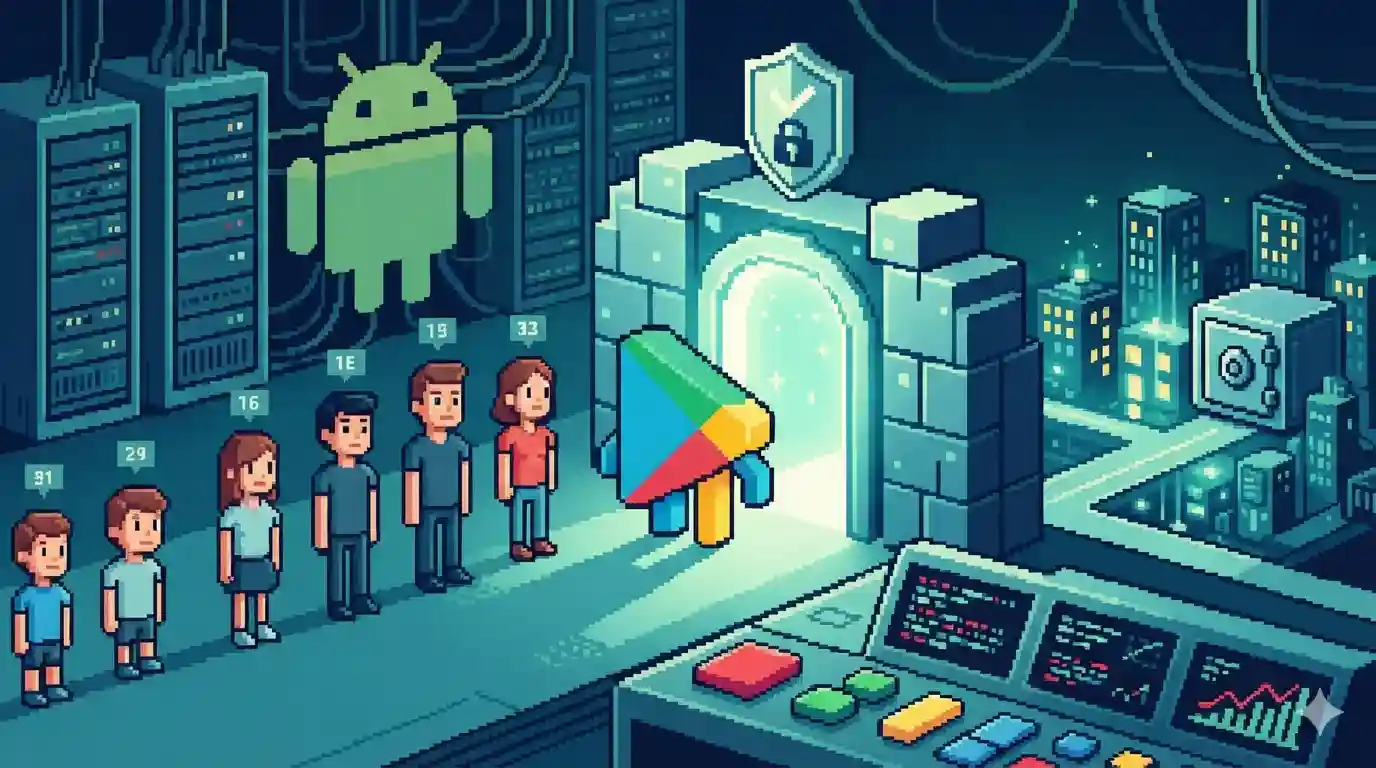
Google Play's age verification is an API, not an ID check at the app door. The Play Age Signals API tells an app a user's age range, such as 13 to 15, and how that age was established. The app never receives a birth date, a photo or a document. But the age behind the range can come from a selfie, a government ID or a credit card, so "no ID required" is only half the story.
This post explains how Android's new age checks work, and how they work for developers. It is updated for October 2026 with the rollout dates Google has published, and with a correction. The August version said the system involves no selfie or ID at all. Google's developer documentation shows otherwise.
What the Play Age Signals API is
Every major platform is being pushed to answer one question: how old is the person holding the phone? Google's answer is a signal that travels from Google to the app. An app asks the API for the user's age, and the response contains:
- An age range. The default bands are 0 to 12, 13 to 15, 16 to 17 and 18 and over. Developers can set up to three custom boundaries in Play Console, at least two years apart, and change them once a year.
- A source tier. This says how the age was established, from self-declared up to a government ID checked with a selfie.
- Optional parental fields. For supervised accounts, these show whether a parent approved a significant change to the app, plus an install ID so Google can notify the app when approval is revoked.
If the user or parent has not agreed to share, the app gets nothing. Google's documentation describes the API as beta.
Where the age comes from: the four tiers
This is the part earlier coverage, including ours, skipped. The developer documentation lists four tiers in the ageRangeSource field:
| Tier | How the age was established |
|---|---|
| A | The user declared their own age |
| B | A parent or guardian manages the account |
| C | Assessed through a credit card, email address, selfie assessment, government ID or tax ID |
| D | Checked with a government ID plus a selfie, or a digital ID |
So Family Link, the parent-controlled hub, is one route, tier B. Adults and some users can also be verified through tier C or D methods. The app only sees the tier label, not the selfie or document behind it. That is a real privacy gain over uploading an ID to each app, but it is not accurate to say no biometric or document check ever happens.
The rollout, with dates
Google announced the global expansion on July 29, 2026. The timeline, as published:
| Market | Status |
|---|---|
| Brazil | Live since March 17, 2026, under the Digital ECA requirements |
| Texas | Live for eligible users who created accounts after May 28, 2026, under SB2420 |
| Australia and Canada | Announced for mid-August 2026 |
| All Google Play developers | Planned by the end of 2026 |
The release notes page lists only Brazil and Texas, and Google says it will share updates ahead of age-verification bills in other US states. I could not find confirmation that Australia and Canada went live on schedule, so check the release notes before you assume they did.
The library has also moved on. Version 0.0.4, from July 2026, adds requestAgeSignalsAccess() to trigger the Play prompt and deprecates the old userStatus field in favour of ageRangeSource and significantChangeStatus. If you integrated an earlier version, plan a migration.
Why now: the regulatory pressure
This is not Google becoming interested in child safety from nowhere. Brazil's Digital ECA and Texas's SB2420 both put duties on app stores, and Google's documentation ties the live markets to them. Our August post named Utah and Louisiana as well. Google's pages do not mention those states, so treat that part as unverified.
Advertisement
App stores are the pressure point because one company controlling the storefront is easier to regulate than millions of developers. That is why Google built this at the store level instead of leaving each app to invent its own flow, which would mean a selfie in one app, an ID upload in another and a checkbox in a third.
Is it more private than an ID upload?
Mostly yes, with caveats. Uploading a government ID or a face scan tells a company exactly who you are and creates a record that has to be stored, secured and deleted. An age range is deliberately coarse. An app that learns you are 13 to 15 does not know your birthday, your name or your face.
The caveats:
- The signal still exists and still goes to third-party developers.
- Someone, whether a parent, Google or a verification step, has to hold accurate age data. Centralizing that in Google makes the account a richer target.
- Because sharing is opt-in, an app with no signal cannot tell a minor from an adult. Some developers may default to strict settings, or push parents to opt in.
What developers must and must not do
Integration is optional, and developers decide how to use the range. The terms are strict, though. Google's documentation says to use the signal only to provide age-appropriate content and experiences in line with the law. It prohibits using it for advertising, marketing, user profiling or analytics. Breaking those rules can cost you API access, and can lead to suspension or takedown of your app.
Other developer points:
- The returned information can be used only by the requesting app.
- Google recommends pairing requests with the Play Integrity API, to guard against spoofed responses.
- Your Data safety form is your own responsibility. The client library collects no data.
- Existing Play tools can still restrict a child's ability to discover your app in search and recommendations.
A game studio might soften matchmaking with strangers for younger players. A social app might limit discovery features. A shopping app might change which in-app purchases appear.
What parents and teens will notice
If you are a parent, the control you will touch is Family Link, not a new Play Store menu. Setting or confirming your child's age there decides whether apps receive a range. If you never configured it, this rollout is a prompt to do so, also for the screen-time and content controls it already holds. Parents can change or turn off sharing at any time.
Teens and adults will mostly see an occasional prompt asking them to confirm an age range when an app wants to unlock a feature. That is lighter than the document-upload flows some state laws have pushed elsewhere. It also fits a wider shift in how platform owners rewrite the rules for developers, which we covered in the quiet death of the app store exclusive.
The bottom line
Google's approach is more thoughtful than uploading an ID to every app, because it passes an age range and a tier label, not the underlying document. It is not verification-free, and it is not optional for long if your users are in a regulated market. The test comes as it reaches every Play developer by the end of 2026: whether the restraint holds once age-gating becomes a business requirement.
Advertisement
FAQ
What is the Google Play Age Signals API?
An API that returns a user's age range and how it was established, so apps can offer age-appropriate experiences. It is in beta.
Does it require an ID or a selfie?
The app never receives one. But the source tier can show that Google assessed age through a selfie, government ID, credit card or digital ID.
Where is it live?
Brazil since March 17, 2026 and Texas for accounts created after May 28, 2026. Australia and Canada were announced for mid-August, and global availability is planned by end of 2026.
What are the default age ranges?
0 to 12, 13 to 15, 16 to 17 and 18 and over. Developers can set up to three custom boundaries in Play Console.
What can developers not do with the signal?
Use it for advertising, marketing, user profiling or analytics. Violations can end API access and lead to app suspension.
Comments
Loading…
Sign in to join the conversation.
Related posts
AirPods Live Translation vs Google Translate vs DeepL Voice
AirPods Live Translation vs Google Translate headphones vs DeepL Voice: hardware needed, languages, price, and where each works in the US and EU.
Wed Oct 14 2026 · 9 min read · 3 views
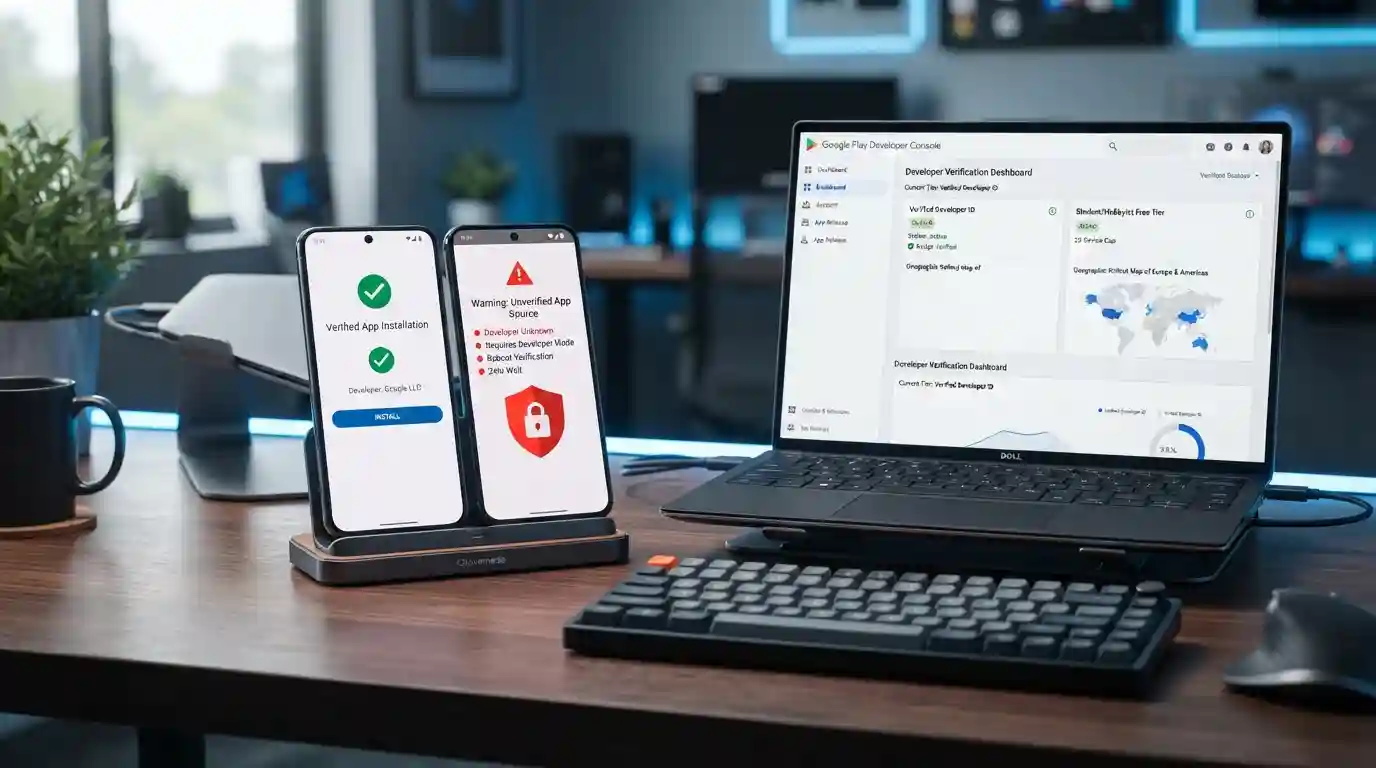
Android sideloading in 2027: what developer verification means
If you sideload Android apps in the United States or Europe, nothing changes on September 30, 2026. Google's developer verification rule takes effect that day in Brazil, Indonesia, Singapore, and
Fri Sep 25 2026 · 5 min read · 36 views

Should you buy a GPU now, or wait out 2026?
AMD raised Radeon prices 10% in August 2026 and the RTX 5090 sells near $4,700. Here is when to buy a GPU now and when to wait.
Wed Aug 19 2026 · 6 min read · 42 views