TypeScript 7 migration: tsconfig errors and how to fix
By Nihar Ranjan Das · Wed Oct 07 2026 · 6 min read · 0 views
View as a Web StorySoftware#developer tools#typescript#javascript#migration#TypeScript 7#tsconfig

TypeScript 7.0 is a native port of the TypeScript compiler, written in Go, and it reached general availability in July 2026. It is far faster, but npm install -D typescript now installs it, and it turns many old tsconfig.json options into hard errors. If your build broke after an upgrade, the cause is almost always a removed flag, a new default, or a tool that needs the old compiler API. This guide lists each change, the fix, and the tools that must wait for TypeScript 7.1.
What changed in TypeScript 7
According to a TypeScript 7.0 migration playbook, the release candidate shipped June 18, 2026 and the stable build followed on July 8. InfoWorld's report puts the speedup at 8x to 12x on full builds.
The playbook lists Microsoft's published benchmarks:
| Codebase | TypeScript 6 | TypeScript 7 | Speedup |
|---|---|---|---|
| VS Code (default settings) | 125.7 s | 10.6 s | 11.9x |
| Sentry | 139.8 s | 15.7 s | 8.9x |
| Bluesky | 24.3 s | 2.8 s | 8.7x |
| Playwright | 12.8 s | 1.47 s | 8.7x |
| tldraw | 11.2 s | 1.46 s | 7.7x |
Treat these as vendor-published measurements. Your own project will land somewhere in that range, depending on codebase size and processor count.
Why your build broke: the new defaults
TypeScript 7 defaults are stricter than TypeScript 6, and several now apply without any setting in your config. The playbook's defaults section names these:
strictis on by default.moduledefaults toesnext.typesdefaults to an empty array, so no@typespackage loads unless you list it.rootDirdefaults to./.noUncheckedSideEffectImportsis on.- Type ordering is stable and not configurable.
The empty types default creates the most confusion. For example, a project that relied on @types/node loading automatically will suddenly report that process or Buffer is missing. Add the packages back explicitly:
{
  "compilerOptions": {
    "types": ["node"]
  }
}
Options that now fail with hard errors
TypeScript 7 stops accepting a list of legacy options. According to the removed-options list, these now produce errors instead of warnings:
| Removed or rejected | What to do instead |
|---|---|
target: es5, downlevelIteration |
Use es2015 or newer |
module: amd, umd, systemjs, none |
Use esnext, nodenext or commonjs |
moduleResolution: node, node10, classic |
Use bundler or nodenext |
baseUrl |
Use paths with relative targets, or package imports |
esModuleInterop: false, allowSyntheticDefaultImports: false |
Remove them and accept the default |
alwaysStrict: false |
Remove it |
Import assert syntax |
Use with |
module keyword in namespace declarations |
Use namespace |
Two other changes are easy to miss. Passing a bare file path to tsc while a tsconfig.json exists is now an error, and you need --ignoreConfig to bypass it. Template literal types also treat Unicode code points, such as emoji, as single units instead of surrogate pairs.
Fix these on TypeScript 6 first. The cleanest path is removing the legacy options while you are still on 6.x, then upgrading. That way each compiler error has exactly one explanation.
How to migrate step by step
The playbook gives a seven-step migration order. Here is the same plan in plain terms:
Advertisement
- Remove
baseUrl,target: es5and oldmoduleResolutionvalues while on 6.x. - Run
npm install -D typescript. This installs 7.0 under thelatesttag. - Run
tsc --noEmit. Sort the errors into config problems and real strict-mode errors. - Add back only the
@typespackages you actually use. - Install the compatibility package if a tool needs the old API. More on that below.
- Switch your editor to the native language server.
- Tune CI with the new parallel flags.
Run step 3 before modifying any application code. A configuration error usually needs a one-line correction. A strict-mode error requires a genuine source change, and combining the two investigations wastes considerable time.
Which tools break, and the shim that helps
The @typescript/typescript6 package is a compatibility shim. It provides a tsc6 binary and re-exports the TypeScript 6.0 programmatic API, so tsc 7.0 and older tools can coexist, as the compatibility notes and InfoWorld's coverage describe.
The ecosystem breakdown splits tools into what works now and what must wait for TypeScript 7.1, which is due to ship a new programmatic API with no date announced:
| Tool or stack | Status today |
|---|---|
| Next.js and React app code | Safe to upgrade |
| Plain Node services | Safe to upgrade |
| VS Code and Visual Studio | Native preview extension becomes default |
| typescript-eslint | Works through the @typescript/typescript6 shim |
| Vue (Volar templates) | Blocked until 7.1 |
| Angular template checking | Blocked; split setup possible (TS 7 tsc, TS 6 editor) |
| Svelte, Astro, MDX | Embedded-language tooling blocked until 7.1 |
typescript-eslint is a linting toolchain that reads type information through the compiler API. That is why it needs the shim. If you also upgraded Next.js this year, you may have seen the tooling change covered in Next.js 16 Deleted next lint. Here's the Fix.
Consider a monorepo with a React app and a Vue admin panel. Upgrade the React packages to 7.0 now. Keep the Vue package on 6.x with the shim until 7.1 arrives.
Tuning CI for the new compiler
TypeScript 7 runs checks in parallel, and the CI tuning section lists three flags:
--checkers 8raises the number of parallel type checkers. The playbook reports VS Code dropping from 10.6 s to 7.51 s with it.--buildersparallelizes project references.--singleThreadedhelps on constrained runners.
Vendor-reported results show the payoff. The playbook says Slack cut type-check time from 7.5 minutes to 1.25 minutes and reduced its merge queue by 40 percent. Canva reported editor first-error latency falling from 58 s to 4.8 s. These come from the companies themselves, so test your own repository before you promise a number to your team.
Should you upgrade now or wait?
Upgrade now if your project is application code without custom compiler plugins. The performance improvement is substantial, and the configuration corrections are mechanical.
Wait, or use the split setup, if you depend on Vue, Angular, Svelte or Astro template checking. Those paths need TypeScript 7.1.
Pin the version while you evaluate the decision. Set an exact version in package.json so a fresh install does not move you to 7.0 by accident. Other major upgrades this quarter bring their own checklists, such as PostgreSQL 19 breaking changes to check before upgrading and Java 27 is not LTS: should you leave Java 25?
Advertisement
FAQ
Is TypeScript 7 a drop-in replacement for TypeScript 6?
Not always. The compiler is much faster, but it rejects legacy options such as `baseUrl`, `target: es5` and old module resolution modes. Fix those on 6.x first, then upgrade.
Why does `npm install typescript` install version 7 now?
TypeScript 7.0 holds the `latest` tag on npm. Pin an exact version or a `~6.0` range if you want to stay on 6.x for a while.
Why are my `@types` packages not found?
The `types` default is now an empty array. List every package you need in `compilerOptions.types`, for example `"node"`.
Does typescript-eslint work with TypeScript 7?
Yes, through the `@typescript/typescript6` shim, which re-exports the 6.0 API. The shim lets old tools run next to the new compiler.
When will Vue and Angular tooling support TypeScript 7?
When TypeScript 7.1 ships its programmatic API. No date has been announced. New versions are expected every three to four months.
How much faster is TypeScript 7?
Microsoft's published benchmarks show 7.7x to 11.9x faster full builds on projects such as VS Code, Sentry and Bluesky. Your result depends on project size and core count.
Comments
Loading…
Sign in to join the conversation.
Related posts

AWS Proton shuts down October 7: what to do now
AWS Proton is a managed deployment service from Amazon Web Services, and it shuts down on October 7, 2026. After that date you cannot open the console or reach any Proton resource, and AWS says all
Wed Oct 07 2026 · 6 min read · 0 views
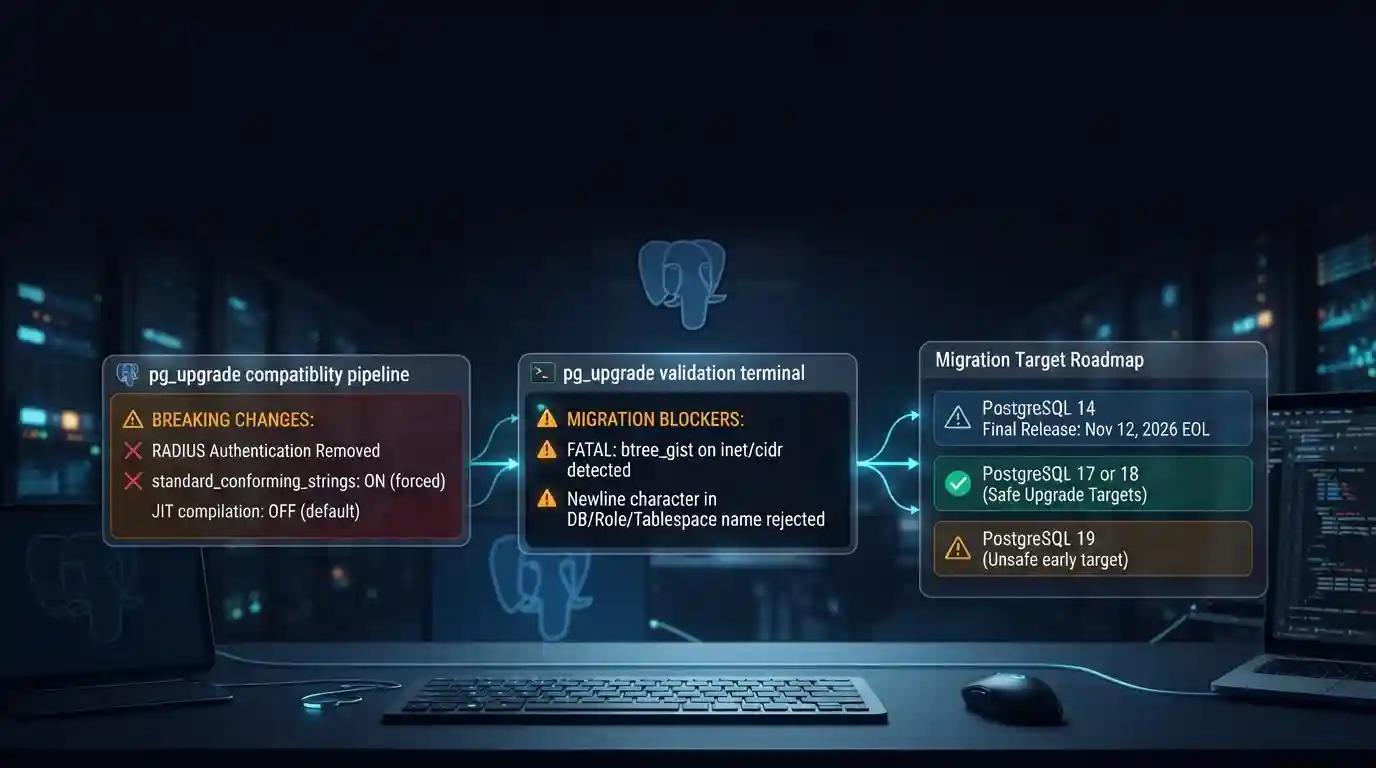
PostgreSQL 19 breaking changes to check before upgrading
PostgreSQL 19 is not released yet, but its list of breaking changes is already fixed enough to check your cluster against. The PostgreSQL project released Beta 4 on September 24, 2026. It says the
Tue Sep 29 2026 · 6 min read · 8 views
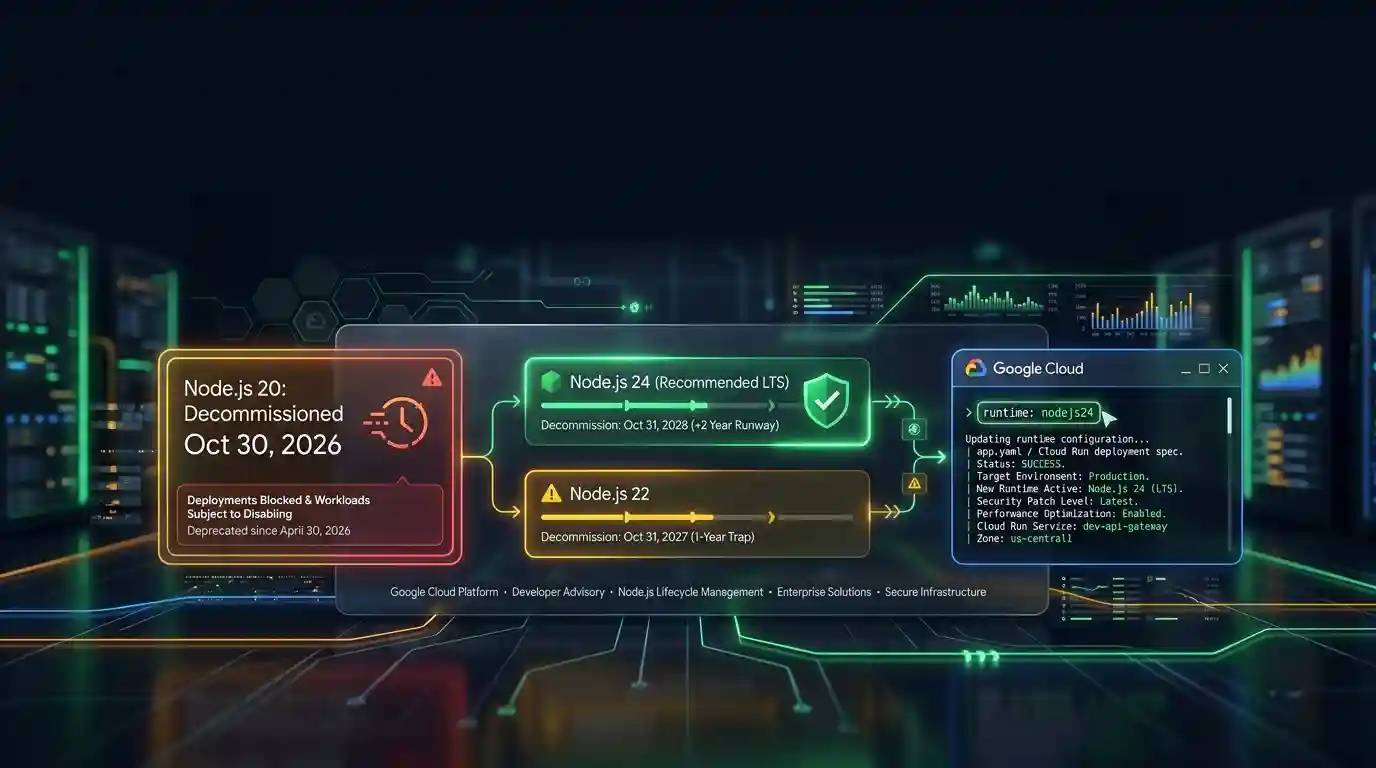
Google Cloud decommissions Node.js 20 on October 30
Google Cloud decommissions the Node.js 20 runtime on Cloud Run and Cloud Run functions on October 30, 2026. That is 31 days away. From that day you cannot create or redeploy a workload on it, and
Tue Sep 29 2026 · 6 min read · 7 views