WordPress AI connector rejects a valid provider key
By Nihar Ranjan Das · Sat Aug 22 2026 · 6 min read · 33 views
View as a Web StorySoftware#wordpress ai#wp-ai-client#wordpress 7.0#ai connectors#composer autoloader

You paste an OpenAI key into Settings, save, and WordPress answers: It was not possible to connect to the provider using this key. You test the same key with curl and it works. Nothing is wrong with the key.
The cause is usually a duplicated copy of the AI client library. One plugin ships wp-ai-client as its own Composer dependency and registers its autoloader in prepend mode. Its older copy wins over the one in WordPress core, and the connector never reaches the provider's model-list endpoint. This post shows how to confirm that in two minutes and what to do about it.
What is the AI Client, and when does this error appear?
The WordPress AI Client is a provider-agnostic PHP API, added in WordPress 7.0 on May 20, 2026, that lets plugins send prompts to AI models through one interface (Make WordPress Core). Plugins call wp_ai_client_prompt() and core routes the request to whichever model the site has configured.
Core ships no providers itself. A provider plugin is a separate plugin that teaches the AI Client to talk to one vendor, such as the official OpenAI, Anthropic and Google plugins. It registers with the client's provider registry and gets an entry in the Settings screen where you paste the API key. Validation happens the moment you save: WordPress calls the provider's model-list endpoint with the key you gave it.
The error appears at exactly that moment. That timing is the clue. A key that is wrong fails at the provider, with a provider error. A key that never reaches the provider fails locally, with the generic message you are reading.
Why does a valid key fail validation?
Because two versions of the same library are loaded, and the site ends up using half of each. The report on the WordPress AI Client repository describes the split precisely: WordPress\AiClient\AiClient resolves to core, while WordPress\AiClient\Providers\ProviderRegistry resolves to a plugin's vendored copy with older API behaviour (WordPress/wp-ai-client issue 64).
That mismatch is enough. The newer core class calls the older registry with arguments the older registry does not understand, the authentication flow breaks before it makes an HTTP request, and the admin screen reports the only thing it can see: the key did not work.
The mechanism is ordinary PHP. When a plugin registers its Composer autoloader with the prepend flag, that autoloader is asked first for every class in the namespace. Any plugin can do this, and plenty of them did it for good reasons before WordPress 7.0 existed. Consider a plugin written in early 2026 that needed the AI client on WordPress 6.9: bundling it was the only option available.
How do I confirm two copies are loaded?
Ask PHP where each class came from. Drop this in a must-use plugin, load any admin page, then read the log:
add_action( 'admin_init', function () {
	$client   = new ReflectionClass( \WordPress\AiClient\AiClient::class );
	$registry = new ReflectionClass( \WordPress\AiClient\Providers\ProviderRegistry::class );

	error_log( 'AiClient:         ' . $client->getFileName() );
	error_log( 'ProviderRegistry: ' . $registry->getFileName() );
} );
Read the two paths side by side:
Advertisement
| What the two paths show | What it means |
|---|---|
Both under wp-includes |
No duplication. Look at the key, the network, or an outbound firewall |
One under wp-content/plugins/*/vendor |
A plugin's bundled copy is loading. This is the conflict |
Both under wp-content/plugins |
The plugin copy has replaced core's entirely |
| A fatal error on the class name | The class is not loaded at all, so the provider plugin is inactive |
Once a plugin path shows up, you have the culprit directory in the path itself. Grep the site's plugins to be sure which ones ship the library:
grep -rl "wordpress/php-ai-client" wp-content/plugins/*/composer.jsonHow do I fix it on a live site?
Work through these in order. The first one that applies is the fix:
- Update the plugin. Authors are removing the bundled copy for WordPress 7.0. An update released after May 2026 may already have dropped it.
- Deactivate the plugin, then save the key again. If validation succeeds, the conflict is confirmed and you have a working key stored.
- Ask the author to ship conditional autoloading. This is the documented answer, not a workaround.
- Keep the plugin deactivated on the site that runs AI features. On a multisite network, isolate them.
Do not patch the plugin's vendor directory by hand. The next update overwrites it, and the failure comes back on a day when nobody is looking for it.
If the key validates and prompts still fail afterwards, the problem has moved downstream to the provider account, not the class graph. Cost and rate limits are the usual reasons, and the cheapest AI API is not the cheapest to run once retries are counted.
Plugin authors: what should you ship for WordPress 7.0?
Remove the Composer dependency on wordpress/php-ai-client and call wp_ai_client_prompt() instead. That is the official guidance in the AI Client announcement, and it is one line of behaviour change for most plugins:
$text = wp_ai_client_prompt( 'Summarize the benefits of caching.' )
	->using_temperature( 0.7 )
	->generate_text();
If you still support WordPress 6.9, do not simply keep the bundled copy. The announcement asks for conditional autoloading, so that the bundled library loads only when core does not provide it:
if ( ! function_exists( 'wp_ai_client_prompt' ) ) {
	require_once __DIR__ . '/vendor/autoload.php';
}
Plugin Check is the official WordPress plugin that scans a plugin against the directory's requirements before submission. It now warns about direct provider integrations as well. Issue 1341, opened on June 4, 2026, added a non-blocking notice for plugins that call provider endpoints directly or bundle a provider SDK in composer.json (WordPress/plugin-check issue 1341). If your plugin trips that warning, the same cleanup resolves both problems.
Will this be fixed upstream?
Not in the library. The WordPress AI Client repository is archived and read-only, because the client now lives in core, and the conflict report has been open since March 1, 2026 with no fix attached (WordPress/wp-ai-client).
The reporter's suggestion is the sensible one: the core copy should take priority over any bundled copy. Until something in core enforces that, load order decides, and load order is set by whichever plugin registered its autoloader first. That is not a setting a site owner can adjust.
So treat this as a plugin-quality problem for now. A plugin that still bundles the AI client on a WordPress 7.0 site is shipping a known conflict, and it is fair to say so in a support ticket. Diagnosing a stack that will not connect is a common enough afternoon this year; your MCP server failed to start. Five likely causes covers the neighbouring version of the same headache.
The key was never the problem
The error message names the key because that is the last thing the admin screen touched. The real fault sits one layer down, in which copy of a PHP library answered first.
That makes this a fast diagnosis once you know to look. Print two class file paths, and either both point at core, or you have found the plugin to update. It also makes it a fair thing to raise with plugin authors: WordPress 7.0 shipped in May 2026, and shipping a duplicate AI client on top of it is now a bug rather than a compatibility measure.
Advertisement
FAQ
Why does WordPress say it was not possible to connect to the provider using this key?
Most often because two copies of the `wp-ai-client` library are loaded and validation fails locally before reaching the provider. Check whether a plugin bundles the library through Composer. A genuinely bad key normally produces a provider-side error instead.
How do I know which plugin bundles wp-ai-client?
Run `grep -rl "wordpress/php-ai-client" wp-content/plugins/*/composer.json` over the plugin directory. You can also print the file path of the loaded classes with `ReflectionClass::getFileName()`, which names the offending vendor directory directly.
Where do I enter AI provider API keys in WordPress 7.0?
In the Settings screen the connector integration adds for each registered provider plugin. Provider plugins that register with the AI Client's provider registry get that admin UI automatically. WordPress core does not bundle any providers itself.
Can I fix this without deactivating the plugin?
Not reliably. Load order decides which copy of the library wins, and a site owner cannot control autoloader order. Editing the plugin's vendor directory works until the next update overwrites it.
Does this affect WordPress 6.9 sites?
No. The conflict needs a copy of the library in core, and core only gained it in WordPress 7.0, released on May 20, 2026. On 6.9 a bundled copy is the only copy, so nothing competes with it.
Comments
Loading…
Sign in to join the conversation.
Related posts
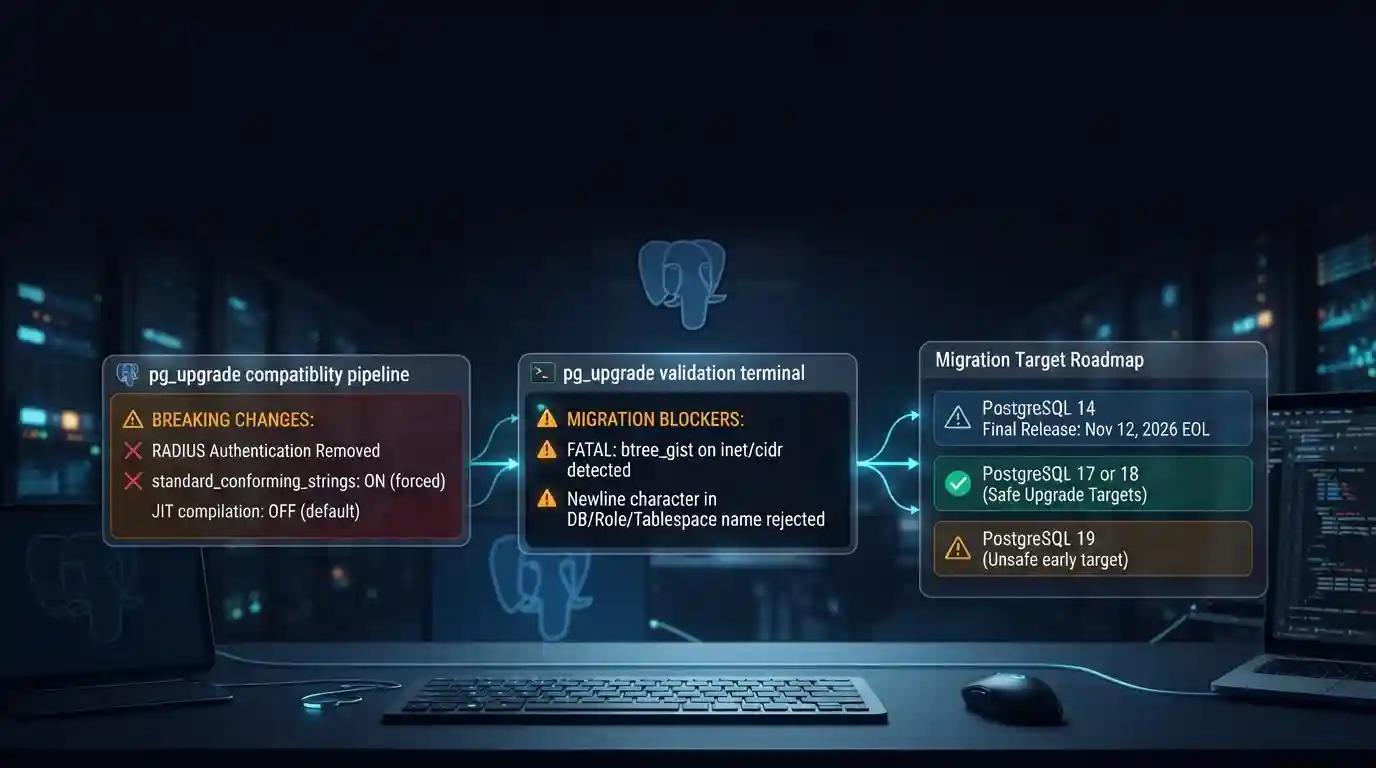
PostgreSQL 19 breaking changes to check before upgrading
PostgreSQL 19 is not released yet, but its list of breaking changes is already fixed enough to check your cluster against. The PostgreSQL project released Beta 4 on September 24, 2026. It says the
Tue Sep 29 2026 · 6 min read · 7 views
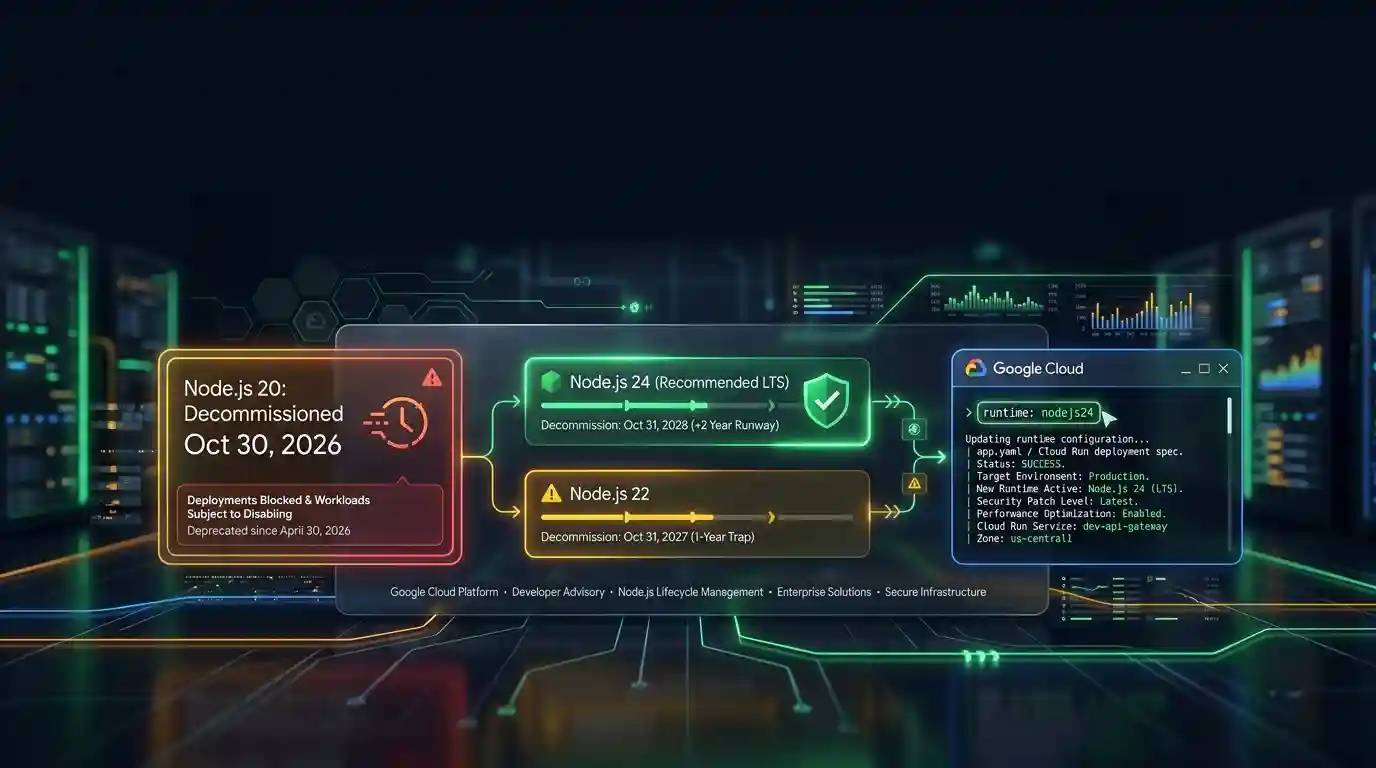
Google Cloud decommissions Node.js 20 on October 30
Google Cloud decommissions the Node.js 20 runtime on Cloud Run and Cloud Run functions on October 30, 2026. That is 31 days away. From that day you cannot create or redeploy a workload on it, and
Tue Sep 29 2026 · 6 min read · 6 views

Java 27 is not LTS: should you leave Java 25?
Java 27 shipped on September 15, 2026, and it is not a long-term-support release. Oracle says it will provide updates to JDK 27 until March 2027, when Oracle JDK 28 supersedes it. The next
Tue Sep 29 2026 · 6 min read · 10 views